Categories
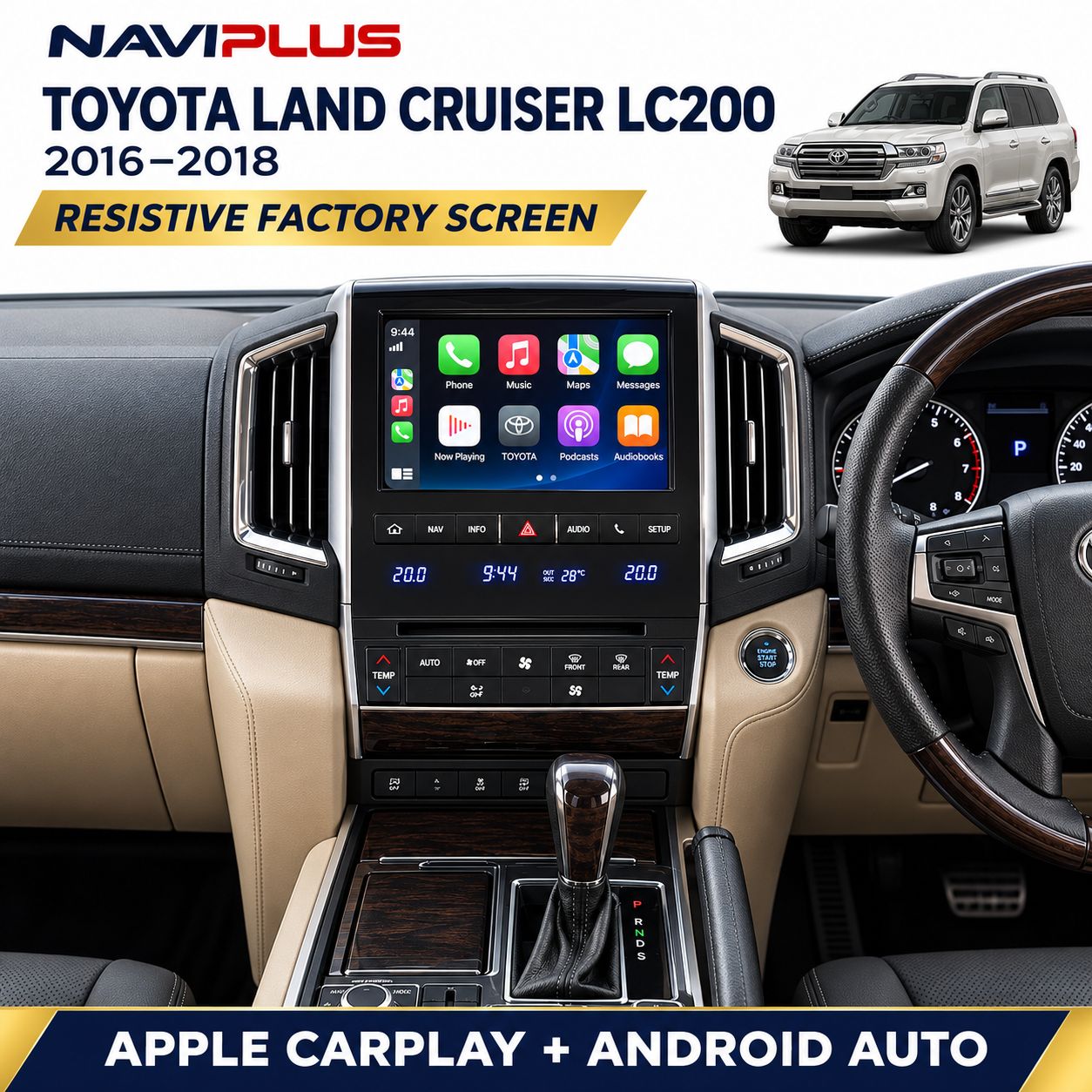
Toyota LAND CRUISER LC200 2016–2018 Apple CarPlay & Android Auto Integration
SKU LC200R_NP
AU$900.00
Apple TV Kit (Factory Rear DVD System Required)
1
Save this product for later
Toyota LAND CRUISER LC200 2016–2018 Apple CarPlay & Android Auto Integration
Product Details
NAVIPLUS · TOYOTA FACTORY-SCREEN INTEGRATION
Toyota LAND CRUISER LC200 Apple CarPlay & Android Auto Integration
2016–2018 · RESISTIVE FACTORY SCREEN
Add Apple CarPlay and Android Auto to your Toyota LAND CRUISER LC200 while keeping the original dashboard screen. Enjoy supported phone navigation, music and calling through a package matched to your factory system.
Compatibility · Match This Exact System
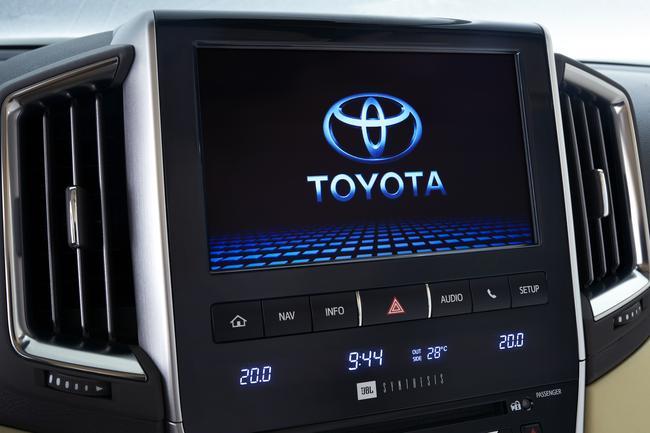
For the resistive factory display. Some late-2018 vehicles use a capacitive screen and require the other package.
- Toyota LAND CRUISER LC200 · 2016–2018
- RESISTIVE FACTORY SCREEN
- Send a powered-on dashboard photo, build details and information about previous audio changes.
Key Features
- Original display retained: add smartphone functions to the matched factory screen.
- Phone navigation: access supported Apple Maps, Google Maps and Waze apps.
- Music and podcasts: use compatible apps through the configured vehicle audio.
- Calls and voice: supported hands-free and voice-assistant functions with the confirmed microphone arrangement.
- Factory mode retained: switch between original and smartphone functions using the supported controls.
Connection Package & Audio Mode
Wireless Apple CarPlay and wireless Android Auto are listed for the matched interface. Confirm any wired-connection requirement and USB arrangement.
Select the applicable connection option at checkout. Additional wireless charges apply where listed.
Bluetooth Media audio: use the factory Bluetooth audio source with the matched interface. Phone pairing, microphone routing and supported controls are checked during installation.
Installation & Important Checks
- Professional installation is recommended for correct wiring and system configuration.
- Confirm supplied module, harness, USB location, microphone arrangement and installation labour before ordering.
- Factory audio / display functions must operate correctly before the upgrade.
- Send your build year, trim, powered-on dashboard photo, phone model and rear-connector photos if requested.
- Factory navigation GPS reception may be affected in some installations. Discuss the antenna setup and check original navigation reception after installation.
Everyday Operation & Controls
Supported original touch, steering-wheel and mode-switching controls are confirmed for the matched display / interface and demonstrated at handover.
Installation Reference Video
Reference footage. Vehicle, model year and package may differ; confirm your exact configuration.
Refund, Warranty & Support
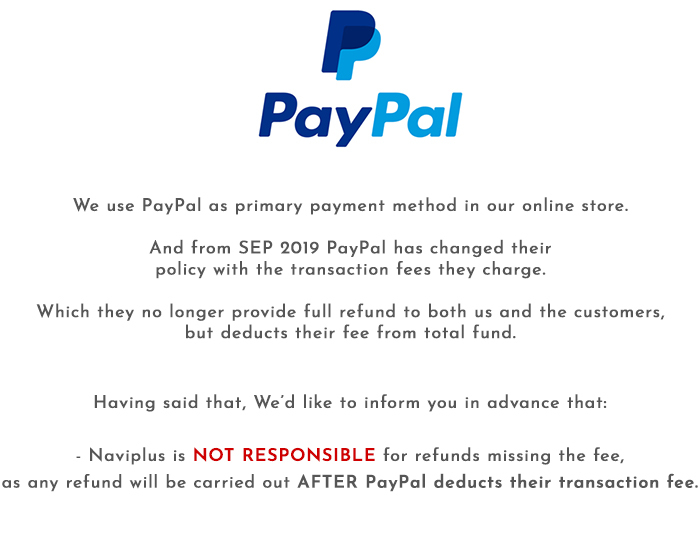
Confirm supplied components, installation scope and applicable warranty with NAVIPLUS before purchase. Keep your invoice and contact us with vehicle and issue details if support is required.
Get the Correct Toyota Package
Send your model, build details and a clear powered-on dashboard photo to NAVIPLUS Melbourne for compatibility and a quotation.
Check Compatibility & Request a Quote →Display prices in:AUD