Categories
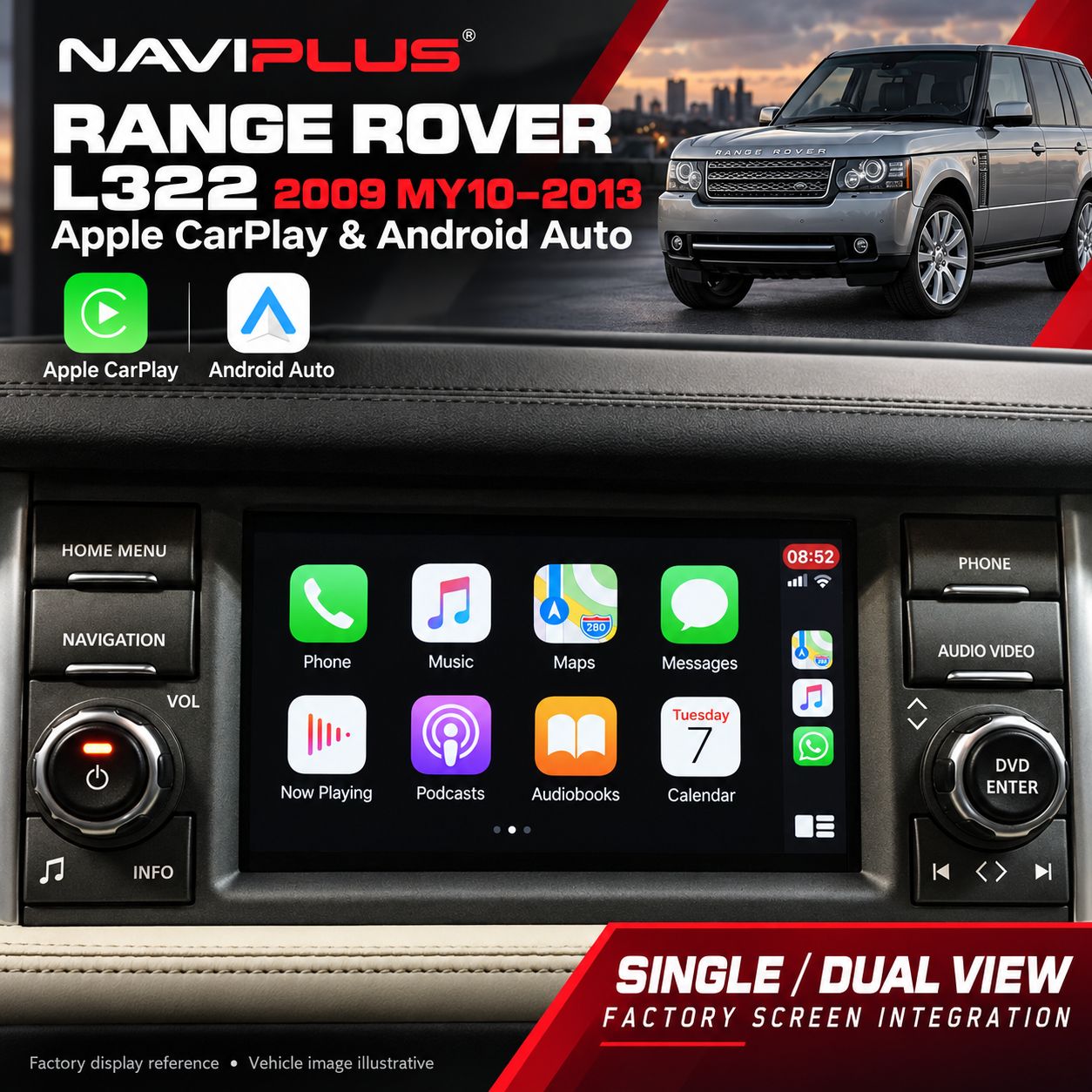
Range Rover L322 Apple CarPlay & Android Auto Integration 2009 MY10–2013 — Single / Dual View
Store/LAND / RANGE ROVER/[2009-2012] Land Rover models equipped with the Denso audio setup/Android Auto & Apple CarPlay
SKU L322F_NP
AU$950.00
Additional Accessories
DISPLAY TYPE
6 available
1
Save this product for later
Range Rover L322 Apple CarPlay & Android Auto Integration 2009 MY10–2013 — Single / Dual View
Store/LAND / RANGE ROVER/[2009-2012] Land Rover models equipped with the Denso audio setup/Android Auto & Apple CarPlay
Product Details
Range Rover L322 Apple CarPlay & Android Auto Integration 2009 MY10–2013 — Single / Dual View
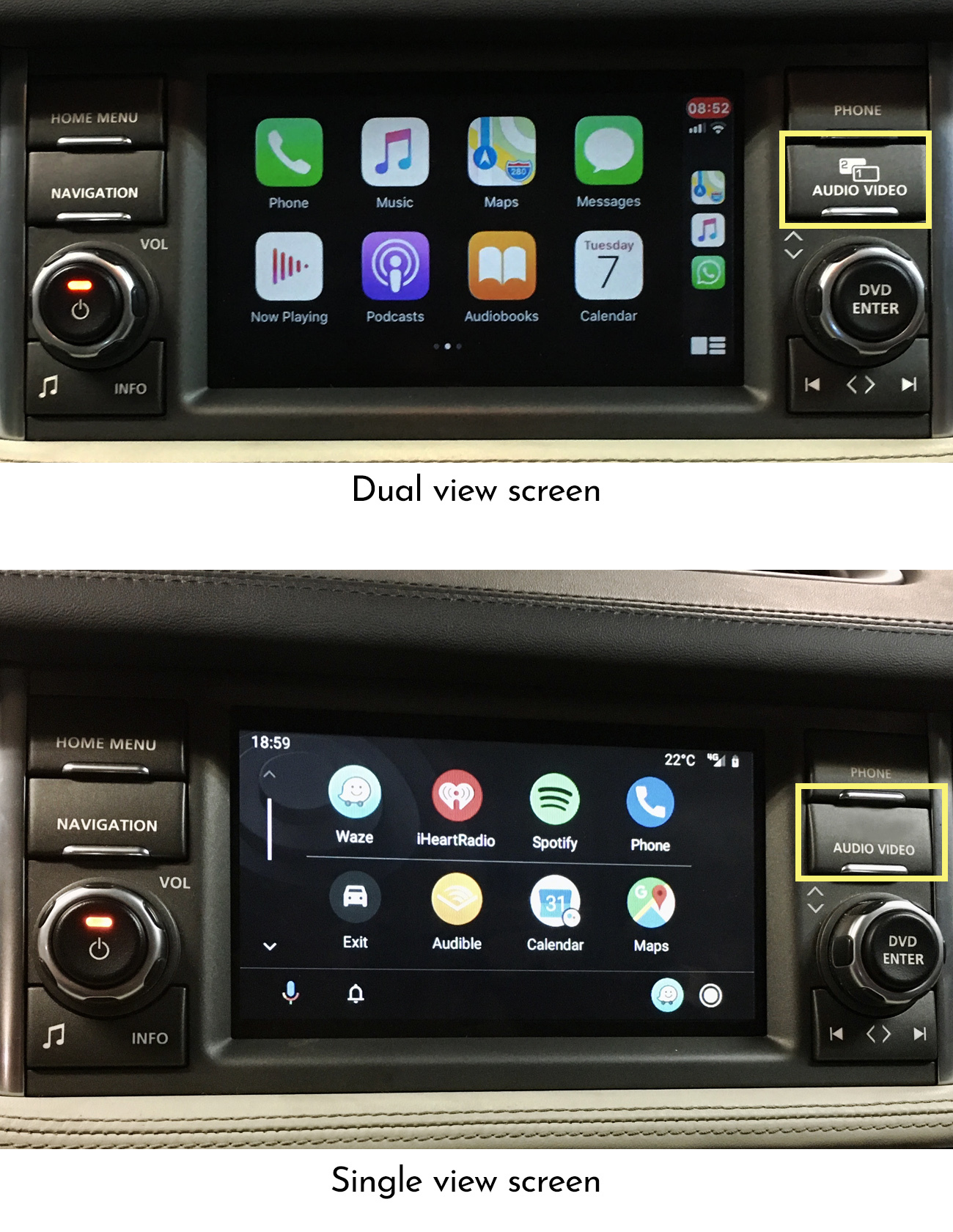
Upgrade your compatible Range Rover L322 (2009 MY10–2013) with Apple CarPlay and Android Auto through the original single or dual-view factory display. Access compatible smartphone navigation, music, messaging and calling apps while retaining the original dashboard appearance.
Key Features
- Compatible with the specified original single and dual-view factory screen setups.
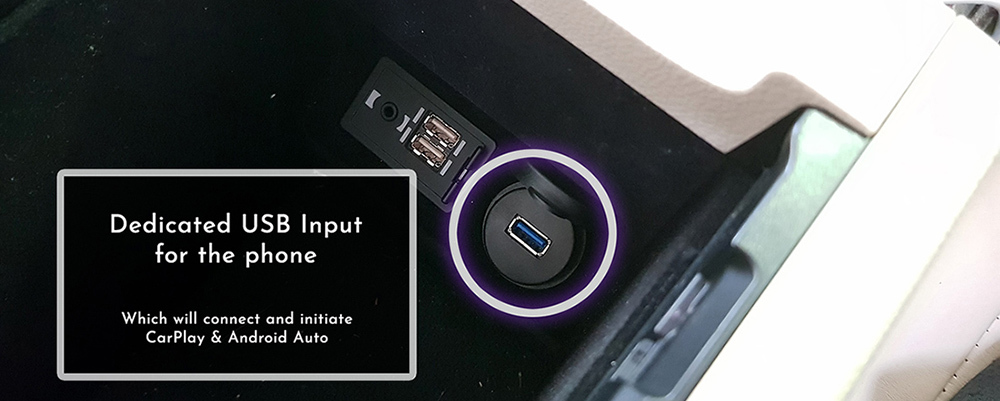
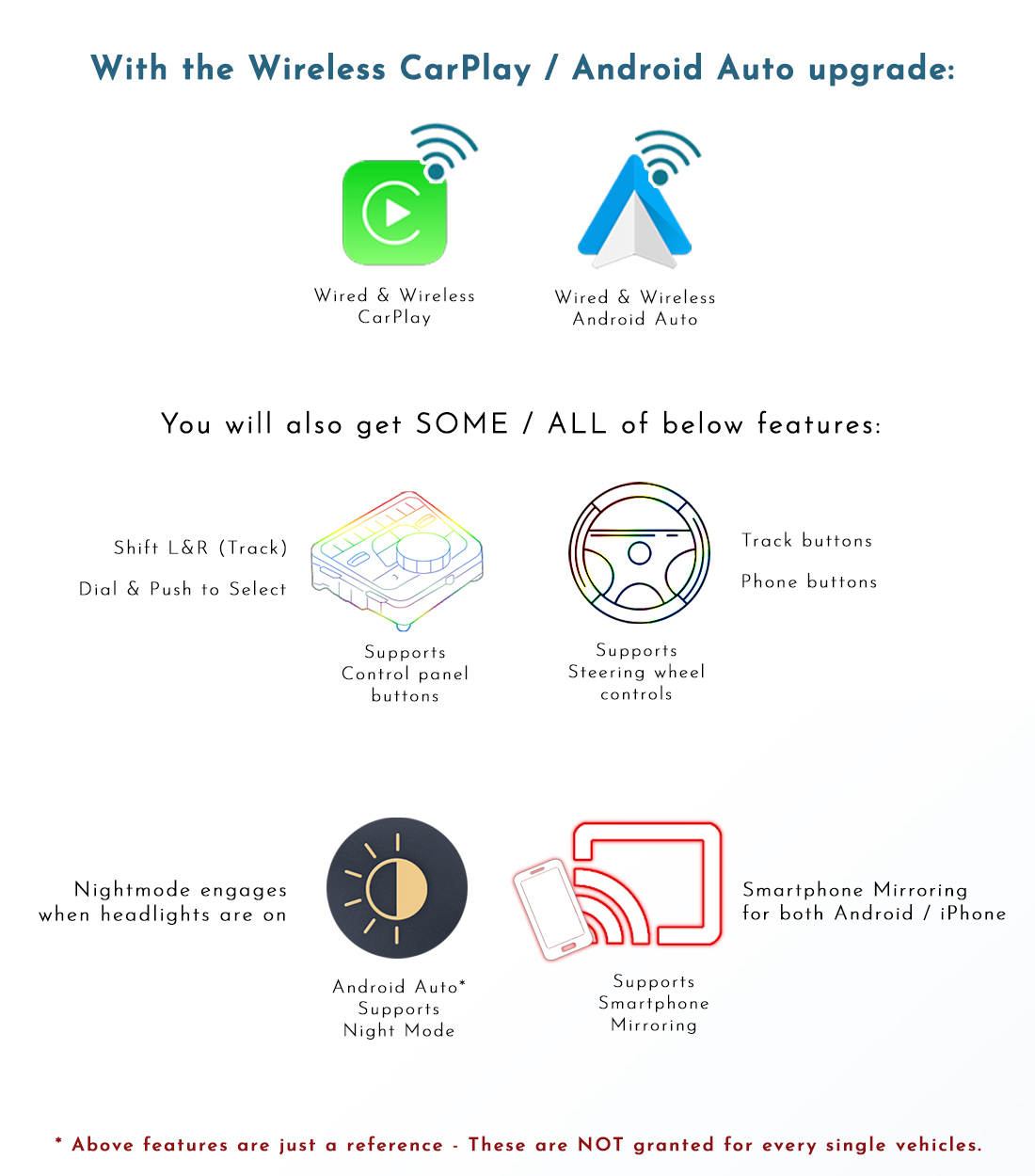
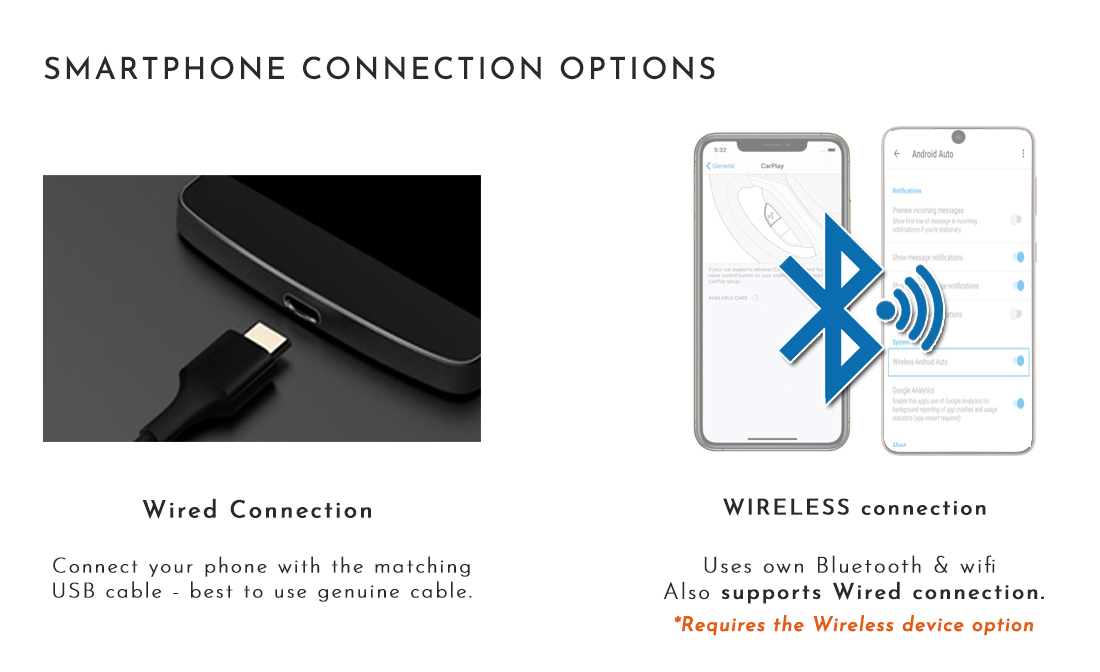
- Wired and wireless CarPlay / Android Auto connectivity options; confirm your selected kit configuration.
- Retains the original display and factory infotainment functions.
- Music playback through AUX mode and the original factory speakers.
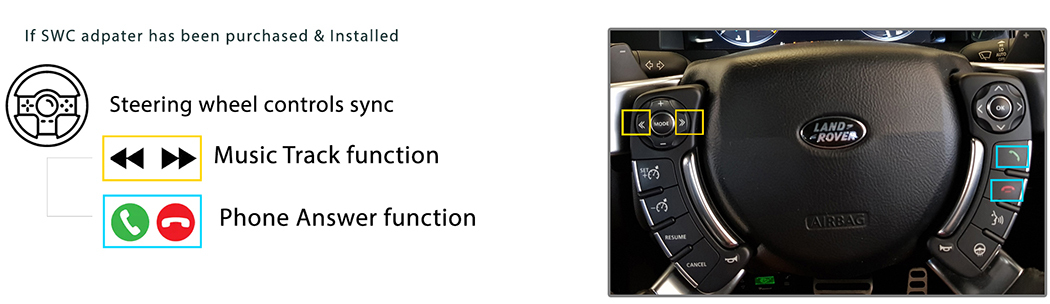
- Seek/Track and phone controls supported when the required steering wheel control adapter is purchased and installed.
Important Factory System Compatibility Check
Confirm your original single or dual-view screen before ordering. This listing covers Range Rover L322 models from 2009 MY10 to 2013 with the specified original infotainment system. Model year alone does not confirm compatibility.
Send your VIN, model year, market and clear display/button photos to sales@naviplus.com.au. Please identify whether your screen is single or dual view.
Introduction & Reference Video
Screen Switching
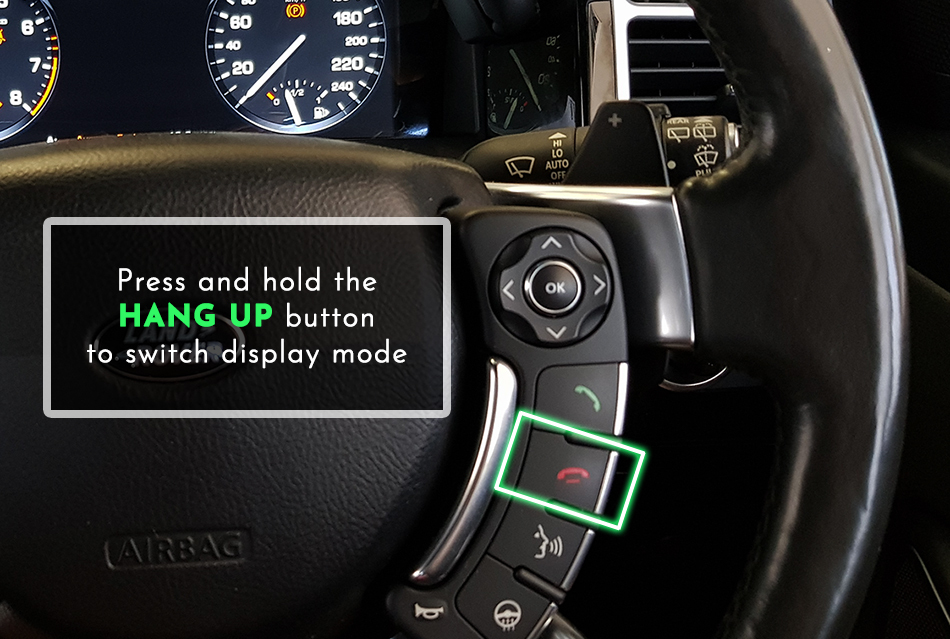
Press and hold the Hang Up button on the steering wheel to switch display mode, as shown in the original L322 switching guide below. Confirm the required control integration during installation.
Audio & Microphone
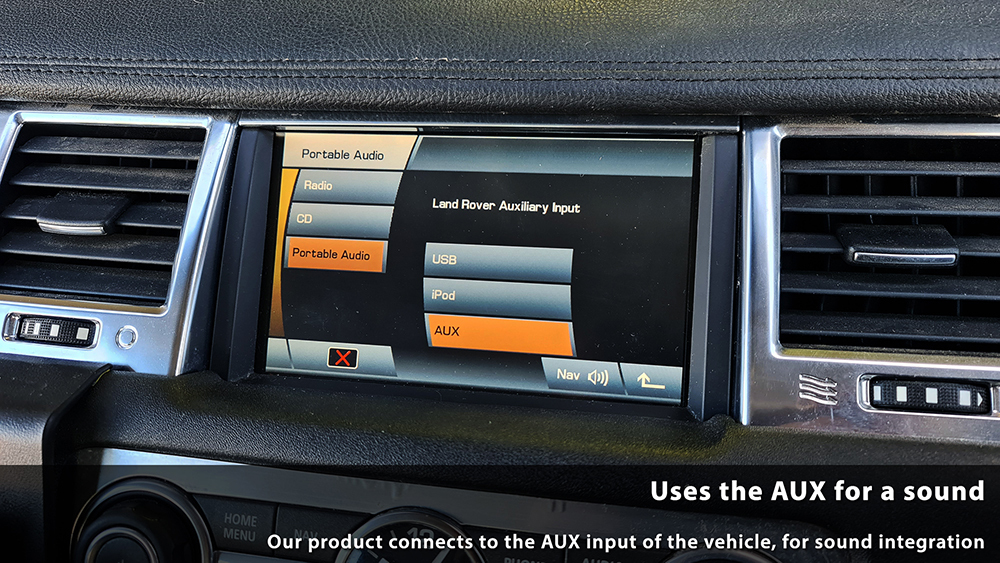
This product uses AUX mode for music playback. Ensure AUX is enabled and operational before installation. Confirm the audio connection and any required AUX setup for your vehicle with Naviplus.
The supplied component reference includes an external microphone for voice commands. Confirm microphone positioning and the call setup during installation.
Steering Wheel Controls
The steering wheel control adapter must be purchased and installed for the control synchronisation shown below. Supported functions include Seek/Track music controls and phone controls within CarPlay and Android Auto. Confirm adapter inclusion and button mapping when ordering.
Phone Connections & Kit Features
Wired and wireless connection options are available. The original standard and additional-feature graphics describe different configurations; confirm your selected kit before ordering.

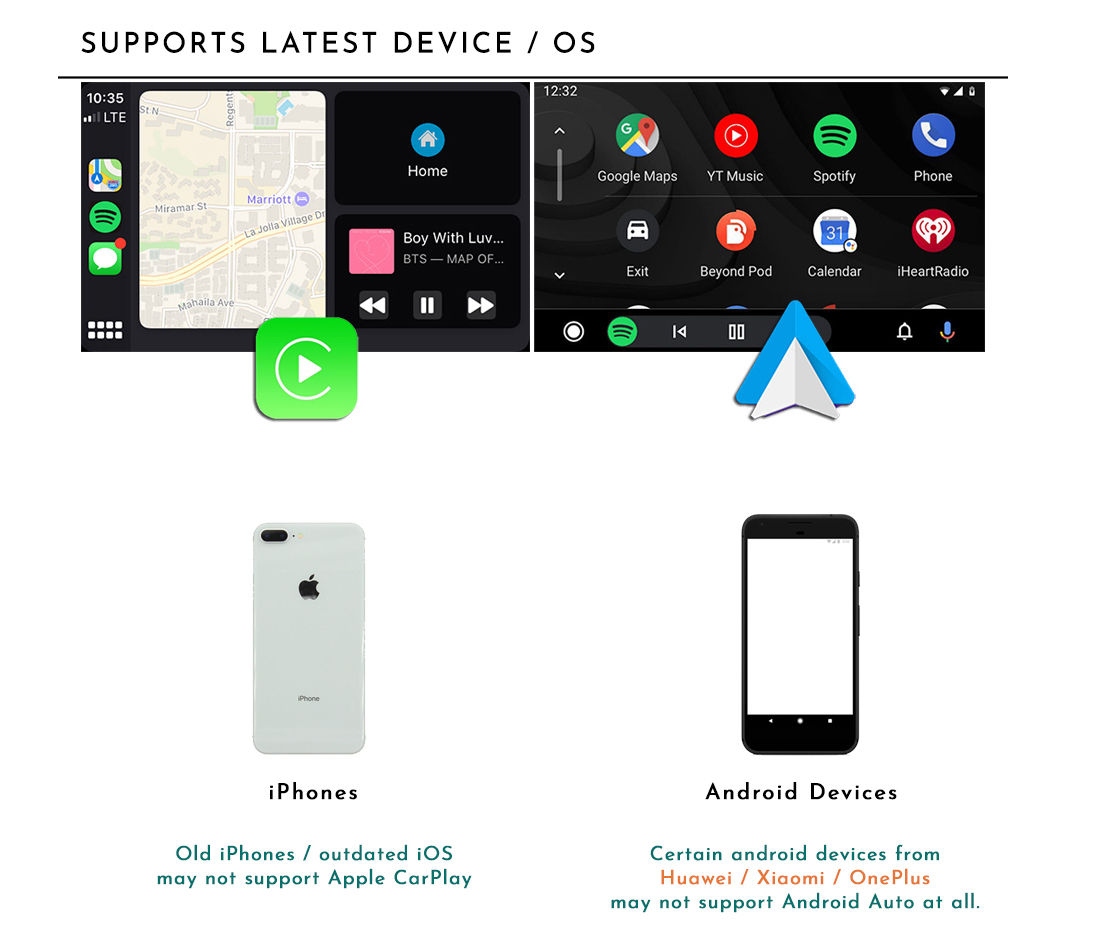
Smartphone Compatibility
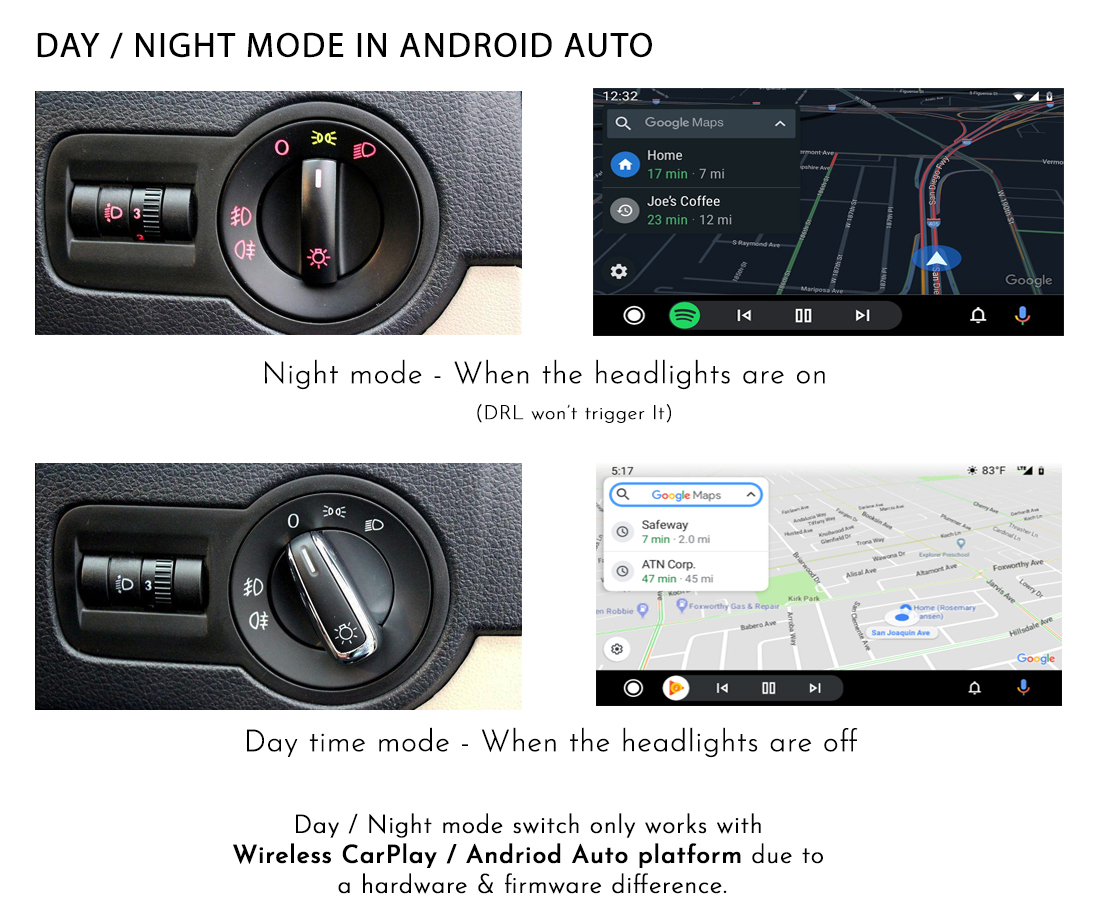
Night Mode Reference
Professional Installation
Professional installation is recommended for correct wiring, AUX audio setup and control operation. Arrange full setup, system testing and an operating tutorial with your installer.
Kit Components
The component reference includes the integration module, video interface, vehicle audio harness, USB extension cable and external microphone. Confirm the vehicle-specific supplied components and steering wheel control adapter before ordering.
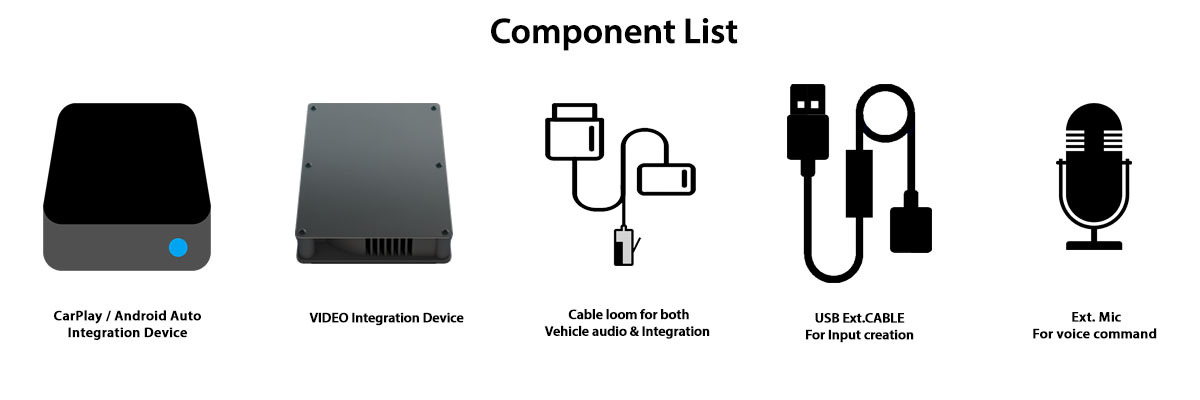
Avoid using a USB extension cable for wired Android Auto, as recommended in the original installation notes.
Before You Order
Confirm your factory infotainment system before ordering. Send your VIN, model year, market and clear display/button photos to sales@naviplus.com.au.
Please confirm single or dual-view screen type, AUX availability and whether any aftermarket interface or camera is already installed. Confirm your wired/wireless configuration and any required steering wheel control adapter.
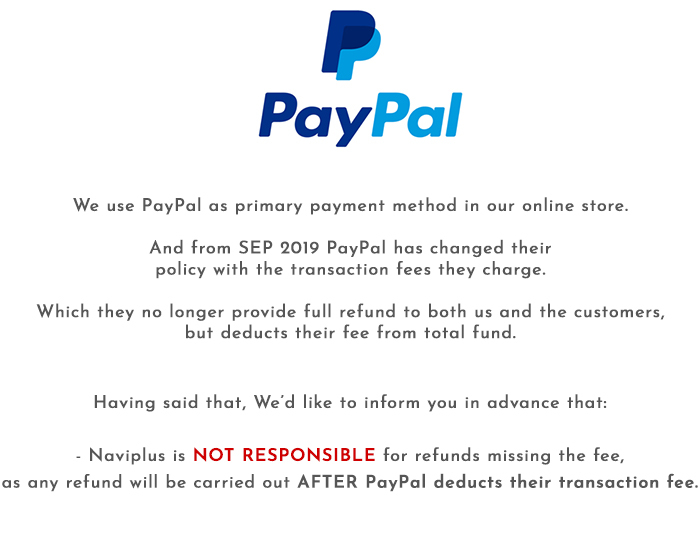
Payment Information
Warranty & Replacement
We provide a 12-month product warranty and pre-test products before dispatch. Contact us promptly if you experience a fault. The seven-day change-of-mind notification period below does not limit warranty claims or applicable consumer rights.
Contact us before returning the product. Returned systems are inspected and tested, with a firmware update performed if required. Assessment normally takes 1–2 days after receipt. Once a repair or replacement is confirmed, we dispatch the product back at our cost. Return shipping arrangements for faulty goods are subject to applicable consumer rights.
Change-of-Mind Returns
Contact us within seven days of receipt with your reason for requesting a change-of-mind return. Restocking fees depend on condition. For days 8–13, contact us to confirm the applicable terms.
| Condition | 1–7 Days | 14–30 Days | Over 30 Days |
|---|---|---|---|
| Unopened / unused | Product refund minus shipping and 3% handling costs | Up to 10% restocking fee, depending on condition | No change-of-mind return |
| Installed product | Up to 20% restocking fee, depending on condition | No change-of-mind refund; warranty service remains available | No change-of-mind return; applicable warranty rights remain |
Returned systems are inspected and tested to assess condition and use, including stored vehicle data where applicable. Change-of-mind refunds are based on the product price and exclude shipping, installation labour and related costs. These terms do not limit your rights under Australian Consumer Law.
Display prices in:AUD