Categories
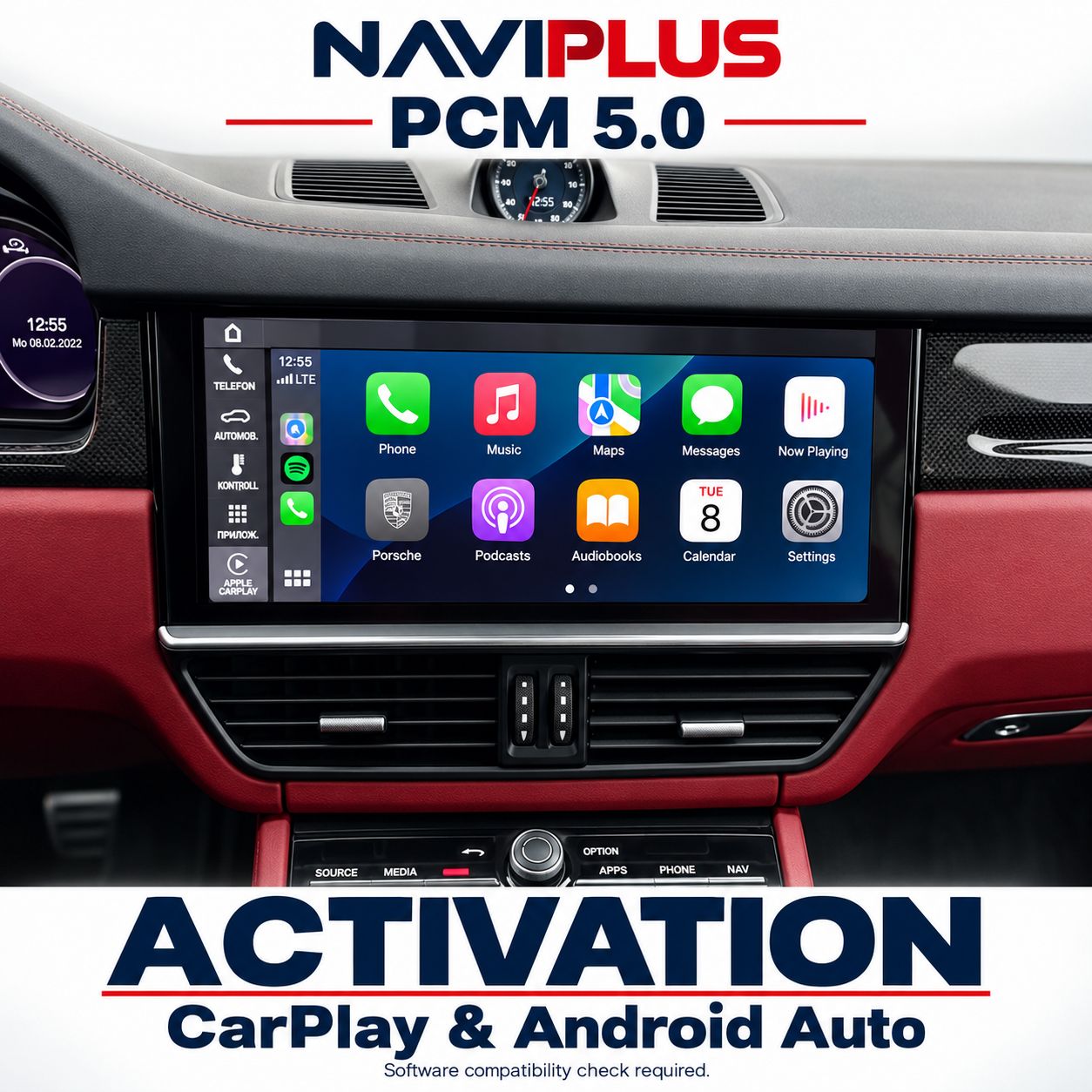
Porsche PCM 5.0 Apple CarPlay & Android Auto Software Activation
SKU PCM5_ACP
AU$999.00
1
Save this product for later
Porsche PCM 5.0 Apple CarPlay & Android Auto Software Activation
Product Details
Porsche PCM 5.0 Apple CarPlay & Android Auto Software Activation
Request Apple CarPlay and Android Auto software activation for your existing Porsche PCM 5.0. Naviplus checks the unit before confirming the available functions and service method. Keep the original screen and use supported smartphone apps through the PCM system.
Send Your Software Version Before Ordering
Eligibility is confirmed from the installed PCM hardware, software train, region and current features. A vehicle model, registration year or dashboard photograph alone is not enough. Please contact Naviplus before purchasing.
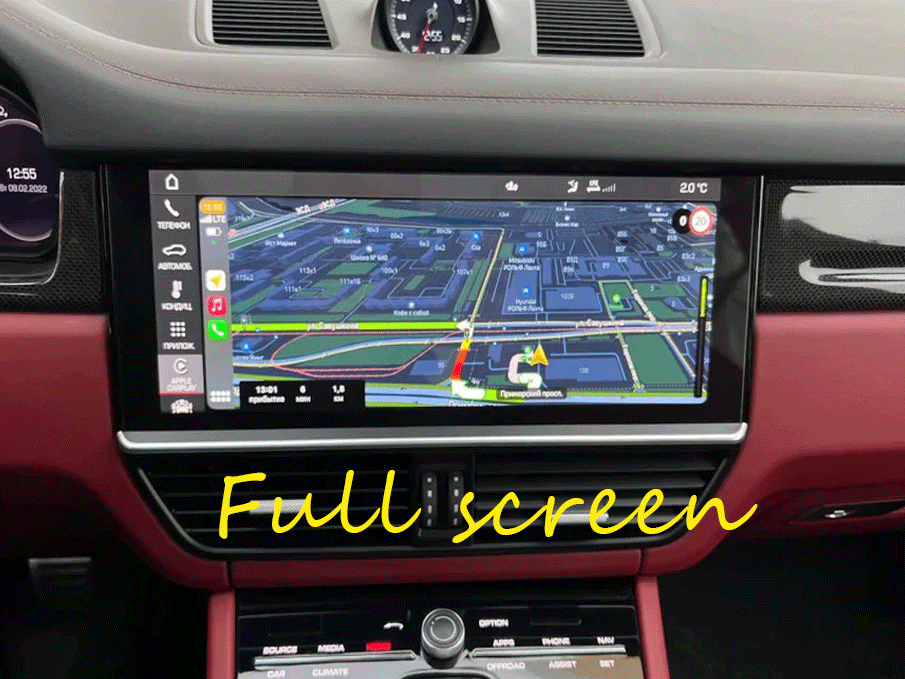
Shared Naviplus blog image for reference. The final app layout depends on the approved software and phone.
Service Overview
- Software activation assessment for Apple CarPlay and Android Auto.
- Original headunit and display retained on eligible units.
- Phone connection, audio and supported controls checked after activation.
Compatibility & Vehicle Identification
This listing is for confirmed PCM 5.0 units. Send the VIN, model and build year, a complete dashboard photo, a clear software-version photo and your phone model. Tell us whether CarPlay or Android Auto already works and whether the unit has been replaced or modified.
Vehicle names are enquiry categories, not blanket compatibility claims: 911, Boxster, Cayman, Cayenne, Macan and Panamera. The installed PCM version determines the correct service. Taycan and newer PCM generations require their own assessment.
How to Find Your PCM Version
Open the PCM system settings and locate software / version information. Photograph the full page, including the software train and region. If you cannot find it, send a photo of the settings screen for guidance.
Please send a readable photograph rather than a shortened version number. We will advise which service matches your system.
Wired, Wireless & Factory Audio
The connection method is confirmed for your exact unit. Wireless CarPlay and wireless Android Auto are separate capabilities; enabling one does not establish support for the other. If wireless operation needs an adapter, it will be quoted separately.
A compatible phone and a working data USB connection may be required. Audio, microphone and available factory controls are checked as part of the agreed setup.
Fullscreen & Display Layout
Fullscreen availability is software-dependent. The expanded app area may retain a native sidebar or status bar. Exact resolution and layout are confirmed before work; fullscreen does not mean a physical screen or resolution upgrade.
App appearance and navigation layouts also depend on the connected phone and application version.
Booking & Completion
1. Send the requested identification photos.
2. Receive eligibility confirmation, scope and quote.
3. Agree on workshop service or an available remote arrangement.
4. Complete phone pairing and function checks.
Remote service is subject to the equipment, connection and procedure advised for your unit. No generic download, SD card or cable is promised by this listing.
Service Scope & Support
This is a software service enquiry, not a headunit, screen or interface-box sale. Map updates, region conversion, repairs and wireless adapters are separate unless included in your written quote.
Price, completion time and service warranty terms are confirmed in the quote. Tell us about prior coding or third-party work. Before a later dealer update or reset, contact us to discuss whether it could affect the activation.
Naviplus Reference
Read the Naviplus PCM activation blog
The blog is a general overview. The written compatibility assessment and quote define the functions provided for your individual vehicle.
Check Your PCM Before Booking
Email your VIN, software-version photo, dashboard photo and phone model to sales@naviplus.com.au, or call 03 9546 0452.
Check Compatibility & Request a QuoteDisplay prices in:AUD