Categories
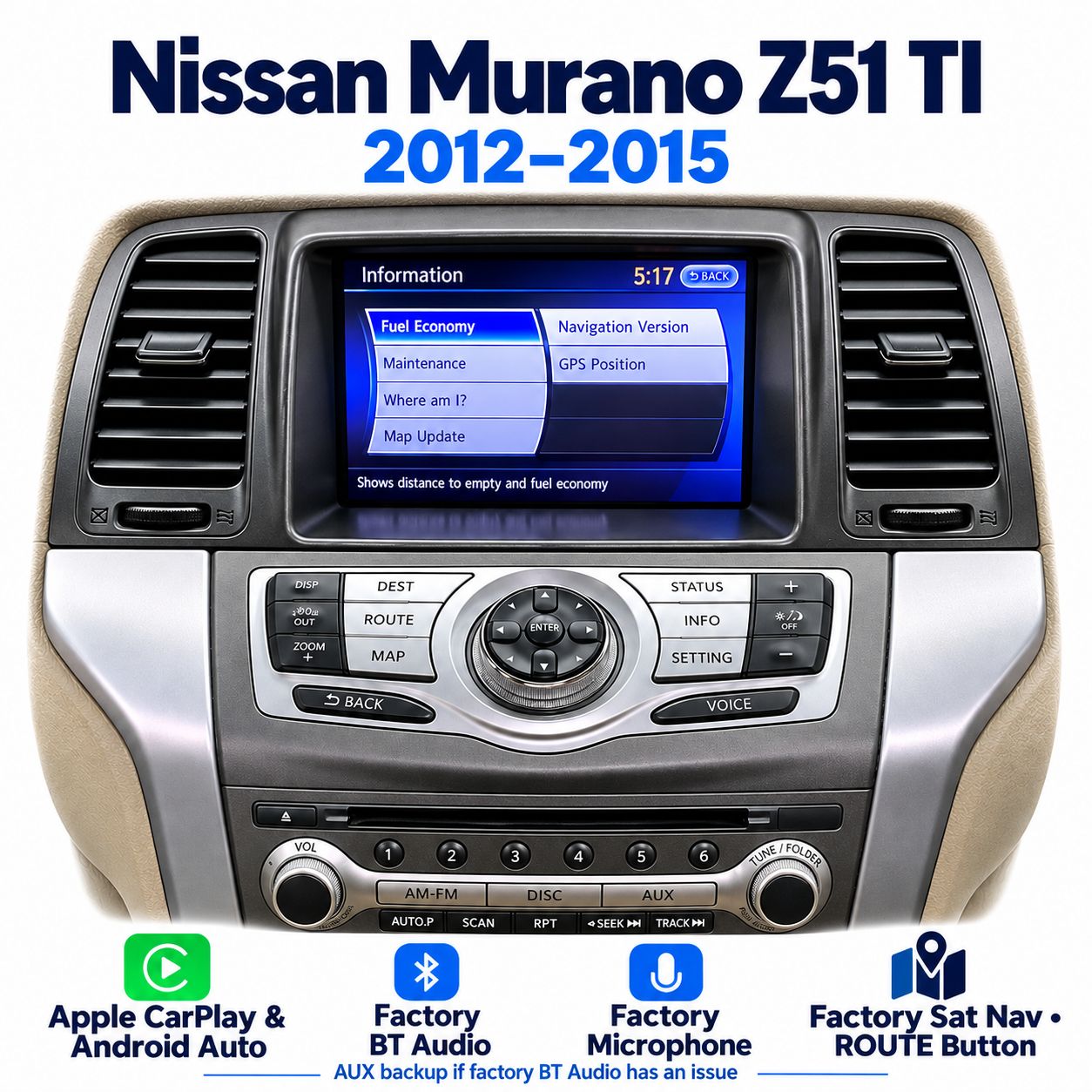
Nissan Murano Z51 TI 2012–2015 Apple CarPlay & Android Auto Integration – ROUTE Button
SKU Z51TI_NP
AU$850.00
AUDIO BUTTON TYPE
Additional Accessories
1
Save this product for later
Nissan Murano Z51 TI 2012–2015 Apple CarPlay & Android Auto Integration – ROUTE Button
Product Details
Apple CarPlay & Android Auto Integration for Nissan Murano Z51 TI
Add Apple CarPlay and Android Auto to your compatible Nissan Murano Z51 TI, 2012–2015, using the factory navigation touchscreen. This version is designed for the factory Sat Nav system with the ROUTE button.
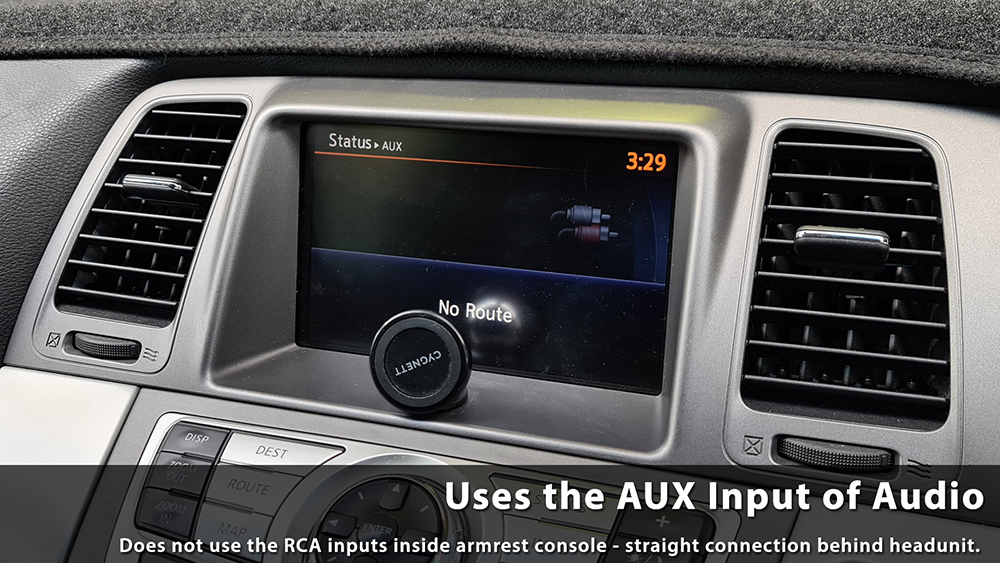
The integration uses the factory Bluetooth Audio mode for sound and the factory microphone for voice commands. If the factory Bluetooth Audio mode has an issue, AUX mode can be used as a backup.
Please check your factory system before ordering.
This product is for the Murano TI with factory satellite navigation, a touchscreen and the matching ROUTE button control panel. The ST non-navigation system shown in the comparison photo is a different system. If you are unsure, Send your VIN and factory-system photos if unsure. Send your vehicle details and factory-system photos to sales@naviplus.com.au.
Vehicle & Factory System Compatibility
| Vehicle | Nissan Murano Z51 TI |
|---|---|
| Model years | 2012–2015, subject to matching factory equipment |
| Factory display | 7-inch factory satellite navigation touchscreen |
| Control panel | Matching TI navigation panel with ROUTE button, as pictured below |
| Audio mode | Factory Bluetooth Audio |
| Backup audio mode | AUX mode if the factory Bluetooth Audio mode has an issue |
| Microphone | Uses the factory microphone for voice commands |
| Phone connection | USB connection through the supplied standalone USB port |
| Different factory system | Murano ST non-navigation display is not the system covered by this listing |
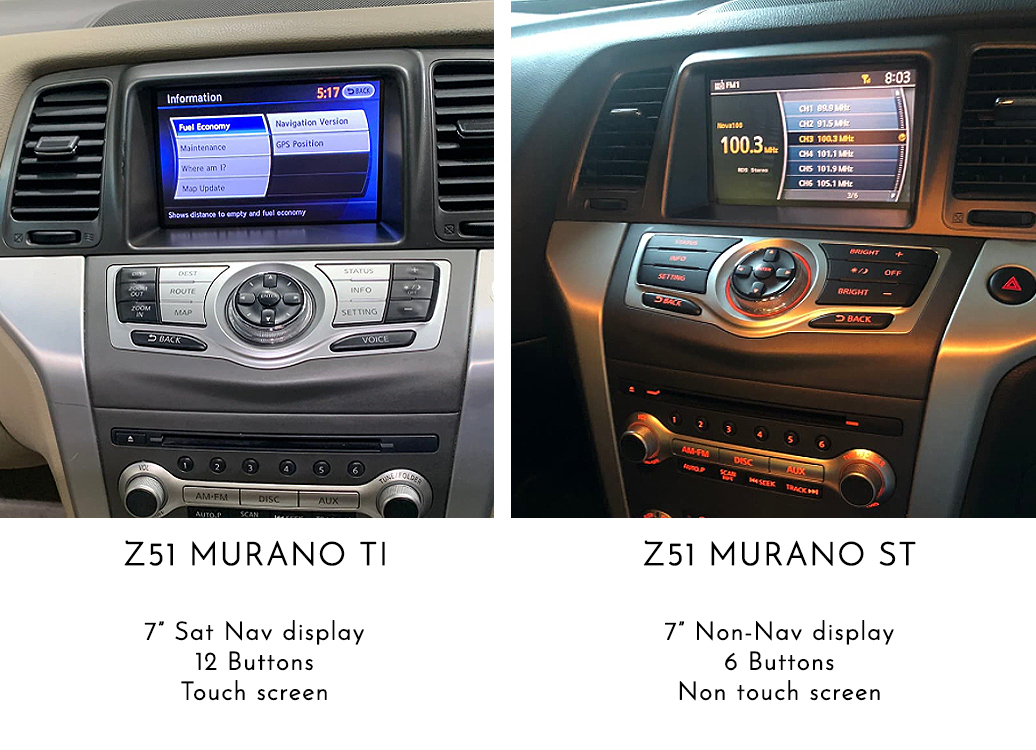
The TI system in the reference photo has factory satellite navigation, a touchscreen and the navigation control panel. Please compare your vehicle's equipment with the TI example before ordering.
Reference Installation Video
Reference video of Apple CarPlay integration using the factory touchscreen. The video is provided as an installation reference.
Apple CarPlay & Android Auto
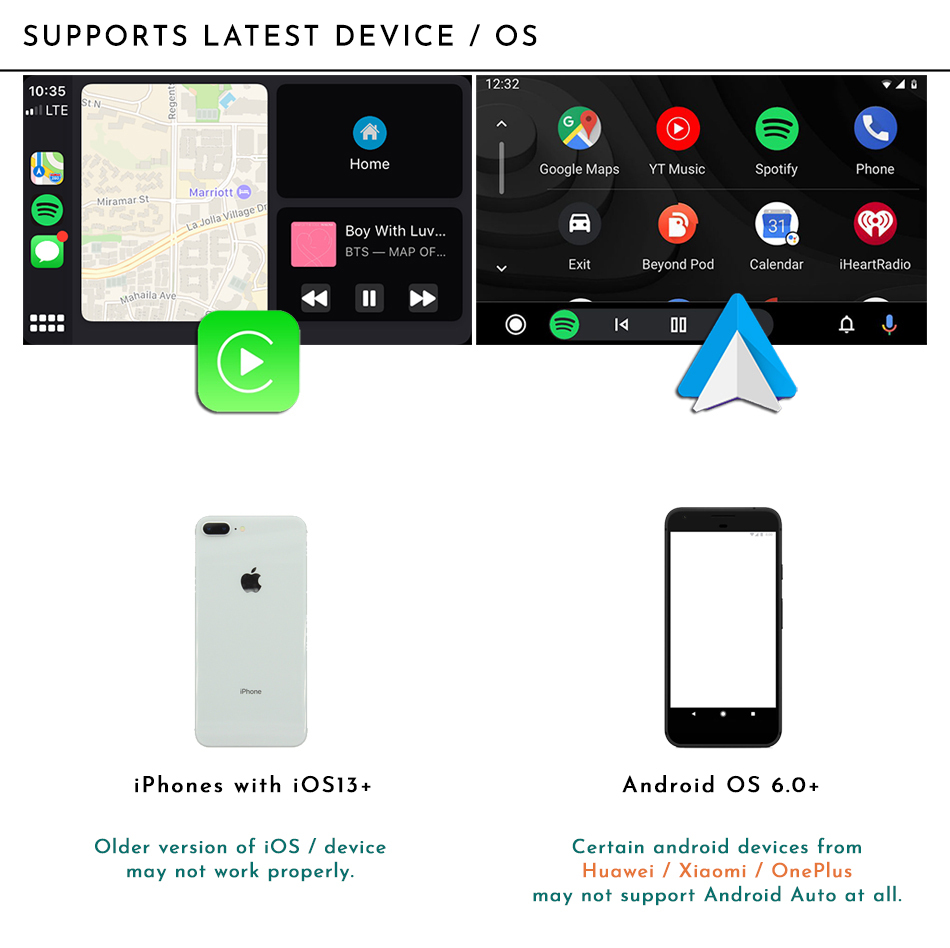
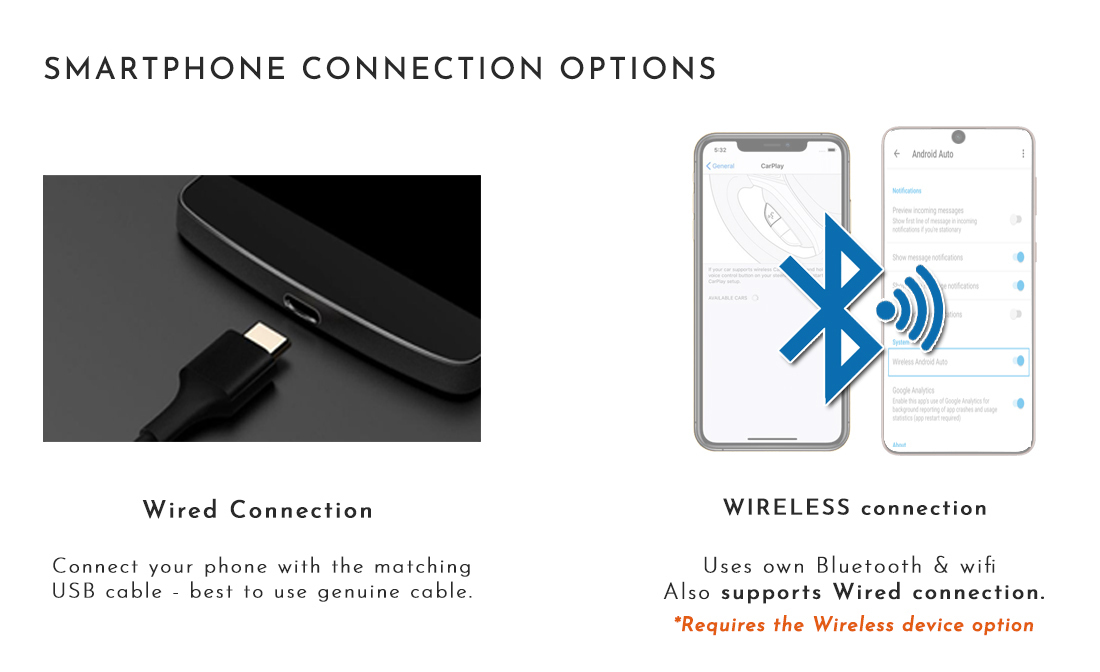
The integration offers Apple CarPlay and Android Auto through the compatible factory display. A USB connection is required between your phone and the integration device.

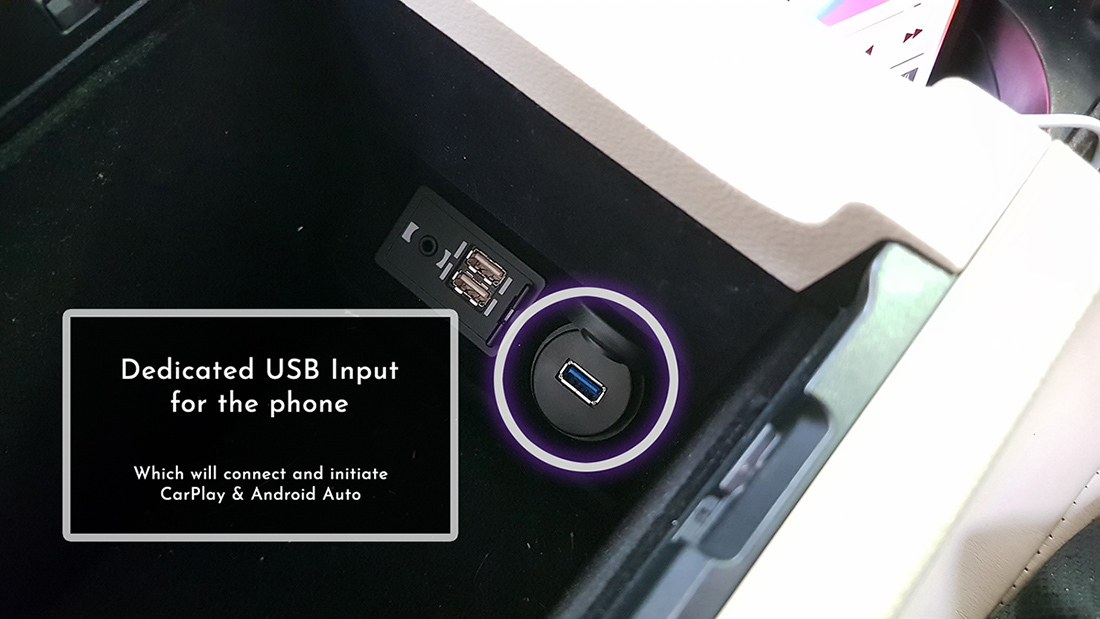
Separate USB Connection
The kit comes with a USB port integration set. Your phone connects through the supplied standalone USB port, rather than the USB port already installed in the vehicle. The USB phone connection is separate from the factory audio mode used to play sound through the vehicle's speakers.
Factory Bluetooth Audio & Microphone
This integration uses the factory Bluetooth Audio mode for sound through the vehicle's original audio system. Select BT Audio on the factory system when using Apple CarPlay or Android Auto audio.
The integration uses the factory microphone for voice commands.
AUX Backup if Factory BT Audio Has an Issue
If the factory Bluetooth Audio mode has an issue, AUX mode can be used as a backup. Select AUX on the factory audio system when using the backup audio connection.
The backup AUX connection is made directly behind the head unit. It does not use the RCA inputs inside the armrest console. The original photo below shows this backup AUX connection.
Feature & Control References
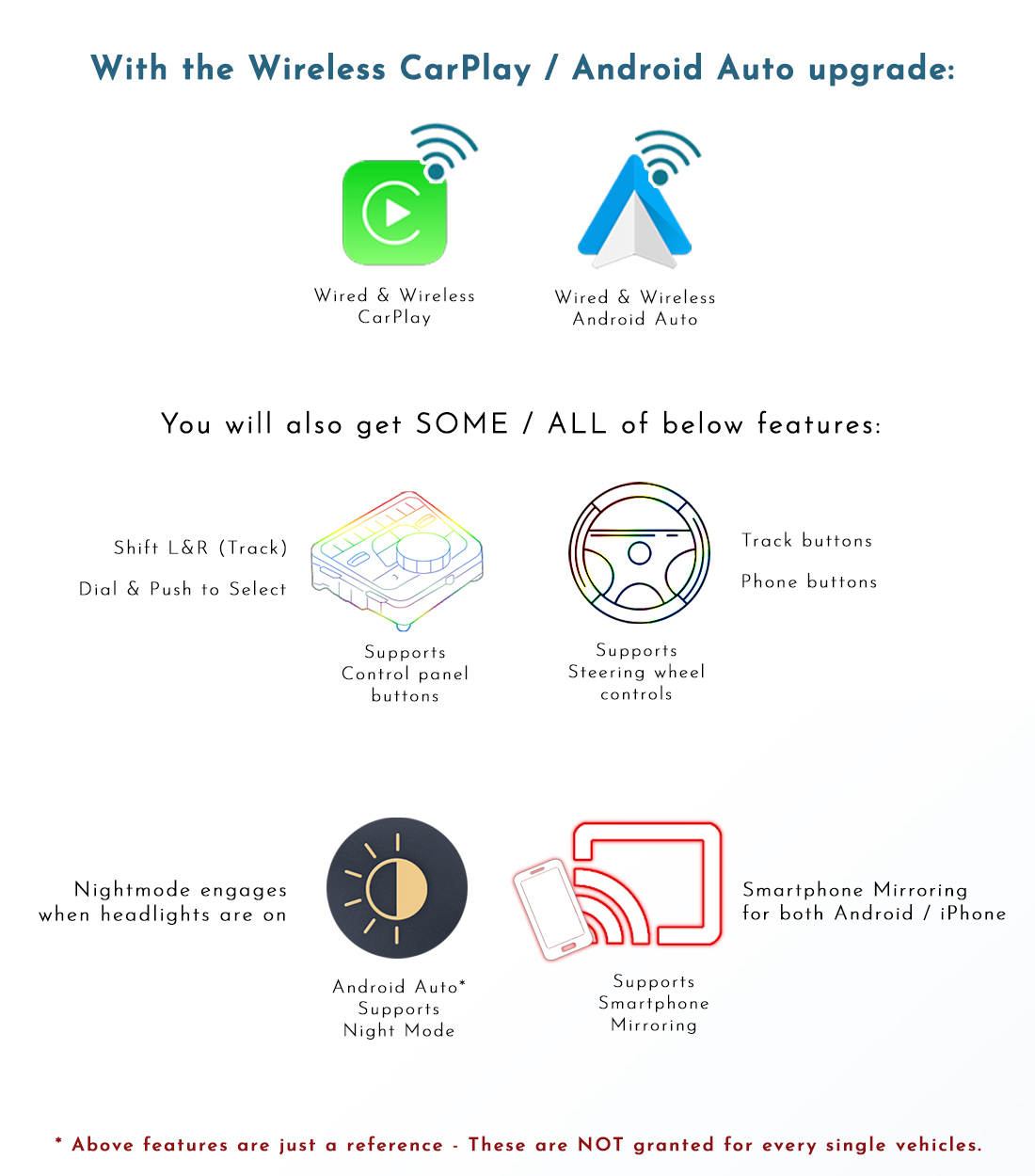
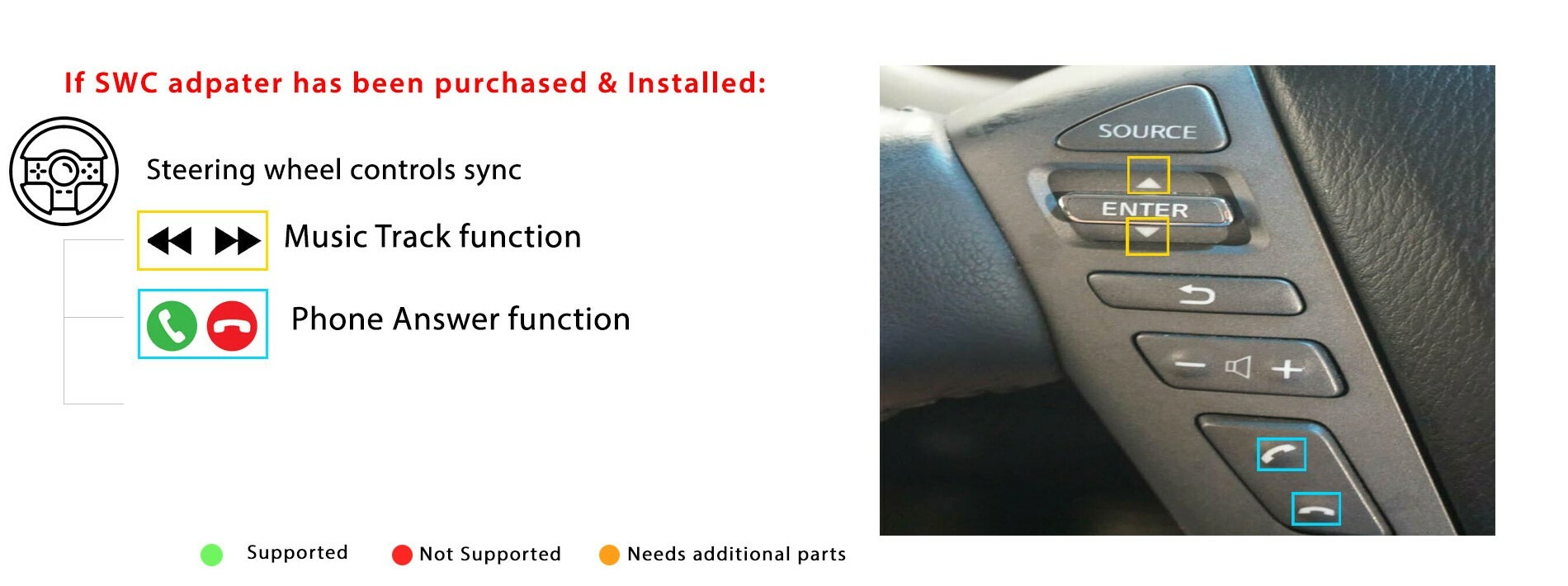
Please refer to the original feature and control information below. Functions that require additional accessories depend on the accessories fitted to the vehicle.
Connection Reference
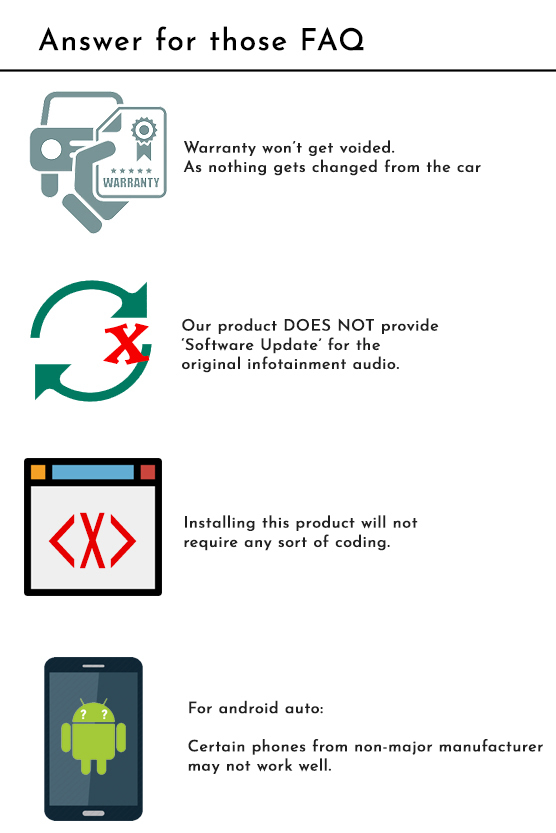
Installation FAQ
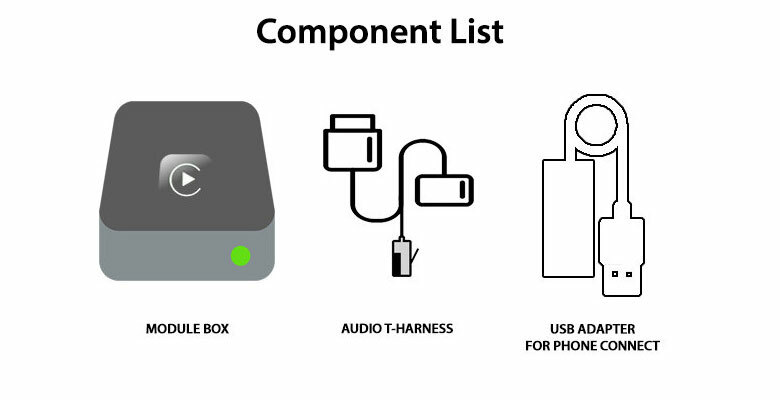
Kit Components
The Apple CarPlay and Android Auto integration kit for Nissan Murano Z51 TI comes with the hardware components shown in the original component list below.
- Apple CarPlay / Android Auto integration device.
- Vehicle audio and integration cable loom.
- USB extension cable.
The factory microphone is retained for voice commands. Confirm the exact package, wireless upgrade and any additional accessories when ordering.
Refund / Replace / Return T&Cs
We provide 12 months warranty for our products.
And from the day of receiving the system, you must inform us if you'd like to refund or claim for Warranty replacement within 7 days, along with reason of request.
For the replacement, in event of our product needs to be replaced to a new system, we request to return the product to us, at buyer's cost.
And once we receive the system we will commence testing and firmware update for the system if required - It will take up to 1-2 days.
Up on simple update fix / replacement confirmed, will dispatch it back to customer at our cost.
Yet we always do a pre-testing prior to dispatch in first place, to minimize this kind of event.
For the Refund / Return:
| Condition / Duration & Restock fee | 1–7 Days | 14–30 Days | Over 30 Days |
|---|---|---|---|
| Product not opened / Not used | Full refund ex. shipping. | Up to 5% of restock fee depends on condition | We don't accept return |
| Product that has been installed*
(Product warranty still applies) |
Up to 20% of restock fee,
depends on condition. |
We don't accept refund request, yet we do provide warranty service. | We don't accept return |
Once we receive the product back to us, we will test the unit with our system to check whether it has been used or not - via checking If It stored Car's Data signal.
Also, the Refund will be strictly based on 'product price', we do not provide refund for shipping / Installation labor etc.
Display prices in:AUD