Categories
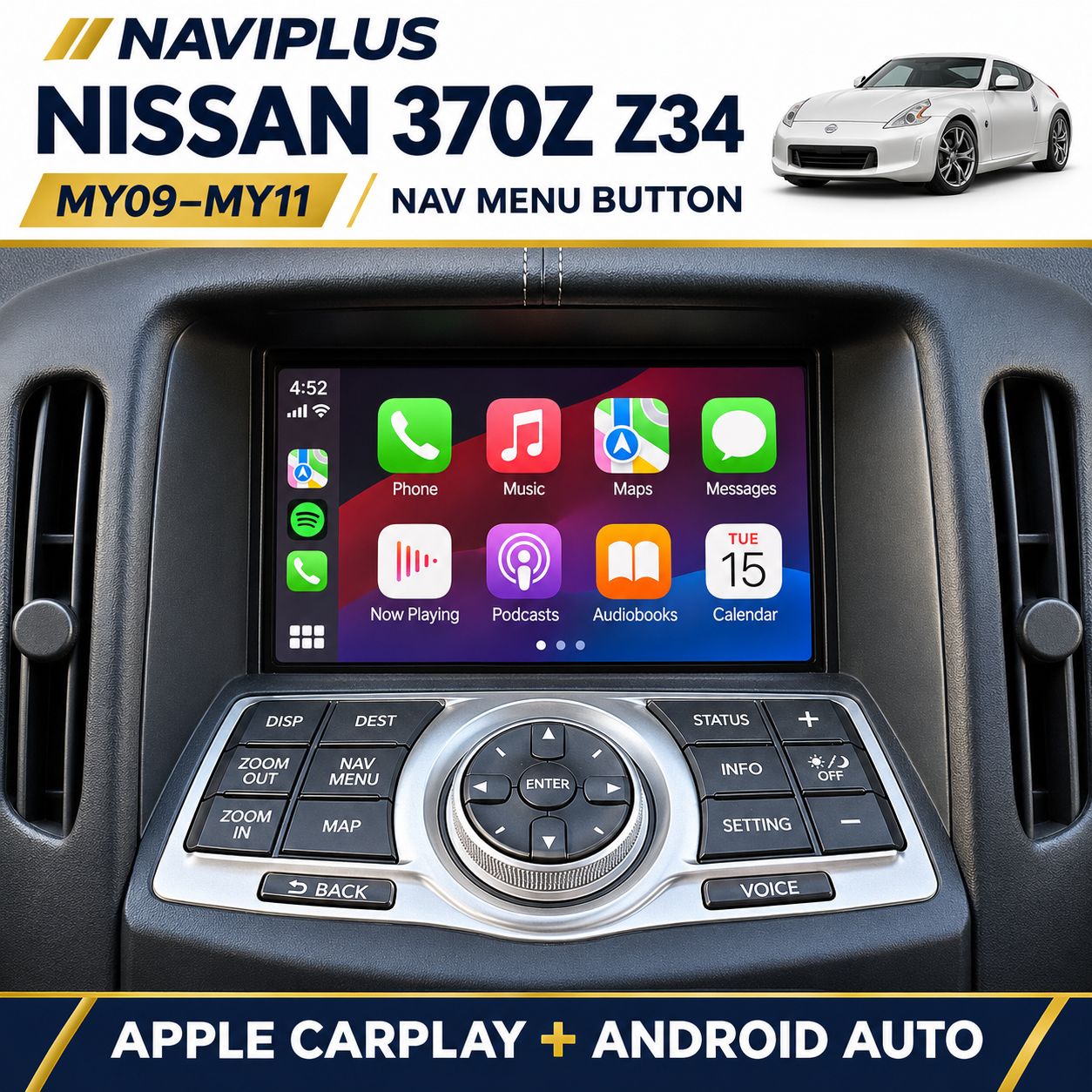
Nissan 370Z Z34 MY09–MY11 Apple CarPlay & Android Auto Integration
SKU Z34N_NP
AU$900.00
1
Save this product for later
Nissan 370Z Z34 MY09–MY11 Apple CarPlay & Android Auto Integration
Product Details
NAVIPLUS · NISSAN FACTORY-SCREEN INTEGRATION
Nissan 370Z Z34 Apple CarPlay & Android Auto Integration
MY09–MY11 · NAV MENU BUTTON
Add Apple CarPlay and Android Auto to your Nissan 370Z Z34 while keeping the original dashboard display. Access supported phone navigation, music and calling through an interface matched to your factory audio system.
Compatibility · Match This Exact System
Match the NAV MENU control panel and RGB / GVIF display hardware. The listed range is MY09–MY11; any MY12 application must be checked separately.
- Vehicle / application: Nissan 370Z Z34 · MY09–MY11
- Factory system: NAV MENU BUTTON
- Send a powered-on dashboard photo, build details and information about previous audio changes.
Key Features
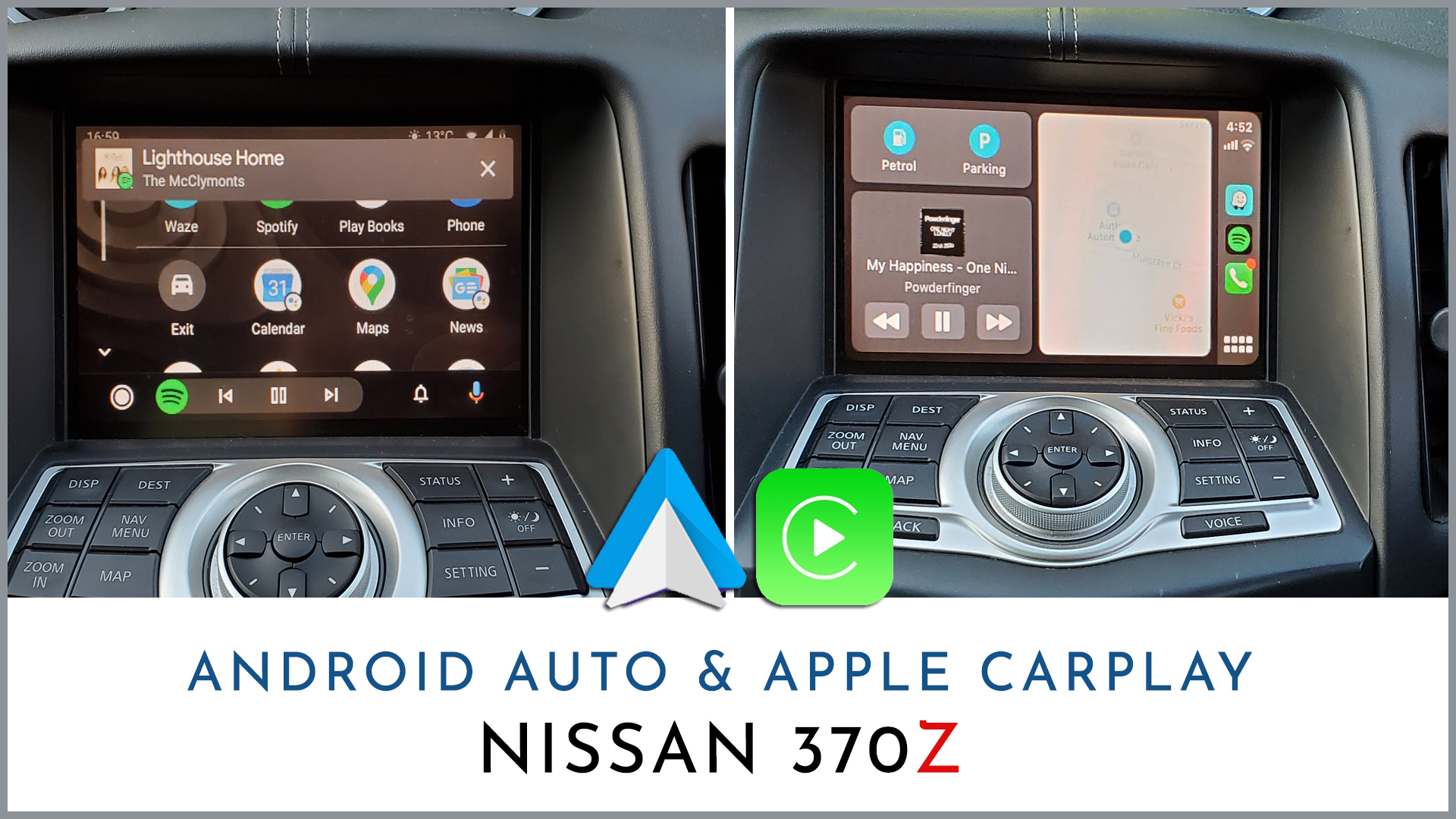
- Original display retained: smartphone functions on a compatible factory screen.
- Phone navigation: supported Apple Maps, Google Maps and Waze apps.
- Music and podcasts: compatible apps through the configured vehicle audio.
- Calls and voice: supported phone and voice-assistant functions.
- Factory mode access: switch back using the supported original controls.
Connection Package & Factory Audio
Choose the connection package offered at checkout. Wired and wireless Apple CarPlay / Android Auto support depends on the supplied interface. Where a wireless upgrade is listed as a paid option, select it; it is not automatically included with the base kit.
AUX / TV audio: smartphone sound uses the matching factory auxiliary input. Confirm the required audio cable and select the appropriate AUX / TV source.
USB connection: where supplied, connect through the interface’s dedicated USB input rather than assuming the original vehicle USB port is used.
Operation & Microphone
Mode switching: Hold STATUS. Follow the supplied instructions for the matched kit.
Microphone: Confirm whether the supplied configuration uses the original or an external microphone.
Original touch and steering-wheel functions are supported where specified for the matched system. Pairing, audio source selection and supported controls are demonstrated at handover.
Installation & Important Checks
- Professional installation is recommended for correct wiring, secure mounting and configuration.
- Confirm supplied module, harness, microphone, USB location, optional accessories and installation labour before ordering.
- Factory radio / display functions must operate correctly before the upgrade. Tell us about previous changes.
- Match the NAV MENU control panel and RGB / GVIF display hardware. The listed range is MY09–MY11; any MY12 application must be checked separately.
Installation Reference Video
Existing installation reference. Vehicle, model year, dashboard and kit may differ; confirm your exact configuration.
Warranty, Returns & Product Support
Confirm supplied hardware, installation scope and applicable warranty with NAVIPLUS before purchase. Contact us with order and vehicle details if support is required.
Get the Correct Nissan Package
Send your model, build details and a powered-on dashboard photo to NAVIPLUS Melbourne for compatibility and a quotation.
Check Compatibility & Request a Quote →Display prices in:AUD