Categories
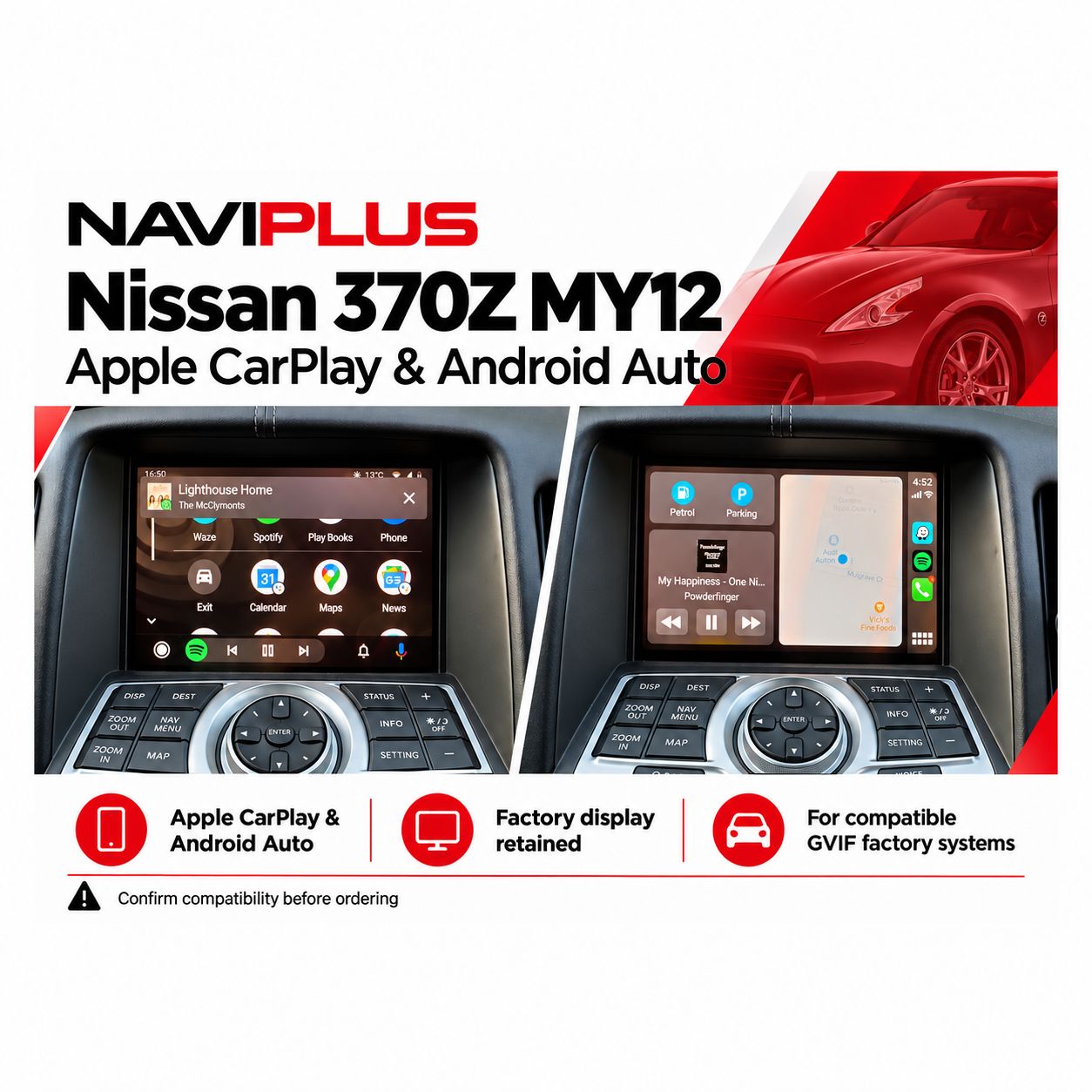
Nissan 370Z MY12 CarPlay & Android Auto Kit | Naviplus
SKU Z34_NP
AU$850.00
CONNECTION TYPE
1
Save this product for later
Nissan 370Z MY12 CarPlay & Android Auto Kit | Naviplus
Product Details
Nissan 370Z MY12 Apple CarPlay & Android Auto Integration
Upgrade your compatible Nissan 370Z Z34 factory display with Apple CarPlay and Android Auto. Access supported navigation, music, calling and messaging apps while keeping the original Nissan interface available.
Check your factory system before ordering. RGB and GVIF systems require different components. This MY12 listing refers to the later GVIF configuration; send us your VIN and photos of the factory screen and control panel if you are unsure.
Check your factory system before ordering.
This MY12 listing is for the matching later GVIF system. Earlier RGB systems require different components. Send your VIN and factory-system photos if unsure. Send your vehicle details and factory-system photos to sales@naviplus.com.au.
Vehicle Compatibility
| Vehicle | Nissan 370Z Z34 |
|---|---|
| Model years | MY12 / generally 2012 onward; actual factory system must be confirmed |
| Required factory system | Matching later GVIF factory display system |
| Mode switching | Press and hold MAP |
| Audio output | Factory Bluetooth Audio where equipped; confirm the required audio setup if unavailable |
| Microphone | Original factory microphone for voice commands |
| Compatibility check | Vehicle year, VIN where required, and clear photos of the factory screen and control panel |
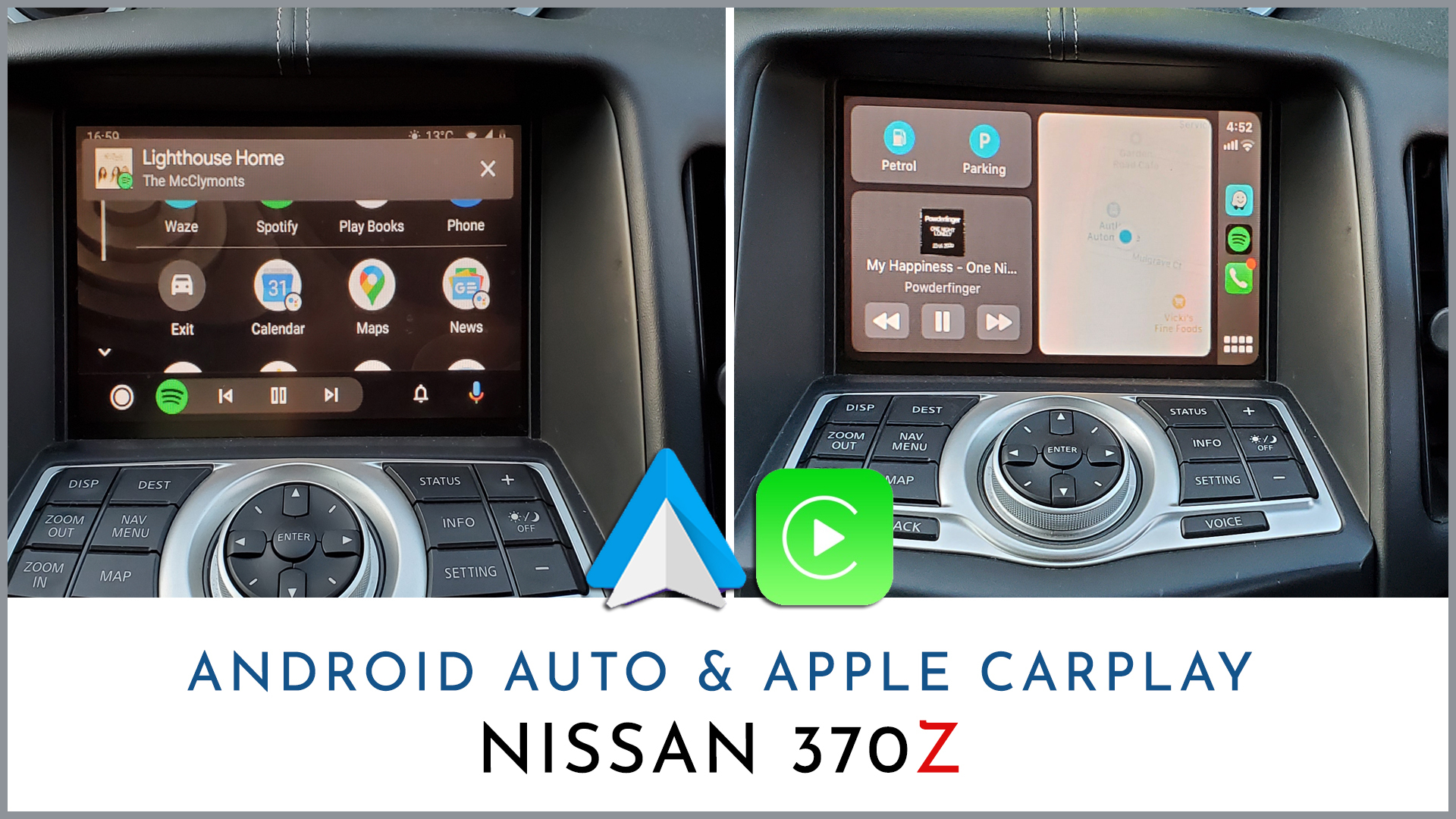
Vehicle compatibility — RGB and GVIF systems
Nissan 370Z Z34 models from 2009 onward can have different factory display systems. The original product reference identifies the following general guide:
- 2009–2011: generally fitted with the earlier RGB display system.
- 2012 onward: generally fitted with the later GVIF display system.
- The fitted factory system must be confirmed before selecting your kit. Model year alone should not be used to choose the components.
- Send Naviplus your VIN, model year and clear photos of the factory screen and control panel for a compatibility check.

Reference installation video
Watch a previous Nissan 370Z installation. The factory interface and available functions may vary with your vehicle and selected kit configuration.
Switch between the factory display and CarPlay / Android Auto
Press and hold the MAP button to switch between the original Nissan display and Apple CarPlay / Android Auto.
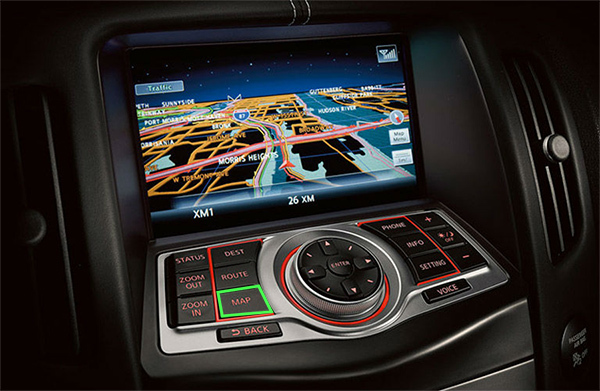
Everyday smartphone features
- Use supported navigation apps on your original display.
- Listen to music and podcasts through the factory speakers.
- Access supported hands-free calling and messaging functions.
- Use Siri or Google Assistant through the factory microphone.
- App and feature availability depends on your phone, software and selected kit configuration.
Audio connection & voice commands
CarPlay and Android Auto sound uses factory Bluetooth Audio mode where equipped. Select BT Audio on the original Nissan system to hear music, navigation prompts and smartphone integration sound through the factory speakers.
The integration retains the factory microphone for voice commands. Follow the supplied pairing and setup instructions. If your factory system does not have Bluetooth Audio, contact Naviplus to confirm the required audio configuration before ordering.
Wired connection & optional wireless upgrade
Wired Apple CarPlay and wired Android Auto are standard. Connect your compatible phone to the integration kit’s dedicated USB input using a suitable data cable.

Wireless operation requires the appropriate wireless upgrade option. Confirm this option when ordering. A wired connection remains available with the wireless upgrade.
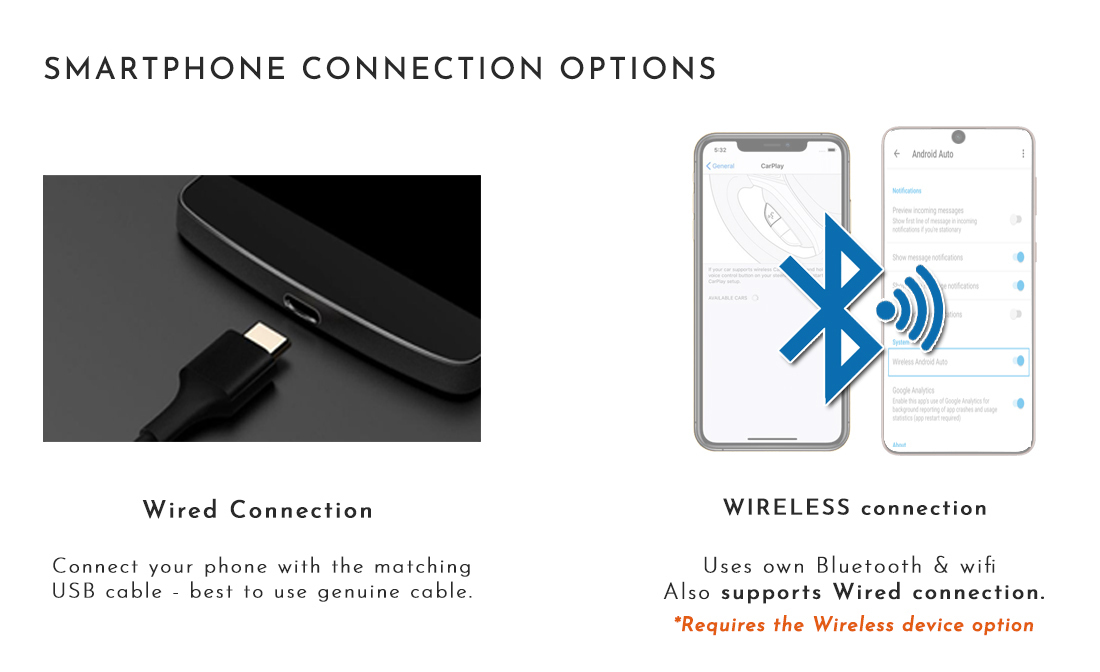
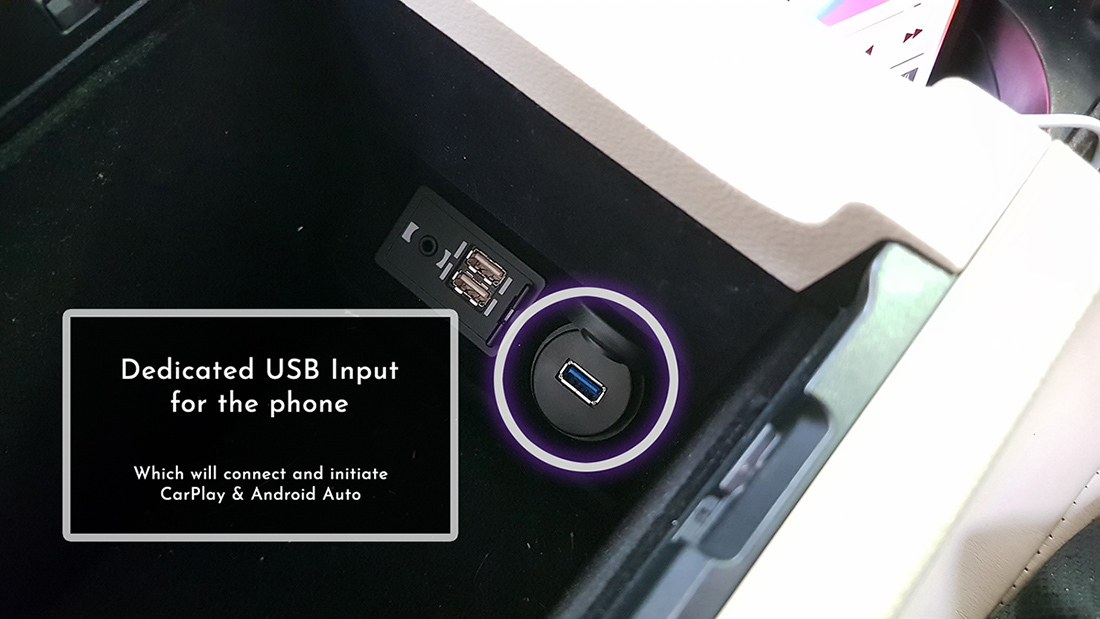
Phone compatibility depends on the device, operating system and selected kit. Please confirm support for your phone before purchase.
Factory controls & steering-wheel buttons
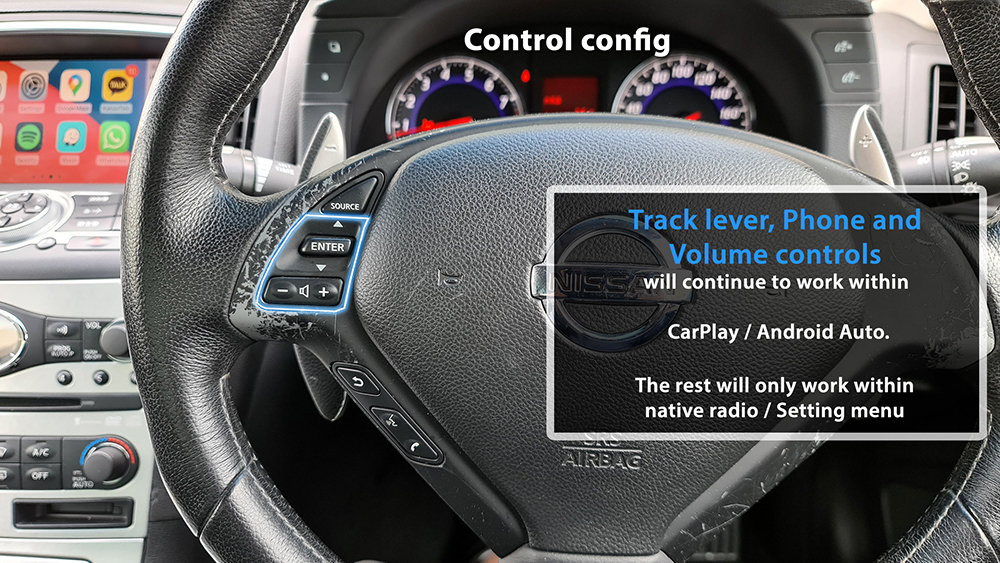
The supplied control reference shows track, phone and volume controls operating within CarPlay / Android Auto. Other buttons remain assigned to the original Nissan radio and settings menus.
Supported buttons and control-panel functions depend on the fitted factory system and selected integration configuration. Confirm the controls available for your vehicle before ordering.
Reverse-camera integration
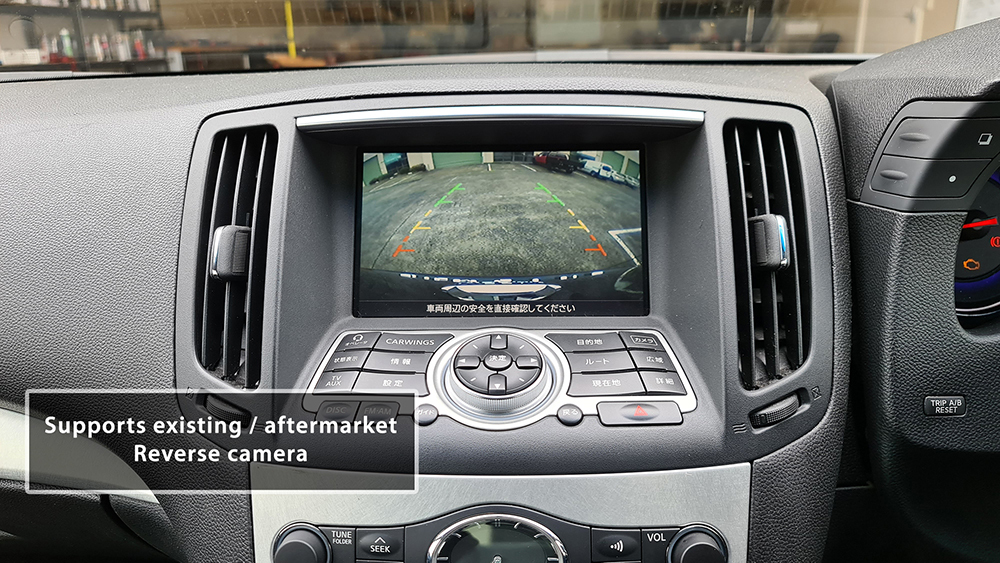
The product reference lists support for an existing or compatible aftermarket reverse camera. Camera compatibility and any additional parts must be confirmed for your vehicle. An aftermarket camera is an additional accessory unless included in your selected package.
Additional features with the wireless upgrade
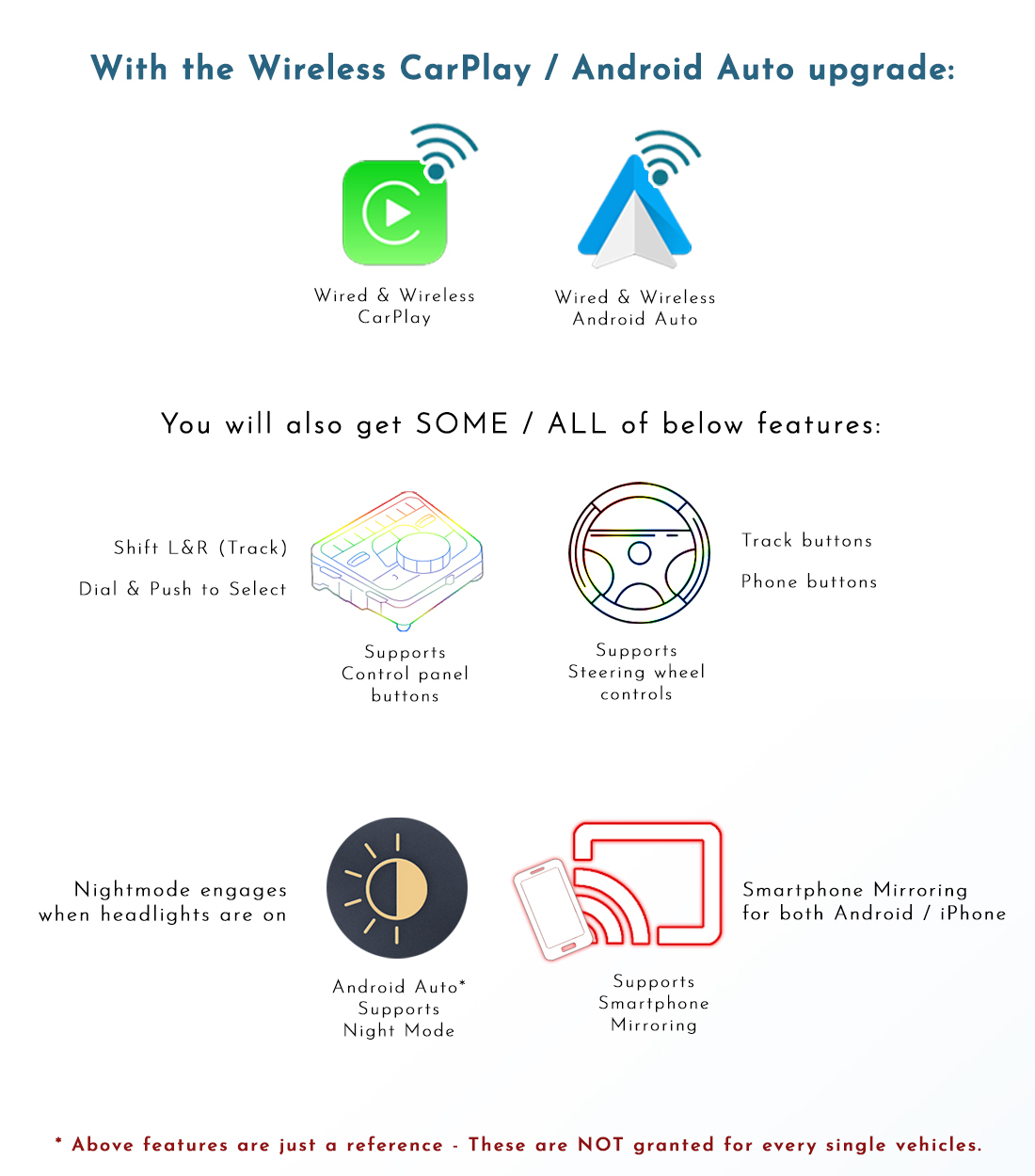
Depending on your vehicle, hardware, firmware and selected accessories, the wireless upgrade may also support:
- Compatible control-panel and steering-wheel functions.
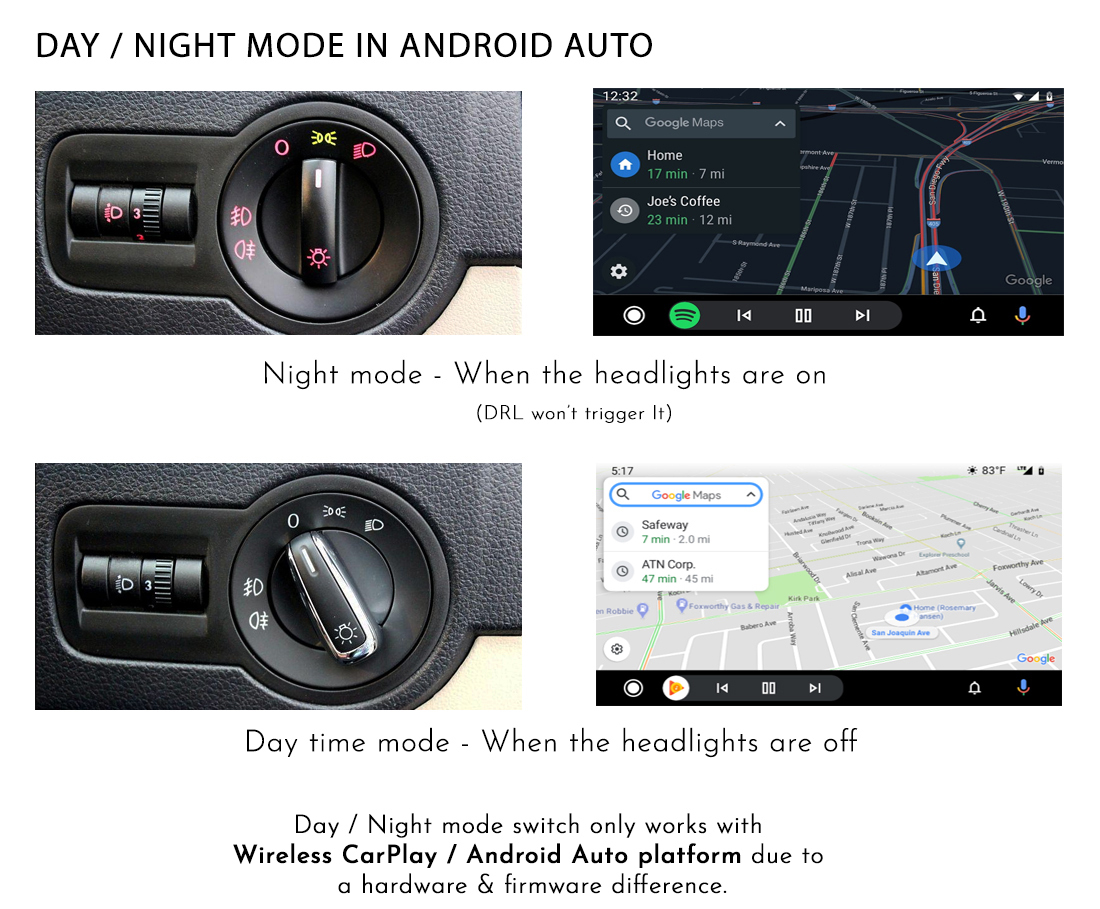
- Android Auto day / night mode linked to the vehicle’s headlights.
- Compatible smartphone mirroring.
These additional features are configuration-dependent and are not available on every vehicle or phone. Confirm the functions you need before ordering.
Installation & original Nissan system
This integration adds Apple CarPlay and Android Auto to a compatible factory display. Coding is not required according to the product information.
The original Nissan interface remains accessible using the MAP-button switching function. This kit does not update the original Nissan infotainment software or navigation maps.
Installation and setup should follow the vehicle-specific instructions supplied with the kit.
Package components
- Apple CarPlay / Android Auto integration device.
- Vehicle audio and integration cable loom.
- USB extension cable.
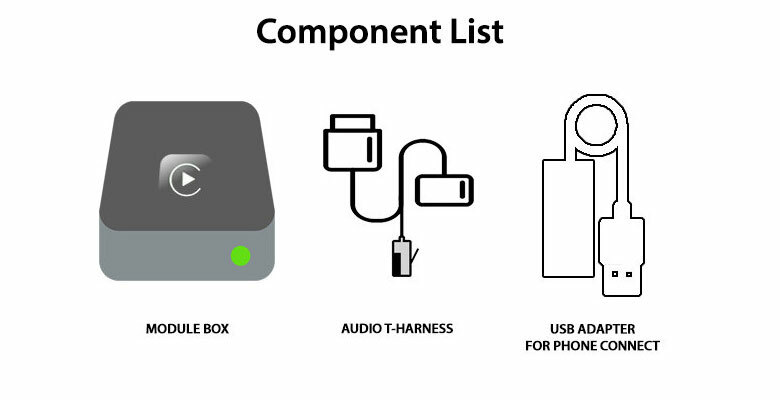
The factory microphone is retained for voice commands. Confirm the exact package, wireless upgrade and any additional accessories when ordering.
Warranty & product support
We provide a 12-month product warranty. Systems are pre-tested before dispatch. If you experience an issue, contact Naviplus with your order details, vehicle information and a description or video of the problem.
Contact us before returning a system so we can provide return instructions. After receipt, testing and any required firmware update typically take 1–2 days. Once an update or replacement is confirmed, we dispatch the system back at our cost.
Where a product fault is confirmed and Australian Consumer Law applies, reasonable return postage costs will be reimbursed. Keep your postage receipt.
Your rights under Australian Consumer Law are additional to our product warranty. Our warranty and change-of-mind return policy do not exclude, restrict or replace those rights.
Change-of-mind returns
For a change-of-mind return, contact Naviplus within 7 days of receiving the system, explain your request and obtain return instructions. The following listed return conditions apply to change-of-mind requests, subject to your rights under Australian Consumer Law:
| Condition | 1–7 days | 14–30 days | Over 30 days |
|---|---|---|---|
| Unopened / unused | Full refund excluding shipping | Up to 5% restocking fee depending on condition | Change-of-mind returns not accepted |
| Installed (product warranty still applies) | Up to 20% restocking fee depending on condition | Change-of-mind refund requests not accepted; warranty service available | Change-of-mind returns not accepted |
For requests during days 8–13, contact Naviplus to confirm the applicable conditions before arranging a return.
Returned products are inspected and tested for use, including stored vehicle data signals. Change-of-mind refunds apply to the product price; shipping and installation labour are excluded. These conditions and restocking fees do not limit remedies for faulty products under Australian Consumer Law.
Need help choosing the correct kit? Send Naviplus your VIN and photos of the factory display and control panel before placing your order.
Display prices in:AUD