Categories
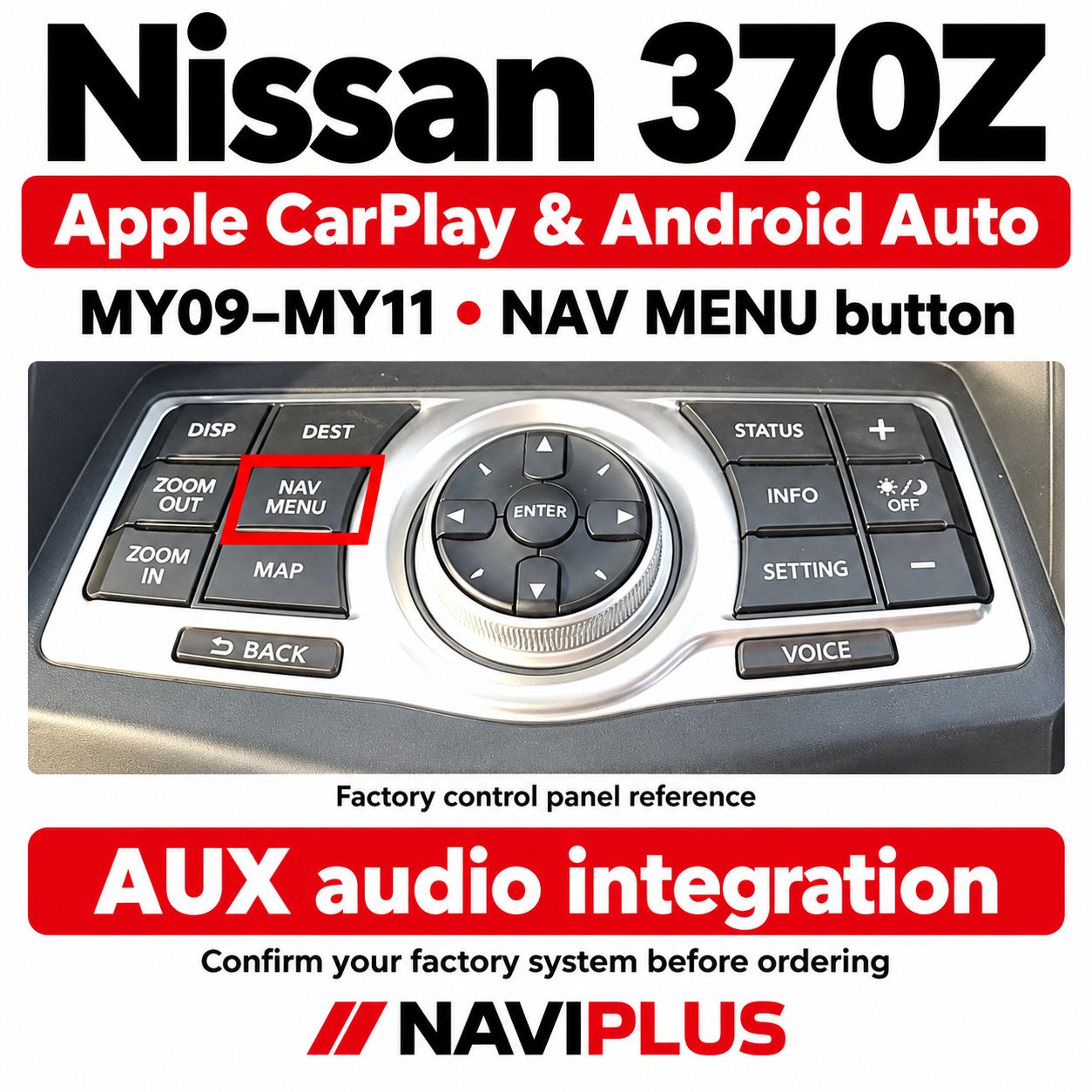
Nissan 370Z MY09–MY11 CarPlay – NAV MENU | Naviplus
SKU Z34N_NP
AU$900.00
Additional Accessories
1
Save this product for later
Nissan 370Z MY09–MY11 CarPlay – NAV MENU | Naviplus
Product Details
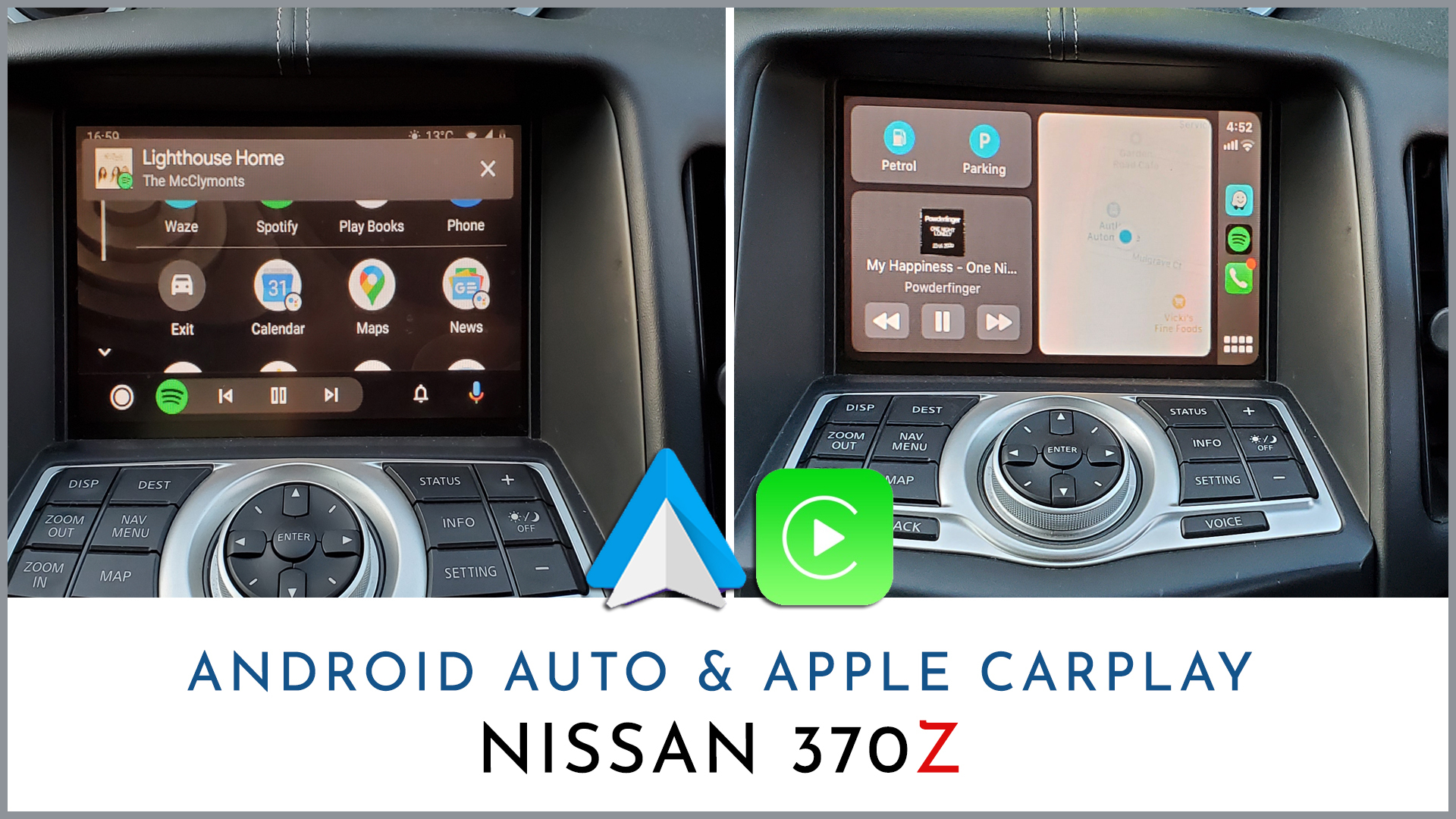
Nissan 370Z MY09–MY11 Apple CarPlay & Android Auto Integration
Apple CarPlay and Android Auto integration for compatible Nissan 370Z Z34 vehicles with the matching NAV MENU factory control panel. Use smartphone integration on the original display, with sound played through the original audio system using AUX mode.
Check your factory control panel before ordering.
This listing is for the NAV MENU-button version. Compare your factory control panel with the reference photo below. Send us your VIN and clear photos of the factory screen and control panel if you are unsure.
Vehicle Compatibility
| Vehicle | Nissan 370Z Z34 |
|---|---|
| Model years | MY09–MY11 / 2009–2011, subject to factory-system confirmation. The original description also references 2011/12; confirm any 2012 vehicle individually. |
| Required control panel | Matching factory navigation control panel with a NAV MENU button |
| Display interface | Confirm the fitted factory display system. RGB and GVIF systems require different components. |
| Audio output | Factory AUX mode |
| Mode switching | Press and hold STATUS |
| Compatibility check | VIN, factory screen photo and control-panel photo |
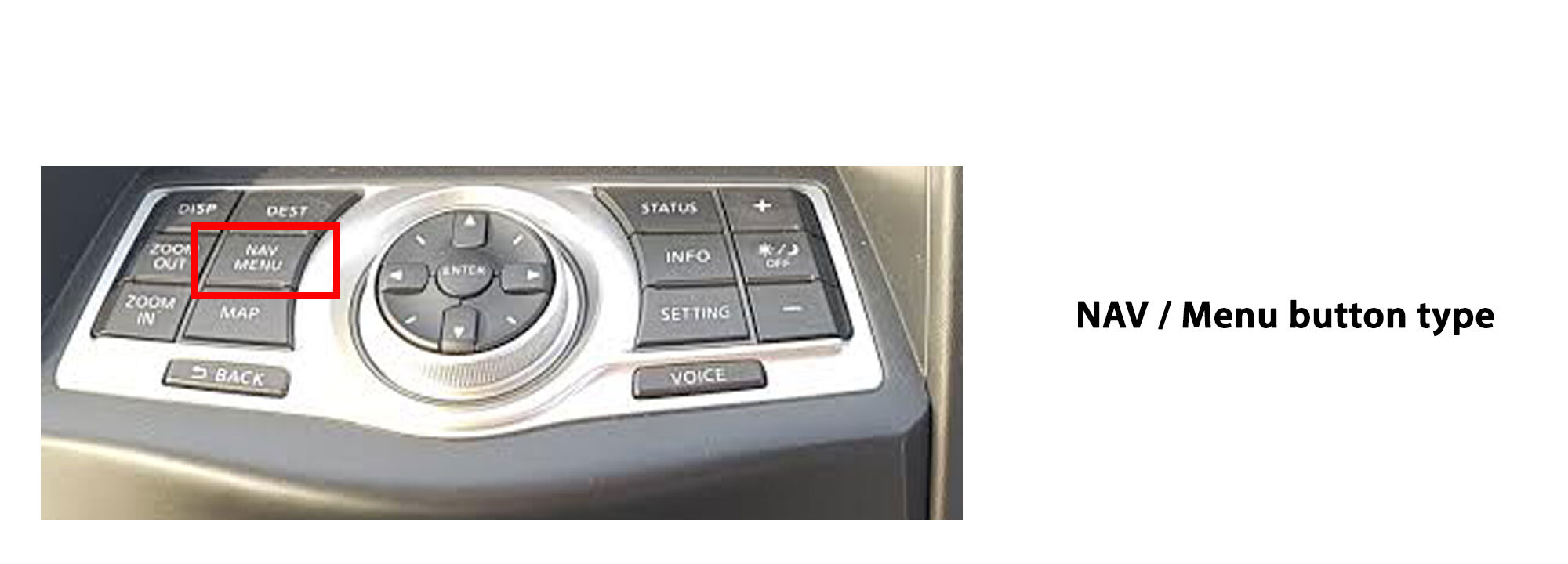
This version is for vehicles with the NAV MENU button shown above. Model year alone does not confirm compatibility.
Nissan 370Z models from 2009 to 2011 tend to use an RGB factory display system. Later models, from the 2012 update, generally use an updated GVIF display system.
Each factory audio and display system requires matching components. Please select the correct factory-system information when checking out.
If you are unsure, please send us the VIN of your vehicle and photos of the factory screen and control panel so we can check compatibility.
AUX Audio Integration
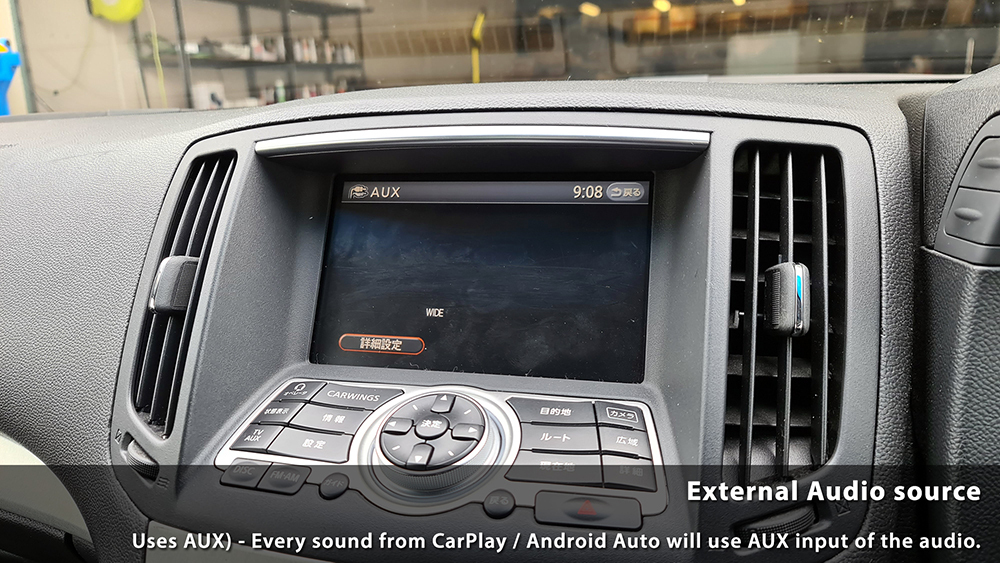
This NAV MENU-version integration uses the factory AUX input for CarPlay and Android Auto audio, including music and navigation prompts.
Select AUX on the factory audio system.
When using CarPlay or Android Auto, select the AUX audio source to hear sound through the original speakers. Follow the supplied installation and audio-connection instructions.
Reference Video from a Previous Installation
This video is provided for reference purposes. Factory interfaces and equipment may vary. Confirm the correct configuration for your NAV MENU-button system before ordering.
Switching Between Factory Mode & CarPlay / Android Auto
Press and hold the STATUS button to switch the display between the original factory radio interface and CarPlay / Android Auto.
On the NAV MENU reference panel shown above, STATUS is on the right-hand side of the central control dial.
Button functions:
NAV MENU identifies the factory control-panel version covered by this listing.
Press and hold STATUS to switch display modes.
Select AUX on the original audio system for integration sound.
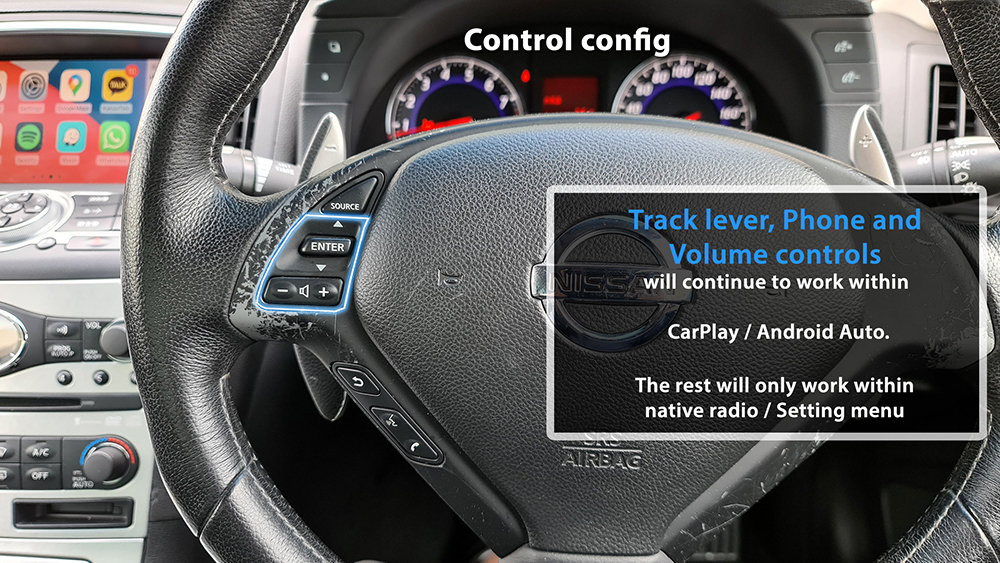
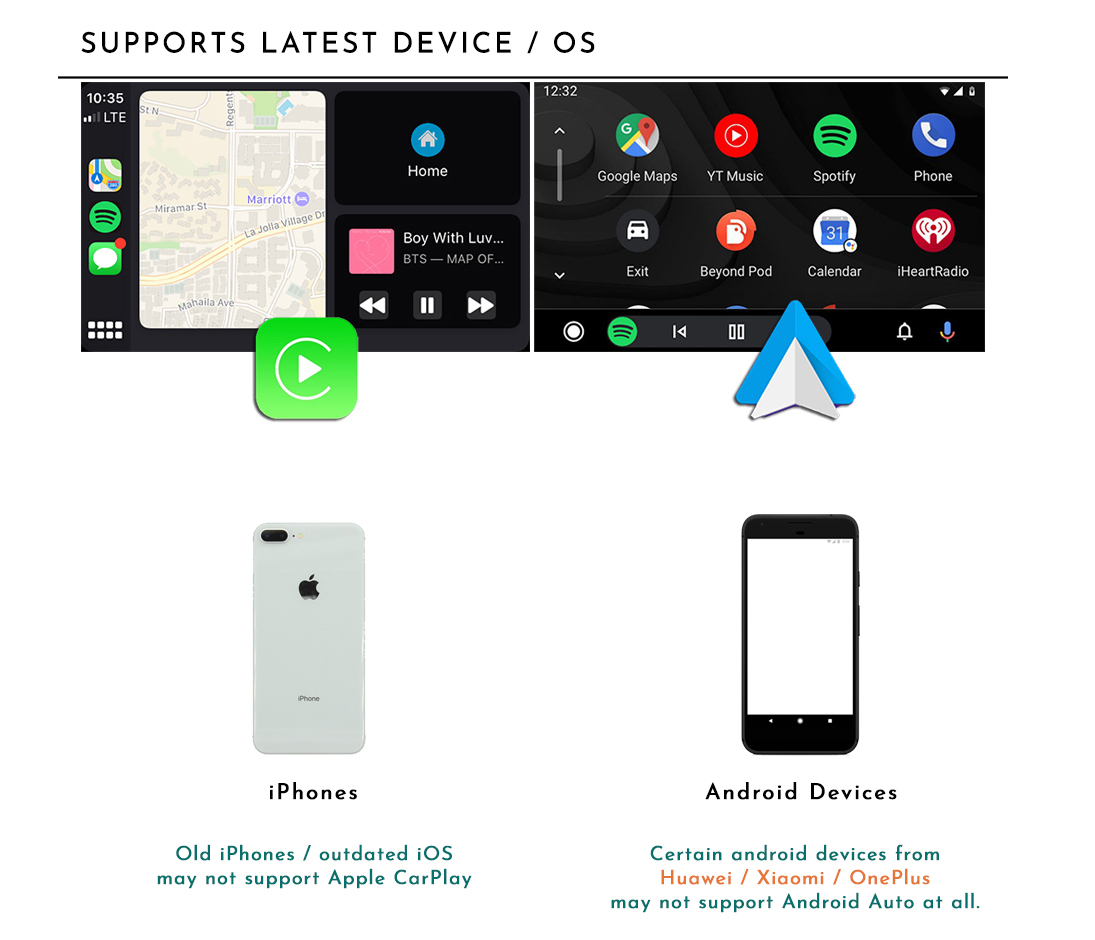
Standard Features & Compatibility

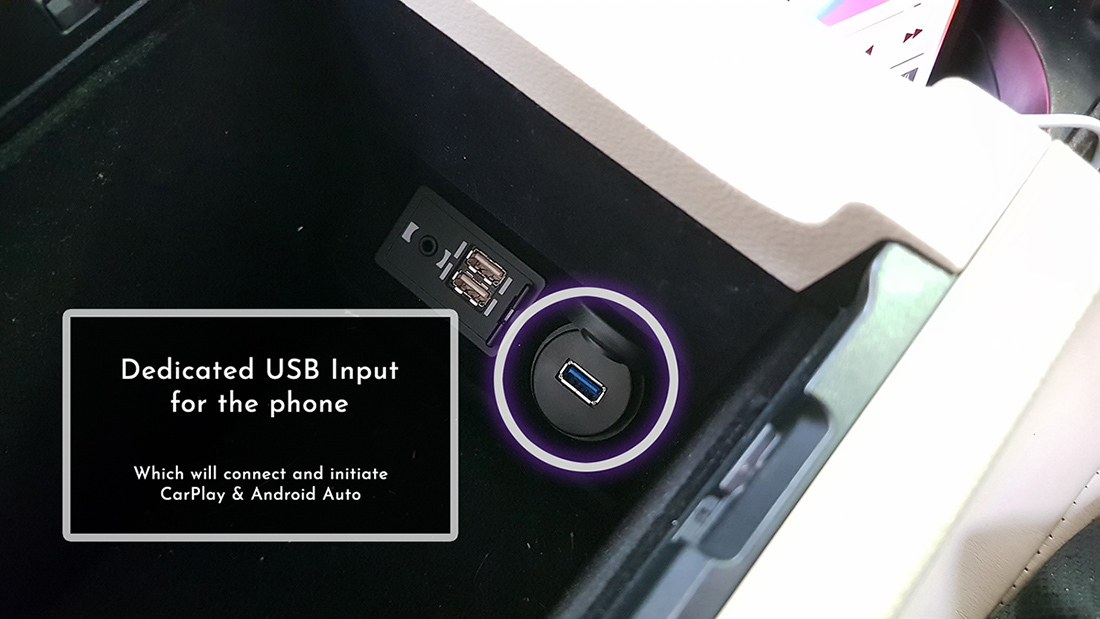
USB Connection
Camera & Additional Accessories
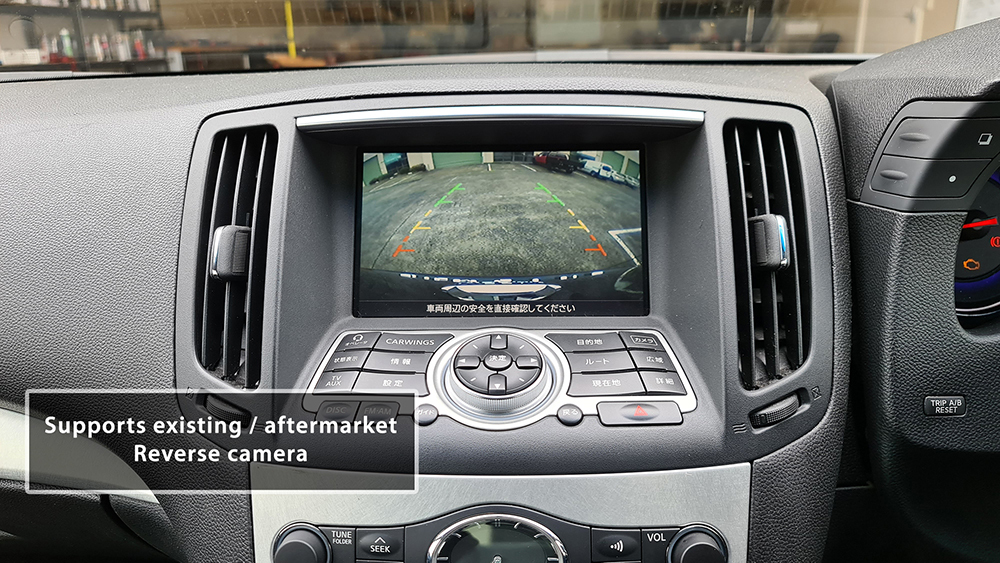
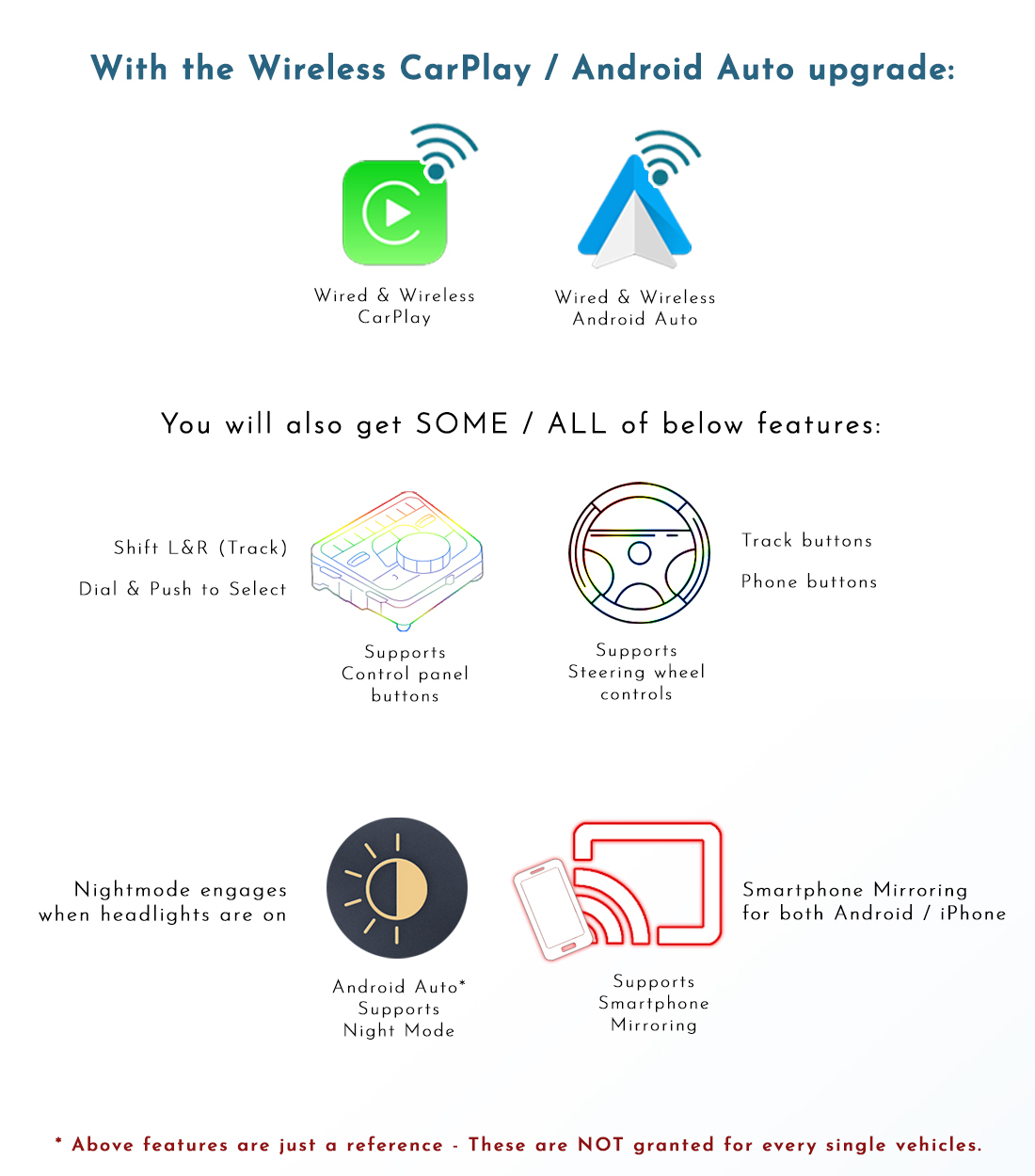
In addition to the standard features, the functions shown above require the relevant additional accessories. Confirm compatibility, accessory requirements and the selected kit configuration before ordering.
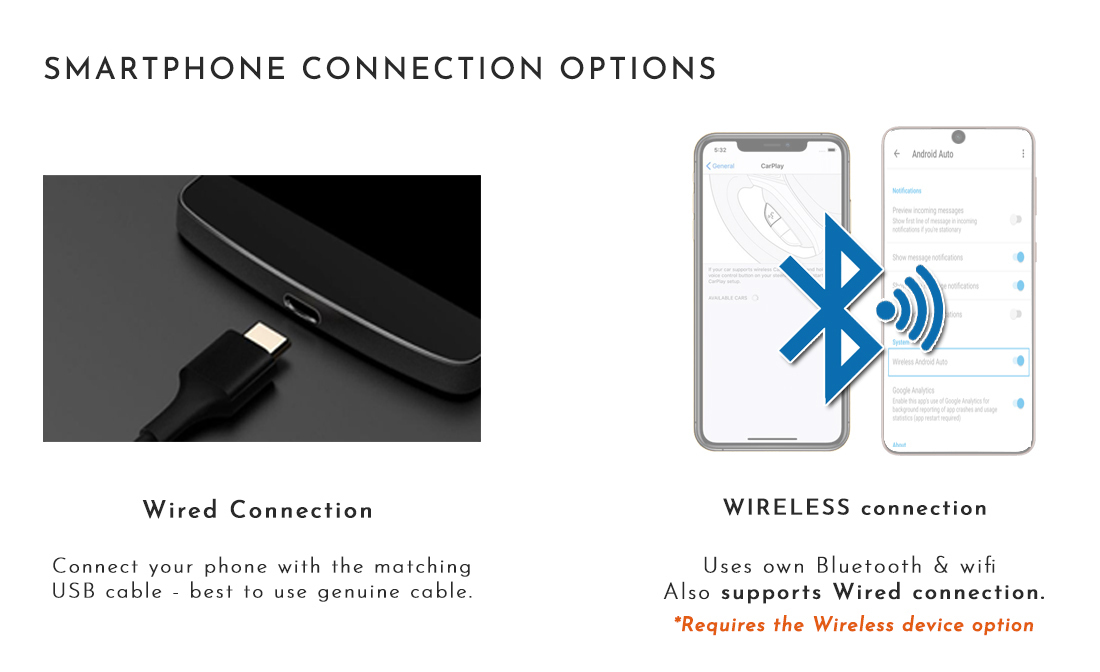
Smartphone Connection
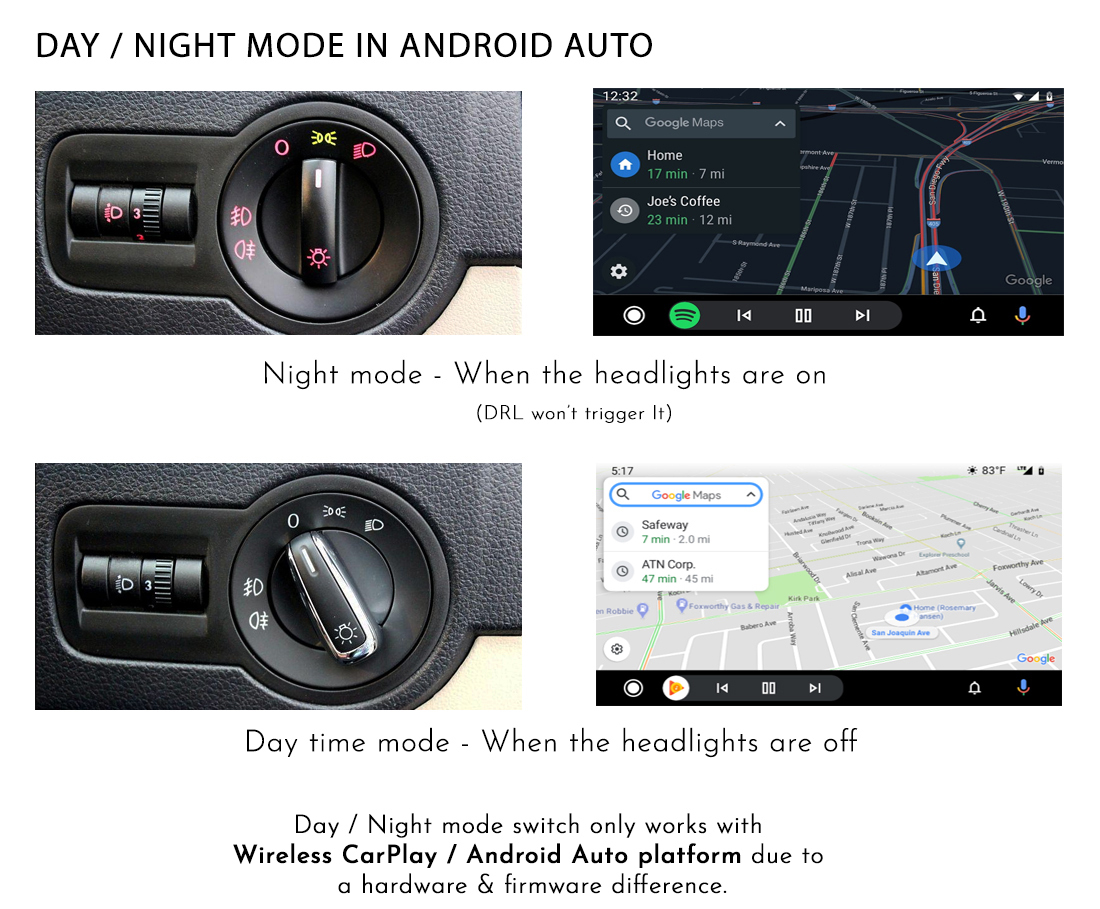
Night Mode & Installation Reference
Component Reference
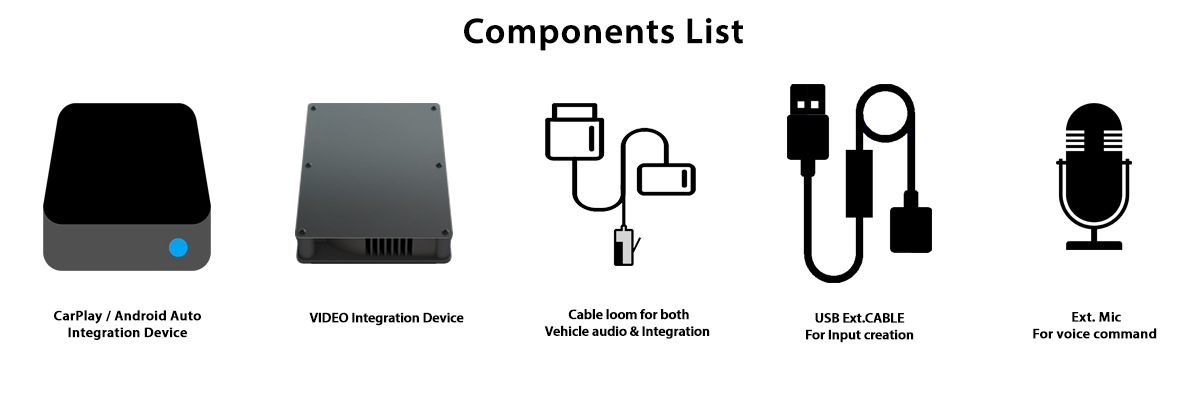
The component image is provided as a reference. Confirm the exact components and wiring supplied for your NAV MENU factory-system version before ordering.
Refund / Warranty and Replacement
We provide 12 months warranty for our products.
And from the day of receiving the system, you must inform us if you'd like to refund or claim for Warranty replacement within 7 days, along with reason of request.
For the replacement, in event of our product needs to be replaced to a new system, we request to return the product to us, at buyer's cost.
And once we receive the system we will commence testing and firmware update for the system if required - It will take up to 1-2 days.
Up on simple update fix / replacement confirmed, will dispatch it back to customer at our cost.
Yet we always do a pre-testing prior to dispatch in first place, to minimize this kind of event.
For the Refund / Return:
| Condition / Duration & Restock fee | 1–7 Days | 14–30 Days | Over 30 Days |
|---|---|---|---|
| Product not opened / Not used | Full refund ex. shipping. | Up to 5% of restock fee depends on condition. | We don't accept return. |
| Product that has been installed*
(Product warranty still applies) |
Up to 20% of restock fee, depending on condition. | We don't accept refund requests, yet we do provide warranty service. | We don't accept return. |
Once we receive the product back to us, we will test the unit with our system to check whether it has been used or not - via checking if it stored the car's data signal.
Also, the refund will be strictly based on the product price. We do not provide refund for shipping, installation labour etc.
Display prices in:AUD