Categories
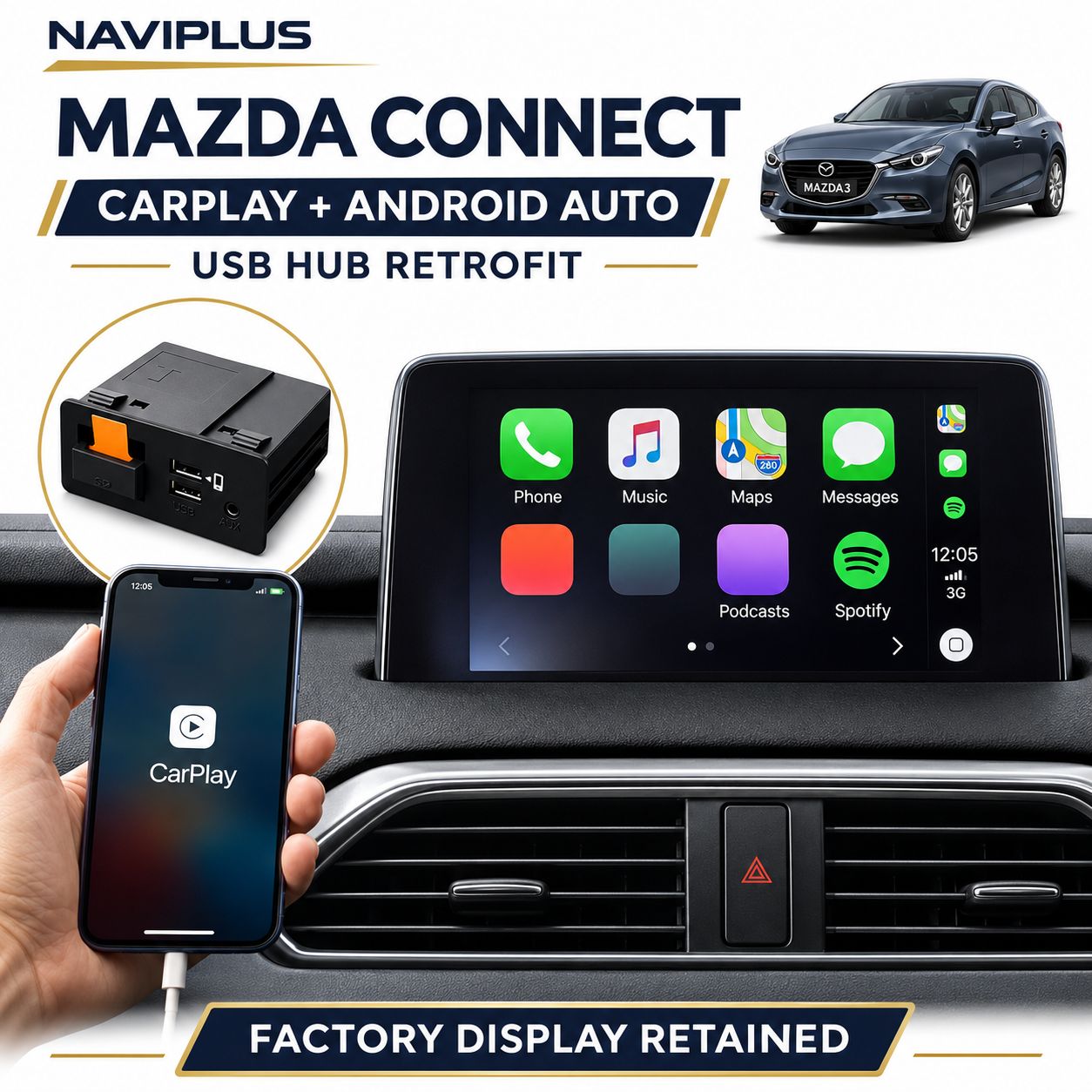
Mazda MZD Connect Apple CarPlay & Android Auto USB Hub Retrofit
SKU MZ_MZD_CP_HUB_NP
AU$550.00
CarPlay & Android Auto Connection Type
1
Save this product for later
Mazda MZD Connect Apple CarPlay & Android Auto USB Hub Retrofit
Product Details
NAVIPLUS · MAZDA CARPLAY RETROFIT
Mazda MZD Connect Apple CarPlay & Android Auto USB Hub Retrofit
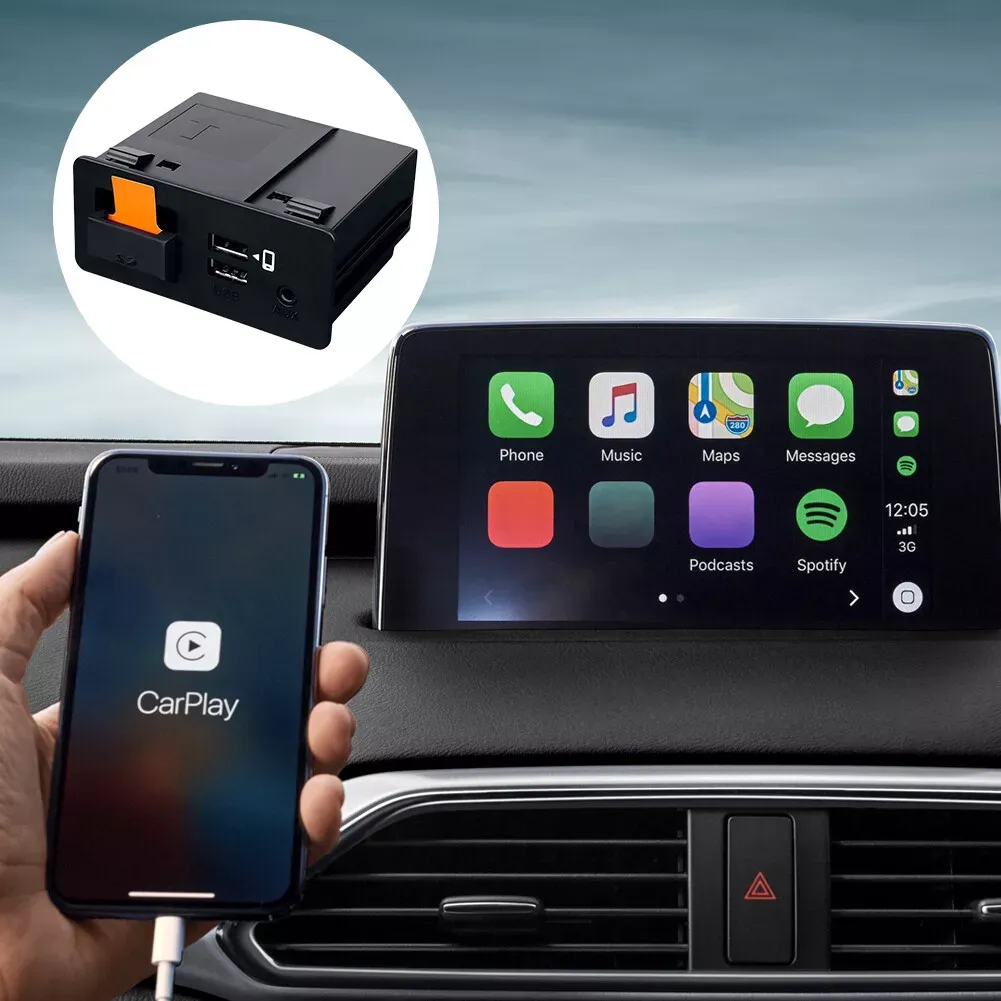
Add Apple CarPlay and Android Auto to a compatible Mazda MZD Connect system with a replacement USB hub and the required software preparation. Keep the original display and Mazda Commander controls.
Compatibility · MZD Connect System Check
For compatible first-generation MZD Connect systems. The model list includes selected Mazda 2, Mazda 3, Mazda 6, CX-3, CX-5, CX-8, CX-9 and MX-5 applications.
Build year alone is not enough. Send a powered-on dashboard photo, vehicle build details and the current software version. Earlier factory radios, different Mazda Connect generations and non-matching USB hubs require separate assessment.
Existing SKU: MAZ_OE. The source identifies TK78-66-9U0C and related hub references; the supplied part and connection package are confirmed in your quotation. A reference part number is not a statement of genuine Mazda sourcing.
Choose Your Connection Package
| Package | Apple CarPlay | Android Auto |
| Wired package | Wired | Wired |
| Wireless CarPlay package | Wireless | Wired |
| Wireless smartphone package | Wireless | Wireless |
Select the connection option at checkout. The wired package is not automatically supplied with wireless operation. Confirm phone compatibility and what is included in the chosen package.
Key Features
- Original display retained: no separate aftermarket monitor is required for the matched MZD Connect retrofit.
- Phone maps and music: access supported Apple Maps, Google Maps, Waze and audio apps through a compatible phone.
- Calls and voice: use the supported phone functions through the configured factory system.
- Mazda Commander operation: use the original rotary controller and supported buttons to navigate the interface.
- Replacement USB hub: installs in the matched factory position with the required vehicle cabling and software preparation.
Software Preparation & Installation
Software must be checked before changing the hub. NAVIPLUS checks the fitted system and region, prepares the appropriate supported firmware and completes the agreed hardware installation.
The original listing contains inconsistent year ranges and firmware notation. Do not install software or choose a hub using those details alone; send a clear version-screen photo for confirmation.
Mazda Connect software preparation / update is offered with local installation. This is not a promise of a remote update service. Package contents, wiring and installation labour are confirmed before booking.
Everyday Operation & Controls
Connect to the smartphone-enabled USB port for the wired package. Access the supported smartphone application from MZD Connect; holding the Commander Home button provides access on the supported factory configuration.
Touch operation depends on the factory system and selected package. Use the Commander controls where required. Do not assume every CarPlay or Android Auto screen supports touch simply because the original Mazda display is touch-capable.
This is a USB-hub retrofit for the supported factory platform. It is not the same installation as an add-on interface that requires a separate AUX or Bluetooth Media source. Your selected hub package is configured and demonstrated at handover.
What to Send Before Ordering
- Mazda model, build year and trim.
- Full powered-on dashboard photo and software-version photo.
- Existing USB-hub / port photo.
- Phone model and wired / wireless package preference.
- Details of any previous radio, display or USB-hub changes.
Warranty & Support
Confirm supplied hardware, installation scope and applicable product warranty with NAVIPLUS before purchase. Keep the invoice and contact NAVIPLUS with vehicle and issue details if support is needed.
Confirm Your Mazda · Get the Correct Product
Send your model, build details and a clear powered-on dashboard photo to NAVIPLUS Melbourne for compatibility and a quotation.
Check Compatibility & Request a Quote →Display prices in:AUD