Categories
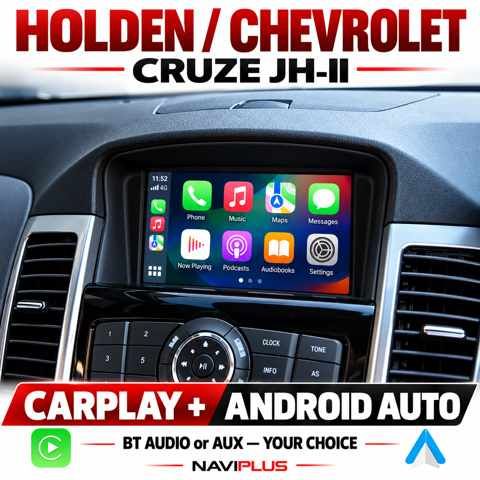
Holden / Chevrolet Cruze JH-II MyLink Apple CarPlay & Android Auto Integration
SKU JH2_NP
AU$850.00
Additional Accessories
1
Save this product for later
Holden / Chevrolet Cruze JH-II MyLink Apple CarPlay & Android Auto Integration
Product Details
Holden / Chevrolet Cruze JH-II MyLink Apple CarPlay & Android Auto Integration
Modern phone apps on your original MyLink display — with a choice of BT Audio or AUX sound.
Add Apple CarPlay and Android Auto to the compatible factory MyLink system in your Holden / Chevrolet Cruze JH-II. Access supported navigation, music, calls and messaging while keeping the original display and access to the factory infotainment system.
Choose factory Bluetooth Audio mode or an AUX audio connection to suit your preferred setup. Both audio-routing options are supported; the selected connection is configured during installation.
Confirm the Original MyLink System Before Ordering
Send the build date, vehicle variant and clear photos of the powered-on MyLink screen and controls. The correct interface depends on the actual factory equipment, not the vehicle year alone.
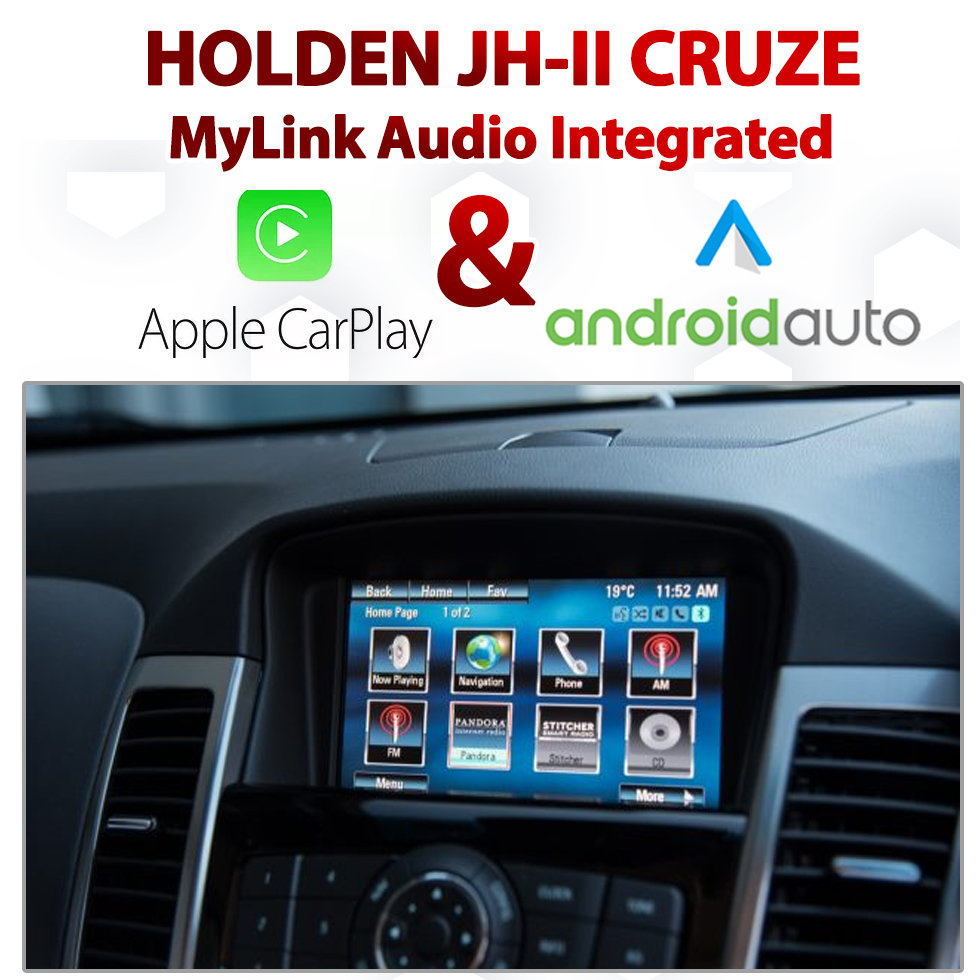
Your Phone Apps. Your Factory Interior.
- Apple CarPlay & Android Auto: compatible smartphone apps on the original display.
- BT Audio or AUX: choose either audio route for the supplied system.
- Navigation apps: supported maps and route guidance from your phone.
- Music, podcasts and calls: supported phone functions through the configured audio system.
- Original MyLink access: switch back to the factory infotainment interface.
- Optional wireless connection: available as an accessory selection; confirm your package.
Installation & Operation Reference
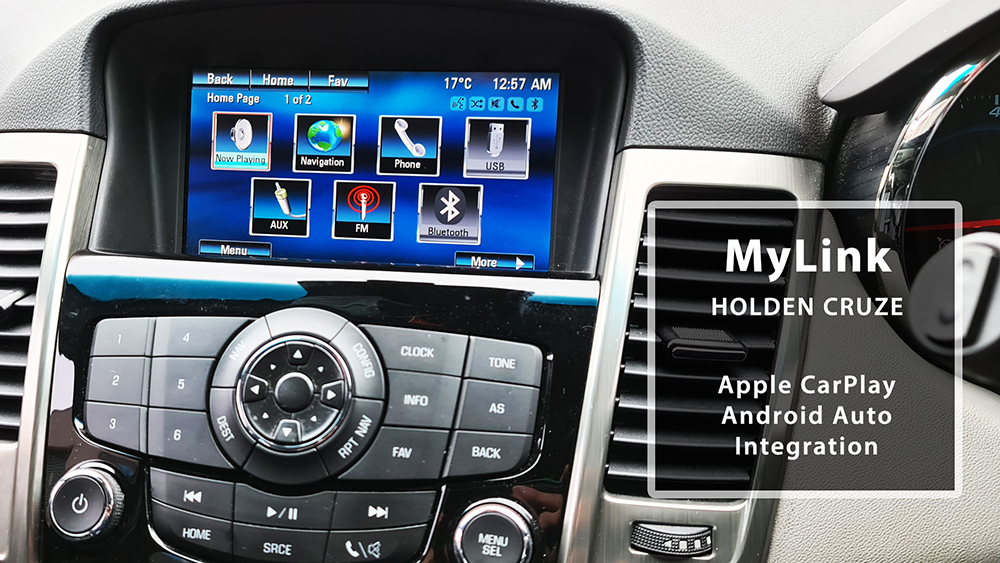
Previous installation reference. App appearance, available functions and switching behaviour depend on the supplied interface and configured vehicle.
BT Audio or AUX — Choose Your Audio Mode
Both BT Audio mode and AUX audio are available. Choose the route that suits your setup when ordering or during installation.
- BT Audio: use the factory MyLink Bluetooth Audio / Media source with the phone pairing configured for that route.
- AUX: use the configured wired audio-input route and select the appropriate source.
- One selected route: the installer sets up and demonstrates the chosen audio path and call / microphone arrangement.
The Bluetooth / AUX choice concerns sound routing. It is separate from choosing a wired or optional wireless smartphone connection.
Vehicle & MyLink Compatibility
Vehicle: Holden / Chevrolet Cruze JH-II
Catalogue application: Factory MyLink system required
Required system: compatible original MyLink infotainment display and head unit.
This page is for the JH-II Cruze with the pictured MyLink equipment. Confirm any Chevrolet-market variant individually.
- Vehicle model, build date and variant.
- Photo of the powered-on main menu, screen and physical controls.
- Photos of USB / AUX connections and details of any aftermarket accessories.
- Phone model, preferred audio route and required optional accessories.
Wired & Optional Wireless Smartphone Connection
The catalogue offers a wireless Apple CarPlay / Android Auto add-on as an accessory. Confirm the selected wired or optional wireless package and the phone connection method in your quotation.
For wired operation, use a suitable data cable for the connected phone. Any phone-specific cable, wireless accessory or additional USB hardware is included only if specified.
Supported apps, available functions and mobile-data use depend on your phone, operating system and applications.
Switching Between MyLink & Smartphone Apps
Switch between the integration and the original MyLink interface using the configured vehicle control.
The source package uses the steering-wheel Hang Up button to switch display modes. The installer demonstrates the button action for the supplied kit.
Original radio and factory menus remain accessible. Existing vehicle functions and any factory-camera switching are checked according to the fitted equipment and supplied interface.
Installation Video — Reference
Original Naviplus installation reference. Confirm the actual equipment and operation for your vehicle.
Optional Camera Accessories
A compatible rear-camera option is available separately for suitable vehicles. Tell us whether a factory camera is already fitted, and confirm any existing-camera retention or new camera installation in the quotation.
Cameras, camera accessories and installation are included only when specified.
Professional Installation & Package Contents
- Vehicle-specific MyLink interface selection.
- Screen / display connection and touch-overlay configuration where required.
- Preferred BT Audio or AUX sound routing.
- Wired or selected optional wireless smartphone connection.
- Checks of app display, audio and return to the original MyLink system.
Confirm all supplied hardware, optional accessories, phone cables and installation labour in your quotation. Professional installation is recommended for secure wiring, mounting and system configuration.
Warranty & After-Sales Support
12-month product warranty — terms apply. Contact Naviplus with your order details and fault description before returning equipment. Assessment and the appropriate repair, update or replacement are arranged where required.
Change-of-mind terms, removal / refitting and freight arrangements are confirmed before ordering. These terms do not exclude your rights or remedies under Australian Consumer Law.
Confirm Your Cruze JH-II MyLink Upgrade
Send your build date, dashboard photo and phone model. Let us know whether you prefer BT Audio or AUX and whether you want the optional wireless connection.
Check Compatibility & Get a Quote03 9546 0452
sales@naviplus.com.au
Unit 9/35 Garden Rd, Clayton VIC 3168
Display prices in:AUD