Categories
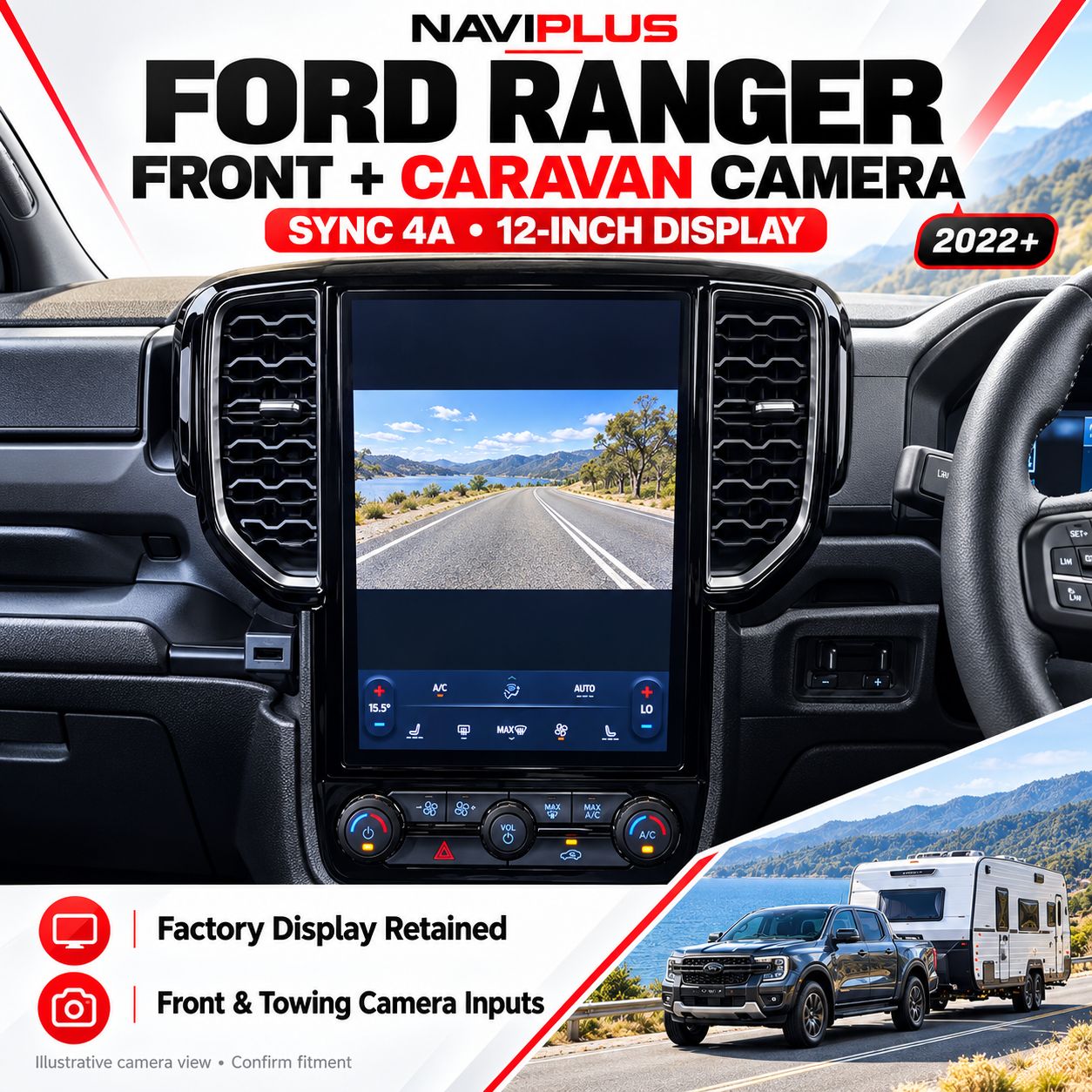
Ford Ranger SYNC 4A 12-Inch Front & Caravan Camera Integration | 2022+
SKU FR_4A
AU$650.00
This kit can be used as front view or Towing camera setup
Offroad / Caravan related
1
Save this product for later
Ford Ranger SYNC 4A 12-Inch Front & Caravan Camera Integration | 2022+
Product Details
Ford Ranger SYNC 4A 12-Inch Front & Caravan Camera Integration | 2022+
Front visibility and a view beyond your caravan — through your original Ranger screen.
Add compatible front-view and caravan / trailer camera inputs to your Ford Ranger’s original 12-inch portrait SYNC 4A display. Retain the factory head unit and dashboard appearance without adding a separate camera monitor.
Important — SYNC 4A 12-Inch Portrait Display Only
Send your Ranger’s build date, variant and clear factory-screen photos before ordering. This package is for the compatible 12-inch vertical display. A SYNC 4A badge or model year alone does not establish fitment. Confirm the required views and any existing factory cameras.
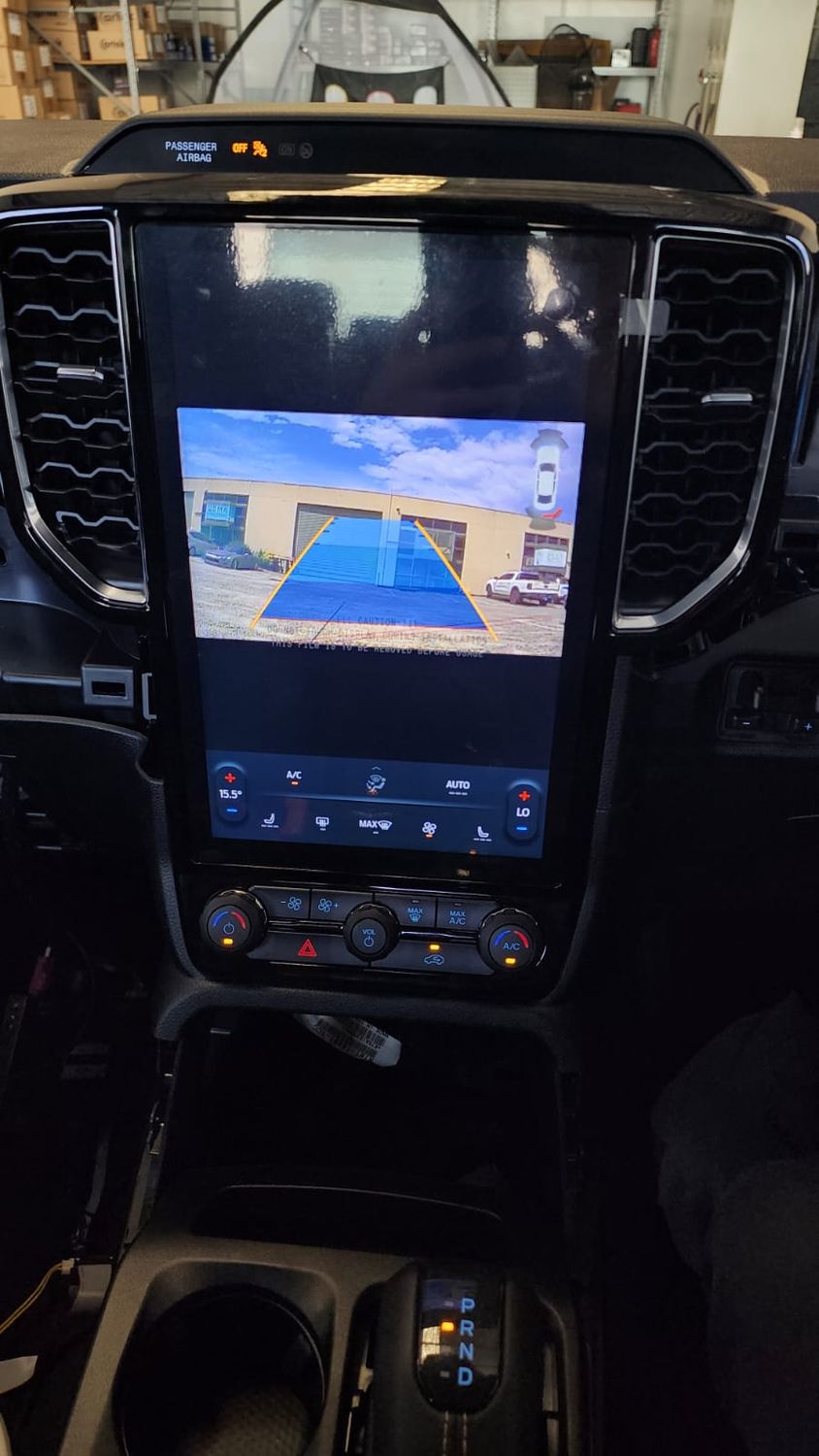
Camera Integration Built Around Your Factory Screen
- Front-camera input: add a compatible front view for parking and manoeuvring.
- Caravan / trailer camera input: connect a compatible external camera for a view behind the tow.
- Factory-button access: press and hold the steering-wheel Back button for 3 seconds to access the camera / AV mode on the supported configuration.
- Optional post-reverse trigger: camera mode can be configured to display after leaving Reverse.
- Original display retained: no replacement head unit or separate dashboard monitor required.
- No vehicle coding required: for the confirmed compatible interface installation.
Manual Camera Access — Back Button for 3 Seconds
Press and hold the Back button on the steering wheel for 3 seconds to access the front / caravan camera mode with the supported interface configuration.
Have the installer demonstrate camera entry, camera-source selection and return to the original system. An optional external switch can be discussed if preferred to the supported vehicle control.
The source package describes on-demand viewing while driving. Confirm the available viewing mode, original-system priority and supplied configuration for your vehicle before ordering.
Optional Camera Display After Reversing
The interface can be configured to display the selected front or caravan camera mode after the vehicle leaves Reverse, where required.
Confirm which camera view should appear and how it returns to the original display during installation. A fixed display duration or a particular gear transition is not specified for this Ranger package.
Choose the Views You Need
- Front camera: discuss camera type, mounting position and the area you want to see near the bumper.
- Caravan / trailer camera: a camera at the rear of the caravan provides a view beyond the vehicle’s own reversing camera.
- Horse-float camera: discuss the required internal view and viewing mode before selecting equipment.
- Existing factory cameras: confirm factory-camera retention, input priority and any surround-view equipment for the selected configuration.
This is a camera video interface. Cameras, cables and installation are supplied only when specified in your quotation. It does not create a new 360° surround-view system.
AV Display, Parking Lines & Sensor Graphics
The original installation photo shows a landscape camera window within the vertical screen. The camera view does not necessarily fill the entire portrait display.
The listing states that sensor and parking-assist line graphics can be removed from the camera view. Confirm the available settings with your installer. This is a display configuration; it does not add parking sensors or change the camera’s viewing angle.
Vehicle & Factory-System Compatibility
Vehicle: Ford Ranger
Listing year guide: 2022 onwards, subject to individual confirmation
Required system: SYNC 4A with factory 12-inch vertical display.
The listing’s main compatibility section says 2022 onwards, while a later note specifically mentions 2025. Confirm your exact build and variant before ordering, including later model-year revisions.
- Provide the VIN or build date, vehicle variant and factory-screen photos.
- Identify any original reversing camera, parking sensors or surround-view system.
- Tell us about aftermarket interfaces and previous modifications.
- Confirm connections and software compatibility before selecting the package.
Already Have a Caravan Camera?
- Send the camera brand, model, video format and supply voltage.
- Include photos of the camera and trailer connectors.
- Describe existing cables, cable length and any wireless equipment.
- Camera compatibility depends on signal, power and wiring; a matching connector alone is not sufficient.
Existing wireless camera kits require assessment and are not automatically compatible with this factory-screen interface.
Optional Heavy-Duty Camera & WOZA Trailer Cable
If you need a camera and towing cable, ask about the optional heavy-duty NTSC camera and WOZA trailer cable pack. Confirm the camera signal and interface compatibility before selecting the kit.
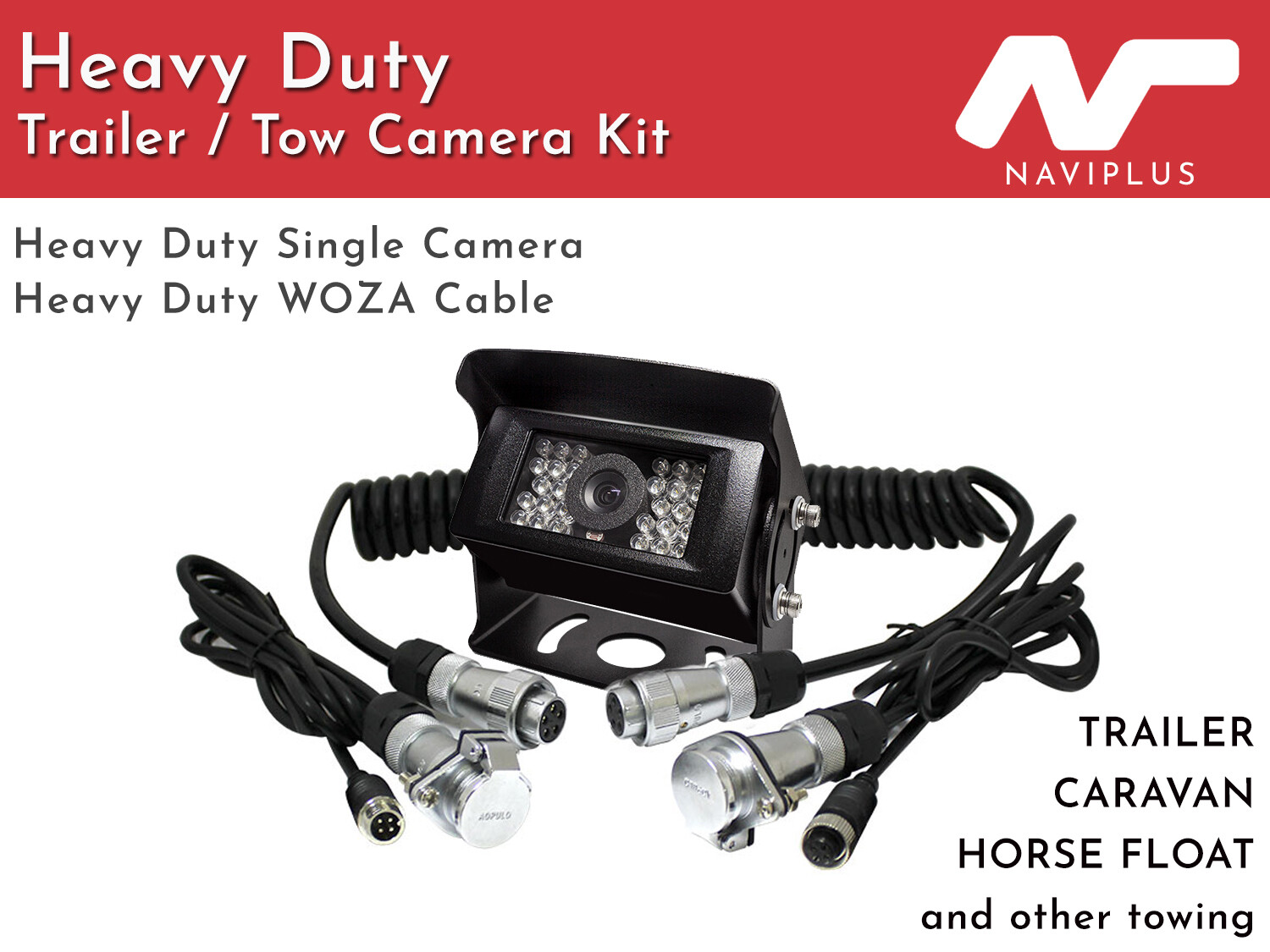
View Optional Camera & WOZA Cable Pack
Cameras, cables, additional accessories and installation are included only where specified in your quotation.
General Towing-Camera Demonstration
General Naviplus towing-camera integration reference. The featured system and controls are not a model-specific demonstration of this SYNC 4A Ranger interface.
Professional Installation & Final Checks
- Confirm the correct interface and selected camera signal before fitting.
- Secure the camera, protect external connections and route trailer cabling appropriately.
- Configure the Back-button shortcut, camera source and optional post-reverse trigger.
- Confirm original camera priority and return to the factory infotainment system.
- Check image orientation and demonstrate operation before handover.
Important Camera Information
Camera views assist with visibility and do not replace direct observation, mirrors or safe manoeuvring. The visible area and image quality depend on the selected camera and mounting position.
No specific video resolution, dynamic guidelines or unrestricted continuous viewing is included unless confirmed for your selected installation.
Warranty & Service Support
12-month product warranty. Contact Naviplus with your order details and a description of any fault before returning equipment. Inspection, repair, software update or replacement is arranged where appropriate.
Change-of-mind returns depend on condition, installation status and agreed terms. Confirm approval and any applicable costs before returning equipment. These conditions do not exclude your rights and remedies under Australian Consumer Law.
Plan Your Ranger Camera Setup
Send your Ranger’s build date, variant and factory-screen photo. Include existing camera details and connector photos, and tell us which front / caravan views you require.
Check Compatibility & Get a Quote03 9546 0452
sales@naviplus.com.au
Unit 9/35 Garden Rd, Clayton VIC 3168
Display prices in:AUD