Categories
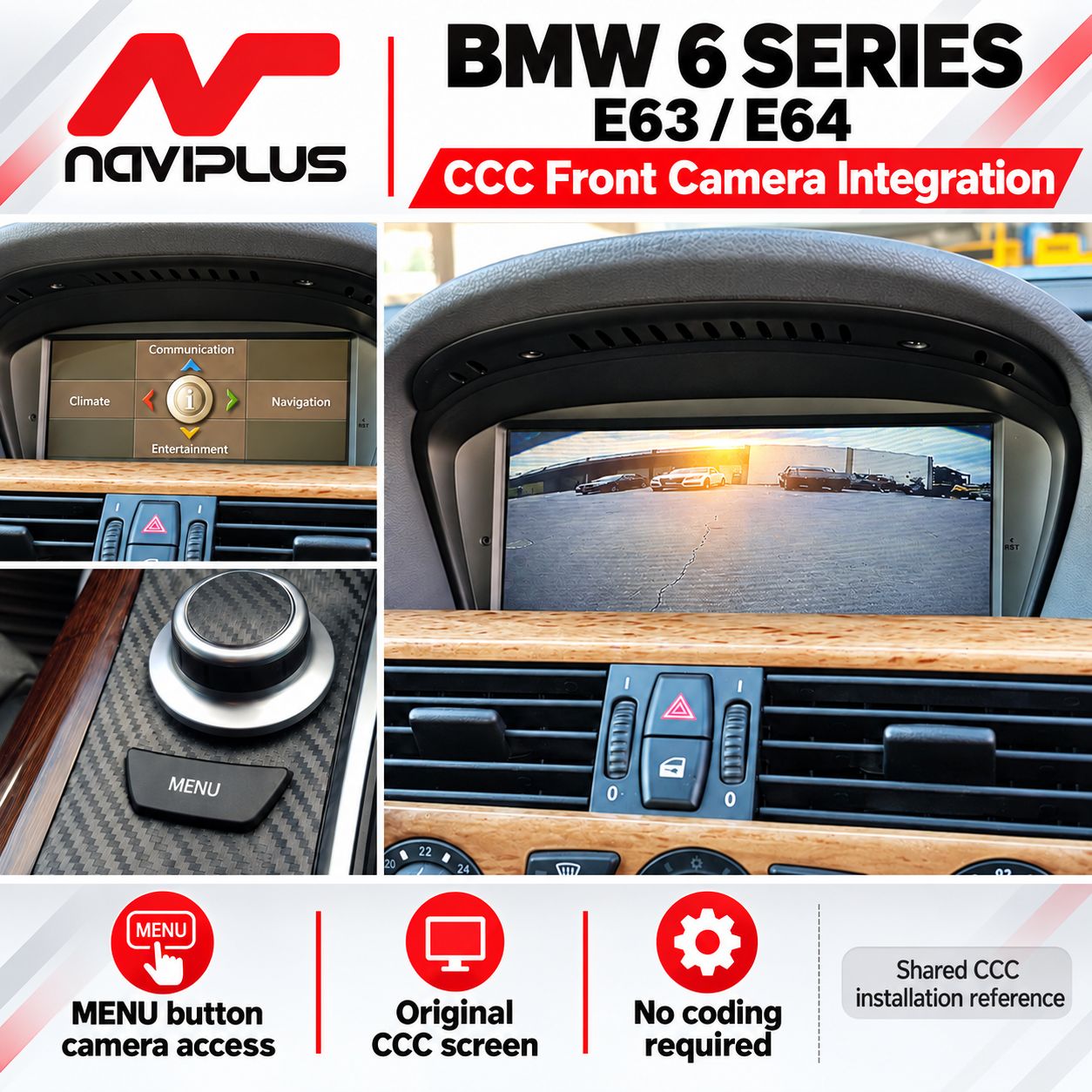
BMW 6 Series E63 / E64 CCC iDrive Front Camera Integration 2004–2009
SKU E63_CCC_FCAM
AU$550.00
1
Save this product for later
BMW 6 Series E63 / E64 CCC iDrive Front Camera Integration 2004–2009
Product Details
BMW 6 Series E63 / E64 CCC iDrive Front Camera Integration 2004–2009
Add a front-camera input to the original screen in your compatible BMW 6 Series E63 / E64 with CCC iDrive. Access the front view using the MENU-button camera mode shown in the product reference, helping you check the area ahead during parking.
Check Your Factory System Before Ordering
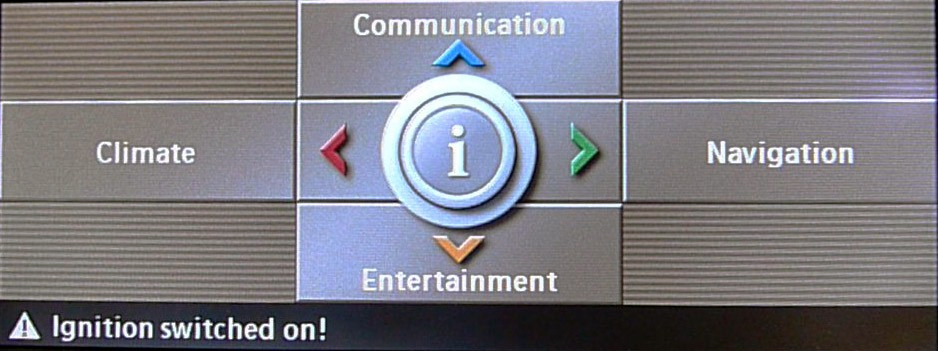
This package is for a confirmed compatible CCC iDrive system. Vehicle year alone does not confirm fitment. Send your VIN, build date and clear photos of the original display and controls. CIC, NBT and aftermarket screens require separate compatibility checks.
Key Features
- Front camera view: view a compatible forward-facing camera through the factory screen.
- MENU-button access: press and hold MENU as shown in the camera-mode reference; confirm the installed configuration.
- Original CCC screen retained: adds a camera input to the existing factory display.
- Factory audio retained: the original radio / infotainment equipment remains in place.
- No coding required: for the specified compatible vehicle and interface setup.
Factory System Identification
Vehicle Compatibility
For BMW 6 Series E63 / E64 with a confirmed compatible CCC iDrive display, headunit and connections.
Catalogue title reference: 2004–2009. Fitment depends on installed equipment, market, build date and any previous retrofits.
- Send VIN, model and build date.
- Send factory screen/menu and controller photos.
- Confirm existing parking sensors, factory camera and aftermarket equipment.
- Confirm camera mounting style, video signal and any additional parts before ordering.
Camera Mode & MENU Button
The model-specific source graphic shows pressing and holding the MENU button to access camera mode. Have the installer demonstrate entry and exit for your configuration.
The original summary mentions automatic front-camera activation but does not specify a verified trigger, speed threshold or timer. Confirm any automatic operation before ordering; no fixed speed or post-reverse timing is promised here.
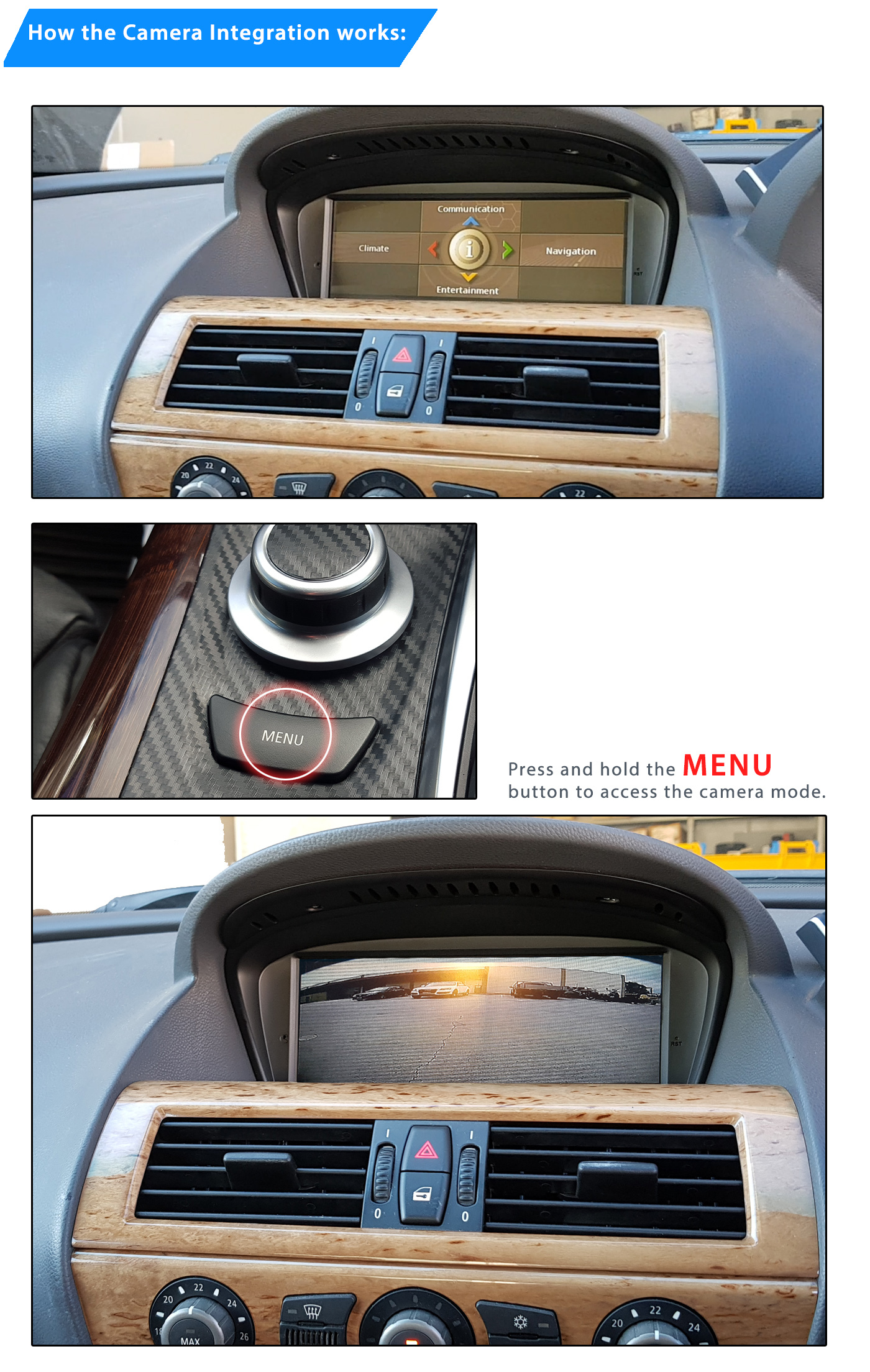
Shared controller and dashboard images illustrate operation; trim, controller finish and camera image may differ.
Existing Parking Sensors & Camera
Tell Naviplus whether the vehicle already has factory parking sensors or a rear camera. Retention, on-screen sensor graphics and priority between camera inputs need to be confirmed for the selected interface and wiring.
This interface does not add parking sensors or a surround-view system. Do not assume front-camera guidelines or automatic camera switching are included unless confirmed.
Kit Reference & Installation
- Video interface for the confirmed CCC system.
- Confirm the matching vehicle wiring, camera input and installation accessories.
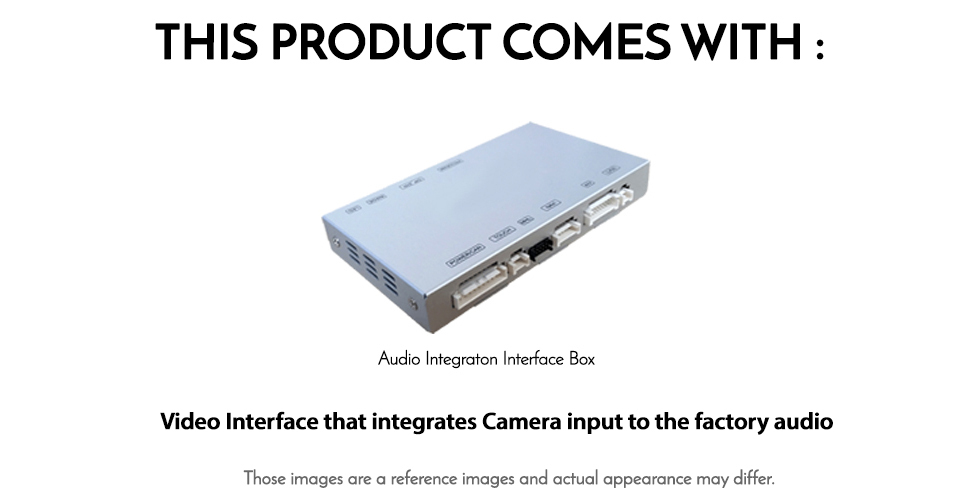
Confirm whether the front camera itself, wiring extensions and mounting accessories are included in your selected quote. The component reference explicitly identifies the interface box; do not assume additional camera hardware from illustrative photos.
Professional installation is recommended for secure camera mounting, correct power and video wiring, interface configuration and a clean finish. The factory headunit may need temporary removal during fitting.
No coding is required for the specified compatible interface setup. Confirm the final kit contents, labour and vehicle-specific requirements with Naviplus.
Warranty & Support
We provide a 12-month product warranty and pre-test systems before dispatch. Contact Naviplus promptly if you experience a problem, and before returning a product.
Returned systems are tested and may receive a firmware update if required. Testing normally takes 1–2 days after receipt. Once repair or replacement is confirmed, we dispatch the system back at our cost. Return shipping arrangements for faulty goods are subject to applicable consumer rights.
This warranty is additional to your rights under Australian Consumer Law. The change-of-mind notification period does not limit warranty claims or applicable consumer guarantees.
Change-of-Mind Returns
Contact us within seven days of receipt with your reason for requesting a change-of-mind return. Conditions depend on product condition. For days 8–13, contact us to confirm the applicable terms.
| Condition | 1–7 Days | 14–30 Days | Over 30 Days |
|---|---|---|---|
| Unopened / unused | Product refund less shipping and 3% handling costs | Up to 10% restocking fee, depending on condition | No change-of-mind return |
| Installed product | Up to 20% restocking fee, depending on condition | No change-of-mind refund; warranty service remains available | No change-of-mind return; applicable warranty rights remain |
Returned products are tested to assess condition and use, including stored vehicle data where applicable. Change-of-mind refunds are based on the product price and exclude shipping, installation labour and related costs. These terms do not limit your rights under Australian Consumer Law.
Payment Information
Check Your BMW Before Ordering
Send your BMW 6 Series E63 / E64 build date and VIN, plus photos of the factory screen and controls. Tell us about existing navigation, parking sensors, cameras and any aftermarket equipment so we can confirm the correct front camera package.
Enquire About CompatibilityDisplay prices in:AUD