Categories
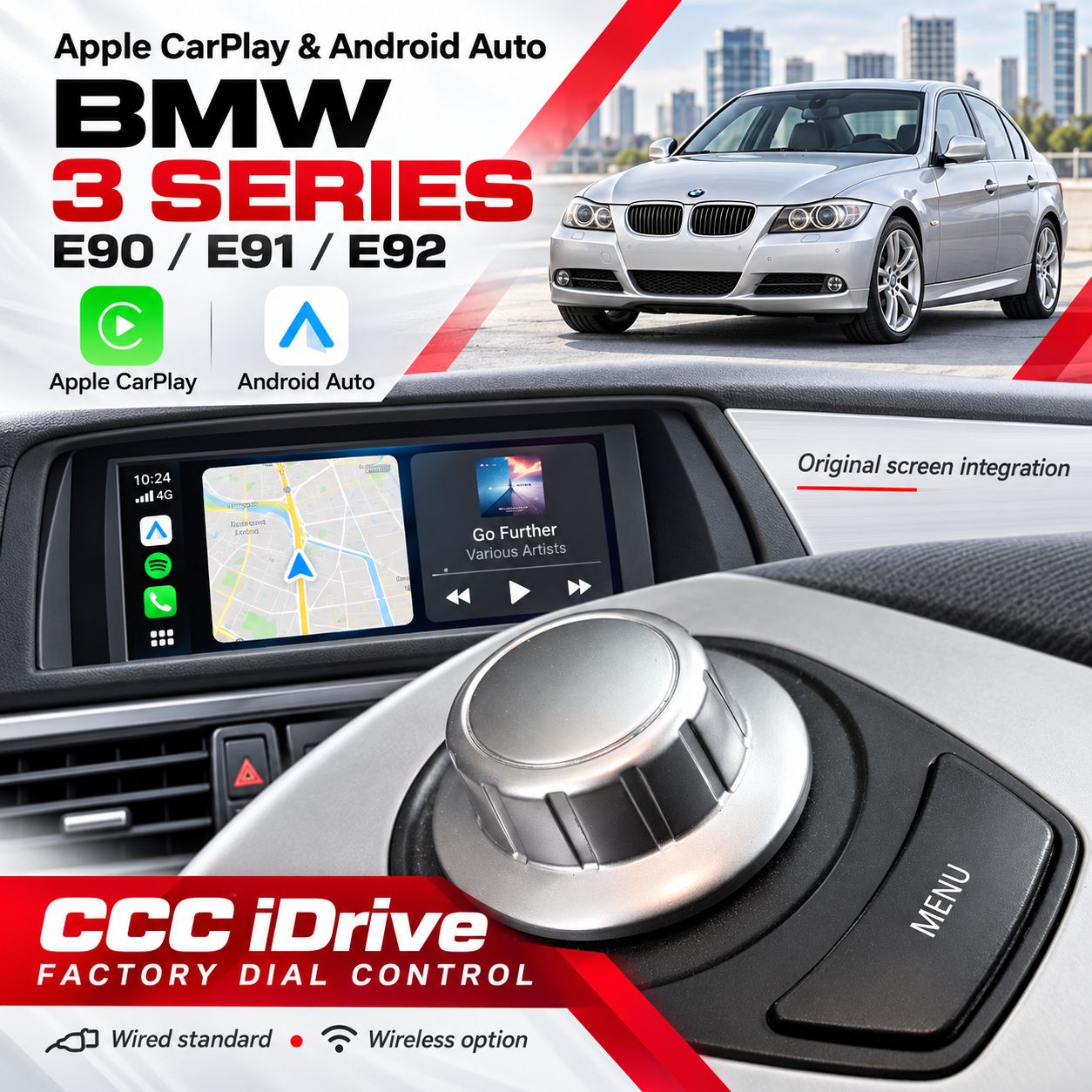
BMW 3 Series E90 / E91 / E92 CCC iDrive Dial Apple CarPlay & Android Auto Integration 2005–2008
SKU E90CCC_DNP
AU$800.00
Additional Accessories
1
Save this product for later
BMW 3 Series E90 / E91 / E92 CCC iDrive Dial Apple CarPlay & Android Auto Integration 2005–2008
Product Details
BMW 3 Series E90 / E91 / E92 CCC iDrive Dial Apple CarPlay & Android Auto Integration 2005–2008
Add Apple CarPlay and Android Auto to your compatible BMW 3 Series E90 / E91 / E92 with CCC iDrive. Use supported navigation, music, calls and messaging apps through the original factory screen, with the existing iDrive controller for supported functions.
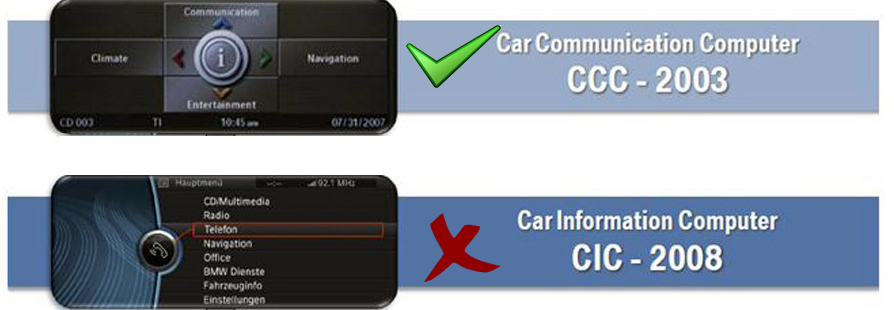
Confirm CCC Before Ordering
This is a factory-screen integration interface. It is not an Android replacement display or an upgrade for CIC / NBT systems. Send your VIN, build date, dashboard, original menu and iDrive-controller photos so we can confirm the correct kit.
Key Features
- Original screen integration: add supported smartphone apps to the compatible CCC display.
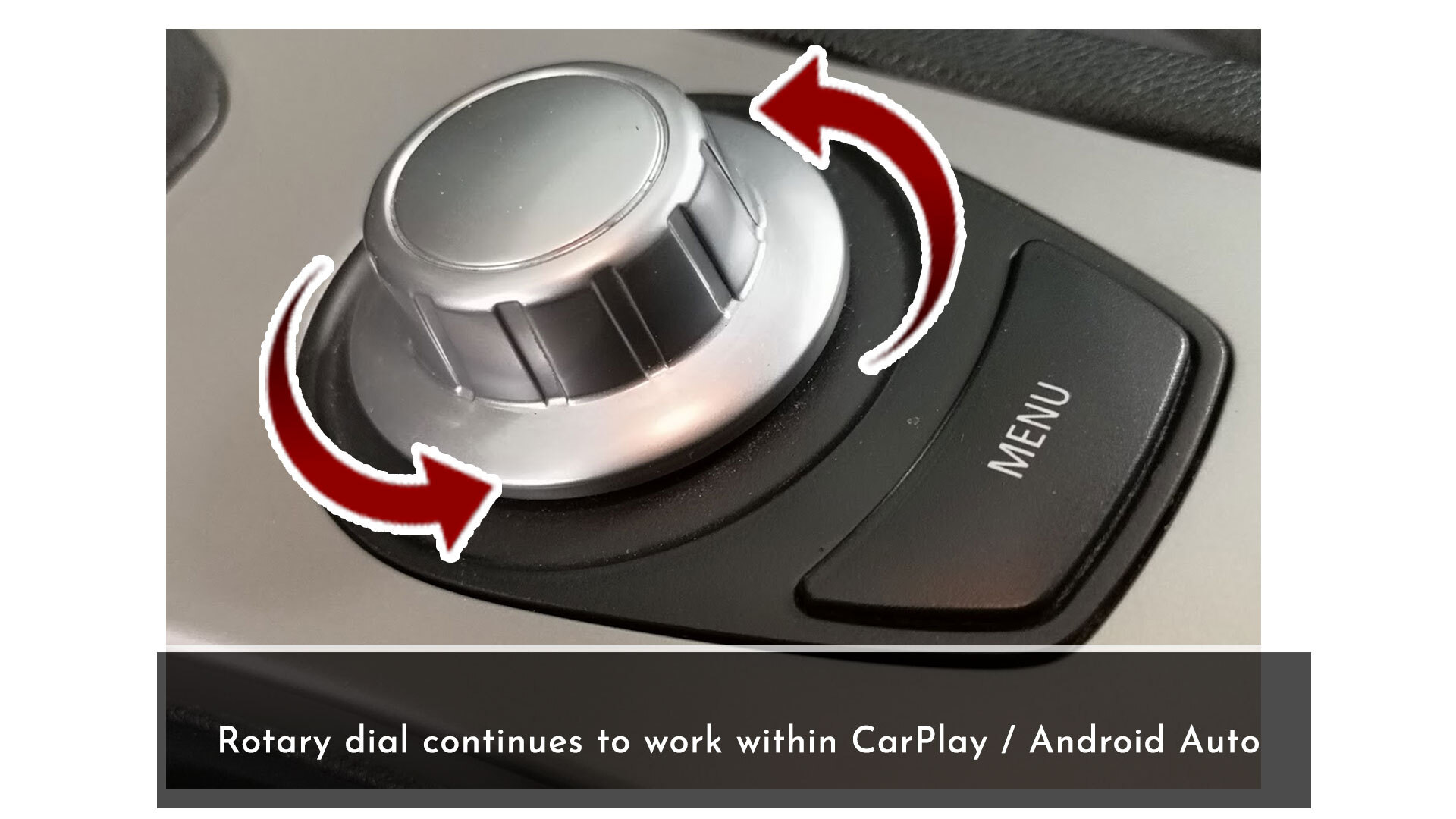
- iDrive dial control: use the original rotary controller for supported CarPlay / Android Auto functions.
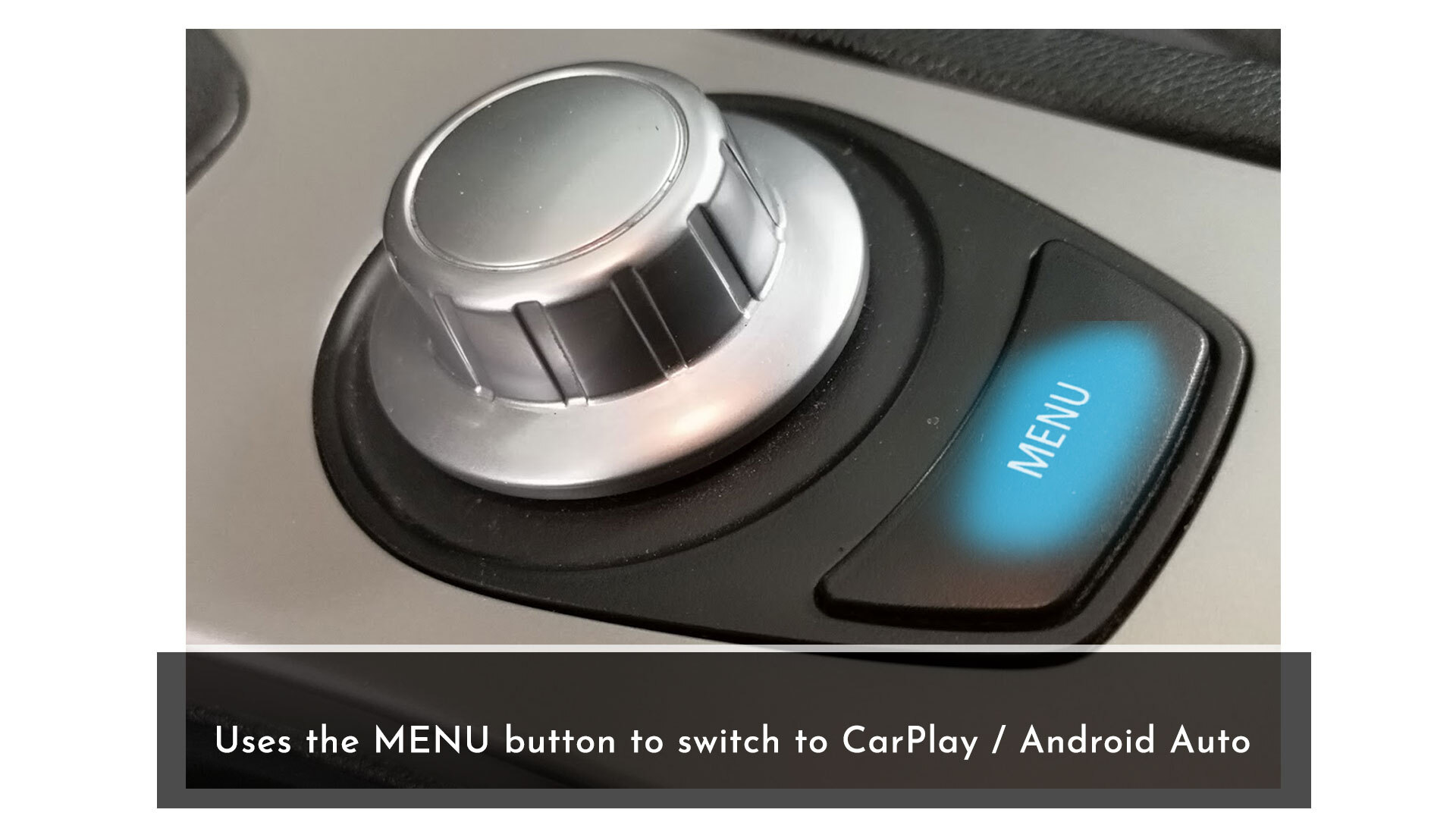
- MENU button switching: switch between the integration interface and the original BMW system.
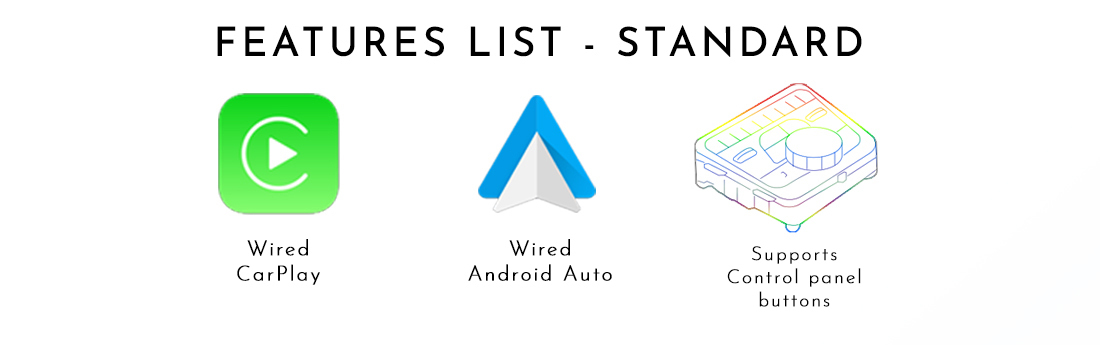
- Wired connection as standard: connect a compatible iPhone or Android phone using the supplied USB connection and a suitable data cable.
- Wireless option: available with the selected wireless accessory / package; confirm it is included in your order.
- AUX / external audio integration: smartphone audio plays through the original vehicle sound system after the correct audio setup.
Model & CCC Compatibility
This page is for BMW 3 Series E90 / E91 / E92 with confirmed compatible CCC iDrive. A matching model badge or year alone does not confirm the headunit, display connection or controller.
Original listing reference: 2005–2008. This range is a guide only. Equipment changes, body style, market and previous retrofits can affect compatibility. Confirm the installed CCC unit rather than relying on an LCI / pre-LCI label.
- VIN and build date.
- Factory dashboard, screen/menu and iDrive controller photos.
- Working AUX input or details of the original external audio input.
- Existing cameras, audio-system faults and previous aftermarket equipment.
MENU Button & iDrive Controls
Use the MENU button beside the iDrive dial to switch into CarPlay / Android Auto, as shown in the supplied CCC reference. Follow the supplied kit instructions for the exact press / hold sequence.
Use the original rotary dial for supported navigation and selection functions. Some Android Auto functions may not respond to the control knob; operation depends on the supplied hardware and software.
This Dial Kit does not by itself convert the original CCC display into a touchscreen. Any touch overlay or additional controller must be separately confirmed. Steering-wheel button support depends on the vehicle and selected interface.
AUX Audio & Microphone
Sound uses AUX / a compatible external audio input. Where AUX is unavailable, the source lists AUX activation using a diagnostic tool or a compatible adapter via the CD-player output. Naviplus must confirm which solution applies and whether extra parts or labour are required.
The phone-to-interface wireless connection is separate from the car’s original audio input. Do not assume that original CCC phone Bluetooth provides Bluetooth music input for this kit.
Microphone arrangements must be confirmed for the supplied package. The component reference shows an external microphone where required. Check calls, voice commands and audio operation during installation.
USB, Wired & Optional Wireless Connection
Standard package: wired Apple CarPlay and wired Android Auto. The listing offers a separate wireless CarPlay / Android Auto option. Confirm the selected option and compatible phone software before ordering.
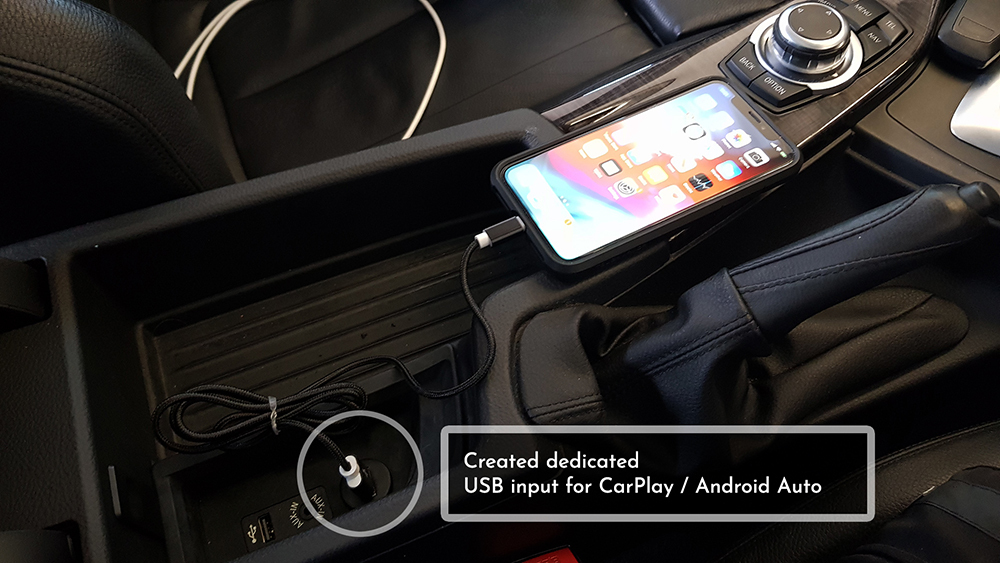
The interface creates a dedicated USB connection. Use a compatible data cable; an existing charging-only factory USB socket should not be assumed to support the interface.
With the optional wireless hardware selected, connection uses the interface’s Bluetooth and Wi-Fi. If connection stability is affected, use the wired connection and follow current setup instructions. Supported apps and appearance depend on your phone.
Reverse Camera & Optional Accessories
The original listing offers a trunk-handle-style CCD camera as an additional accessory. It is not included unless selected. Confirm body-style fitment and the supplied camera type before ordering.
If your BMW already has a factory camera or parking sensors, advise Naviplus before ordering so retention, switching and display behaviour can be checked. Optional accessory images do not establish that every feature is included.
Installation & Package Contents
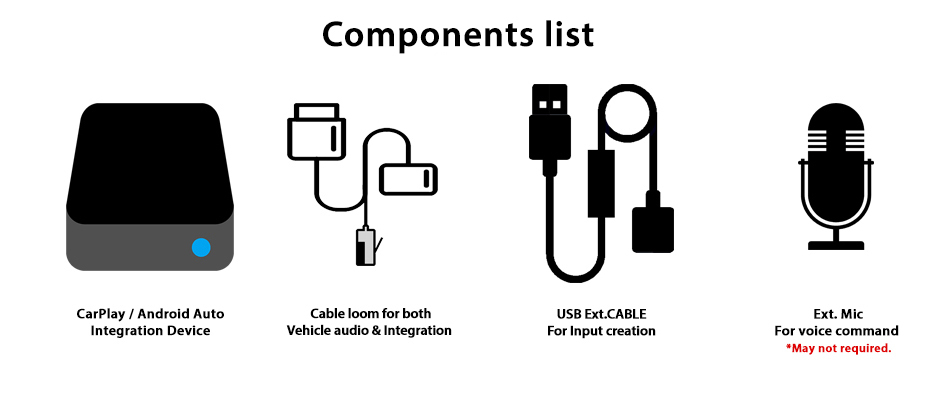
- CarPlay / Android Auto integration interface.
- Vehicle-specific wiring loom.
- USB extension connection.
- External microphone where required; confirm the final supply.
Professional installation is recommended for interface fitting, safe wiring, audio setup and a demonstration. The original radio is retained; existing CCC rebooting or display faults require separate diagnosis.
The interface reference describes installation without coding for the interface itself. AUX activation may still require diagnostic coding where the vehicle does not have a suitable enabled audio input. Confirm all adapters and installation costs before booking.
Reference Video
Shared demonstration retained from the original listing. It may show another BMW model or software version; confirm operation for your vehicle.
Warranty & Support
A 12-month product warranty is provided. Systems are pre-tested before dispatch. Contact Naviplus promptly if you experience a problem and before returning a product. The seven-day change-of-mind notification period does not limit warranty claims.
Returned systems are tested and may receive a firmware update if required. Testing normally takes 1–2 days after receipt. After repair or replacement is confirmed, the system is dispatched back at our cost. Return shipping arrangements for faulty goods are subject to applicable consumer rights. This warranty is additional to Australian Consumer Law rights.
Change-of-Mind Returns
Contact us within seven days of receipt with the reason for your request. For days 8–13, contact Naviplus to confirm the applicable terms. Conditions depend on product condition.
Unopened / unused: days 1–7, product refund less shipping and 3% handling costs; days 14–30, up to 10% restocking fee depending on condition; over 30 days, no change-of-mind return.
Installed product: days 1–7, up to 20% restocking fee depending on condition; days 14–30 and over 30 days, no change-of-mind refund. Applicable warranty rights remain.
Returned products are checked for condition and use, including stored vehicle data where applicable. Change-of-mind refunds are based on the product price and exclude shipping, installation labour and related costs. These terms do not limit Australian Consumer Law rights.
Payment Information
Check Your BMW 3 Series E90 / E91 / E92 Before Ordering
Send your VIN, build date, factory screen/menu and controller photos. Tell us your phone model, AUX availability and whether you want the wireless or camera option.
Enquire About CompatibilityDisplay prices in:AUD