Categories
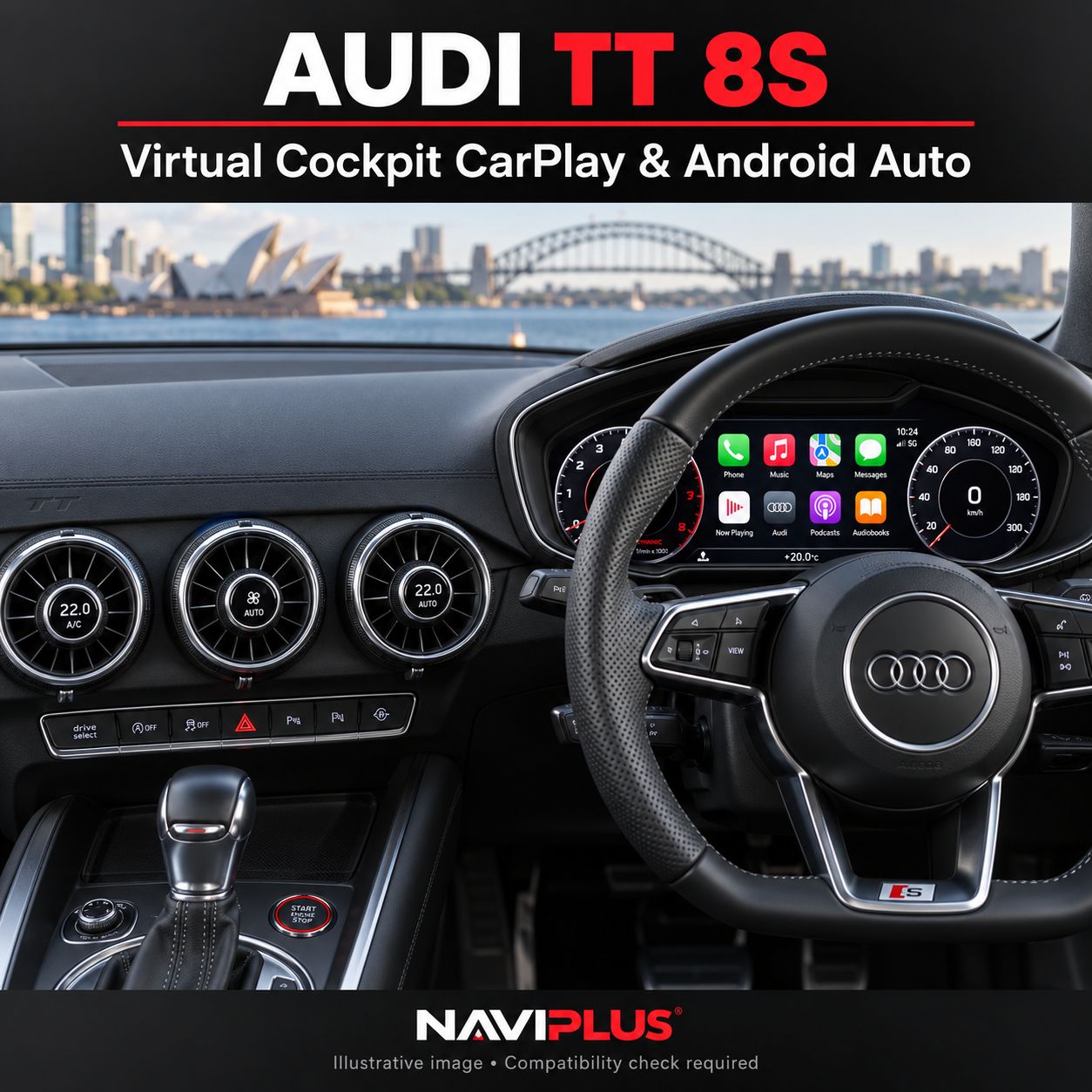
Audi TT 8S Factory Apple CarPlay & Android Auto Activation
SKU 8S_ACT
AU$0.00
1
Save this product for later
Audi TT 8S Factory Apple CarPlay & Android Auto Activation
Product Details
Audi TT 8S Factory Apple CarPlay & Android Auto Activation
Activate Audi Smartphone Interface on your compatible Audi TT 8S factory infotainment system. Access supported navigation, music, calling and messaging apps through the original Audi Virtual Cockpit display and controls.
Please contact us before purchasing. This is a paid activation service.
Compatibility and pricing must be confirmed before ordering. Send your VIN, model year, MMI software-version photo and photos of the factory screen, control panel and USB ports to sales@naviplus.com.au.
Vehicle Compatibility
| Vehicle | Audi TT 8S with factory Virtual Cockpit — subject to factory-system verification |
|---|---|
| Required infotainment system | Compatible MIB2 hardware and software supporting Audi Smartphone Interface. A MIB label alone does not confirm eligibility. |
| Model year | Eligibility depends on the installed head unit, software and USB hardware. Model year alone is insufficient. |
| Phone connection | Wired Apple CarPlay and Android Auto through a compatible factory USB data port |
| Audio & microphone | Factory sound system and factory microphone; no AUX audio connection required for factory smartphone integration |
| Operation | Original MMI rotary controller and supported multifunction steering-wheel controls |
Factory Smartphone Integration
This service enables the factory smartphone-interface function on an eligible Audi system. For vehicles confirmed as suitable for activation only, the original screen and head unit remain in place, with no additional aftermarket interface box required.
- Apple CarPlay and Android Auto on the factory Audi Virtual Cockpit display.
- Supported navigation apps, including Apple Maps, Google Maps and Waze.
- Supported music and podcast apps, including Spotify and Apple Music.
- Compatible hands-free calling, messaging and phone voice-assistant functions.
- Original Audi menus and existing factory functions remain available.
Available apps and functions depend on your phone, operating system, region and fitted Audi system.
Virtual Cockpit & Factory Controls
The TT 8S uses its Virtual Cockpit for factory infotainment. Operate supported smartphone-interface functions using the original MMI rotary controller and multifunction steering-wheel buttons. Existing instrument information and factory menus remain available; factory navigation remains available where fitted.
USB Audio & Factory Microphone
Connect your compatible phone using a suitable USB data cable. Factory smartphone integration plays music, navigation prompts and supported call audio through the original Audi sound system and uses the factory microphone for supported calls and voice commands.
A USB socket that charges your phone does not automatically confirm smartphone-interface compatibility. The correct USB hardware and data connection must be checked before activation.
Activation & Setup
- Send your vehicle details: VIN, model year, MMI software-version photo and factory-system photos.
- Receive compatibility confirmation: We confirm the activation method, price and any additional hardware required.
- Arrange the service: Melbourne workshop activation is available. Remote activation may be available for supported systems, subject to the required equipment and setup.
- Connect and test: Connect your phone to the compatible USB port and check smartphone-interface operation.
This listing is for an activation service. A replacement head unit, display, USB hardware, wireless adapter or other accessories are not included unless specified in your quotation.
Optional Hardware
- Compatible USB hardware upgrade: May be required if the fitted USB port or hub does not support Audi Smartphone Interface.
- Wireless adapter: Ask about a separately quoted compatible adapter if you prefer wireless operation. Wireless connectivity is not included in this wired activation service.
Frequently Asked Questions
Can every Audi TT 8S be activated?
No. The installed head unit, software and USB hardware must support the factory smartphone-interface function. Earlier or incompatible systems may require a different upgrade.
Will the factory screen be replaced?
No screen replacement is required for a vehicle confirmed as compatible with activation only.
Where does CarPlay or Android Auto appear?
On a compatible TT 8S, Audi Smartphone Interface displays supported smartphone content through the factory Virtual Cockpit. The TT 8S does not use a separate centre infotainment screen. The available layout depends on your fitted hardware and software.
Will activation remain after a dealer software update?
Contact Naviplus before a dealer software update or head-unit replacement so we can advise on your specific activation. Continued operation after every future update is not guaranteed.
Is this service free?
No. Contact Naviplus for compatibility confirmation and a quotation before purchasing.
Check Before Ordering
- Provide your VIN and MMI software-version photo before purchase.
- Do not order based only on model year or the presence of a USB port.
- Confirm any required USB upgrade, remote-service equipment and additional charges.
- Confirm support for your phone and the functions you need.
Enquire About Your Audi TT
Send us your VIN, model year, MMI software-version photo and photos of the factory display, control panel and USB ports. We will confirm compatibility and provide a quotation for your vehicle.
Display prices in:AUD