Categories
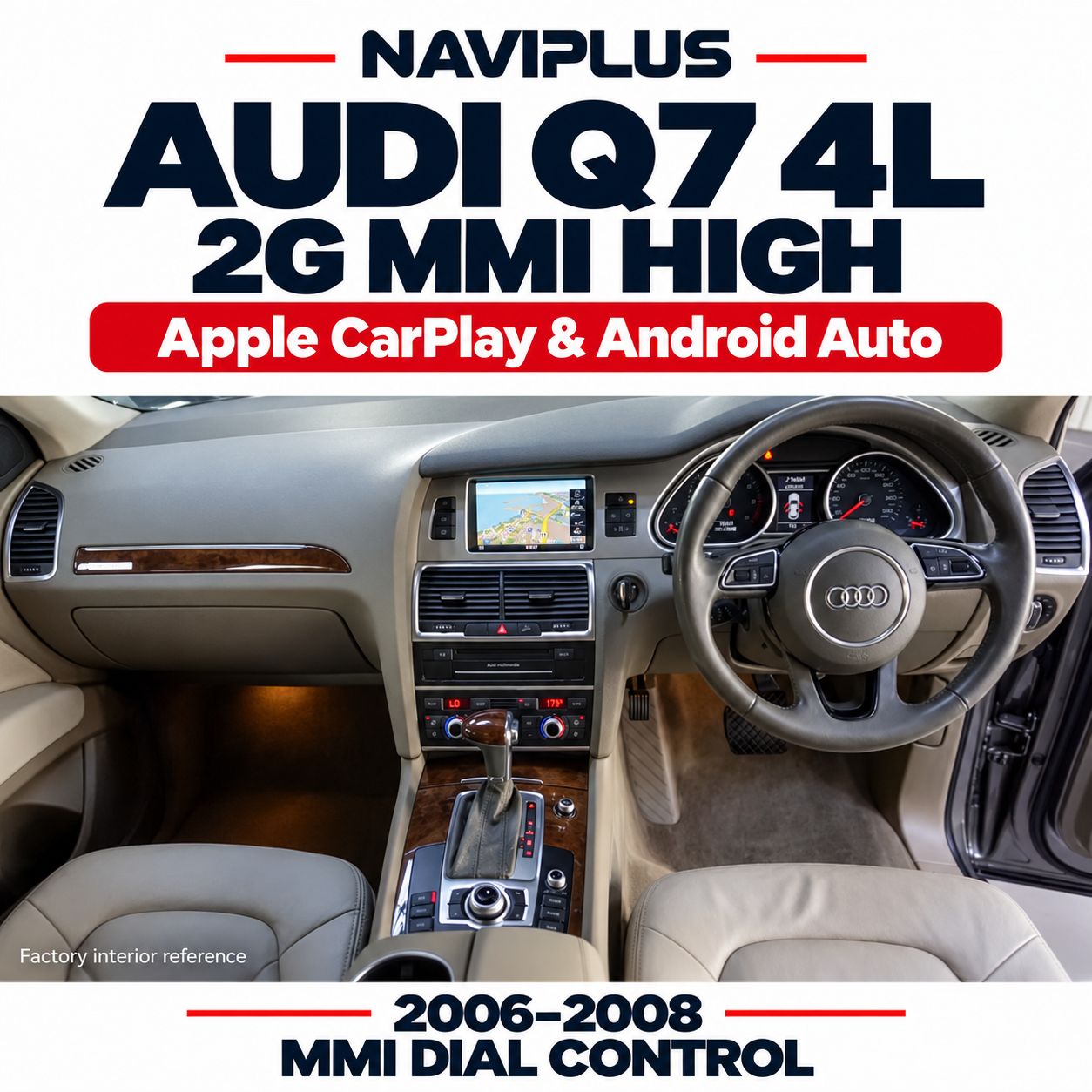
Audi Q7 4L 2006–2008 2G MMI High Apple CarPlay & Android Auto Integration
SKU Q72M_FNP
AU$800.00
Additional Accessories
Please purchase the AUX retrofit kit if your car does not have an AUX or AMI port
1
Save this product for later
Audi Q7 4L 2006–2008 2G MMI High Apple CarPlay & Android Auto Integration
Product Details
AUDI SMARTPHONE INTEGRATION
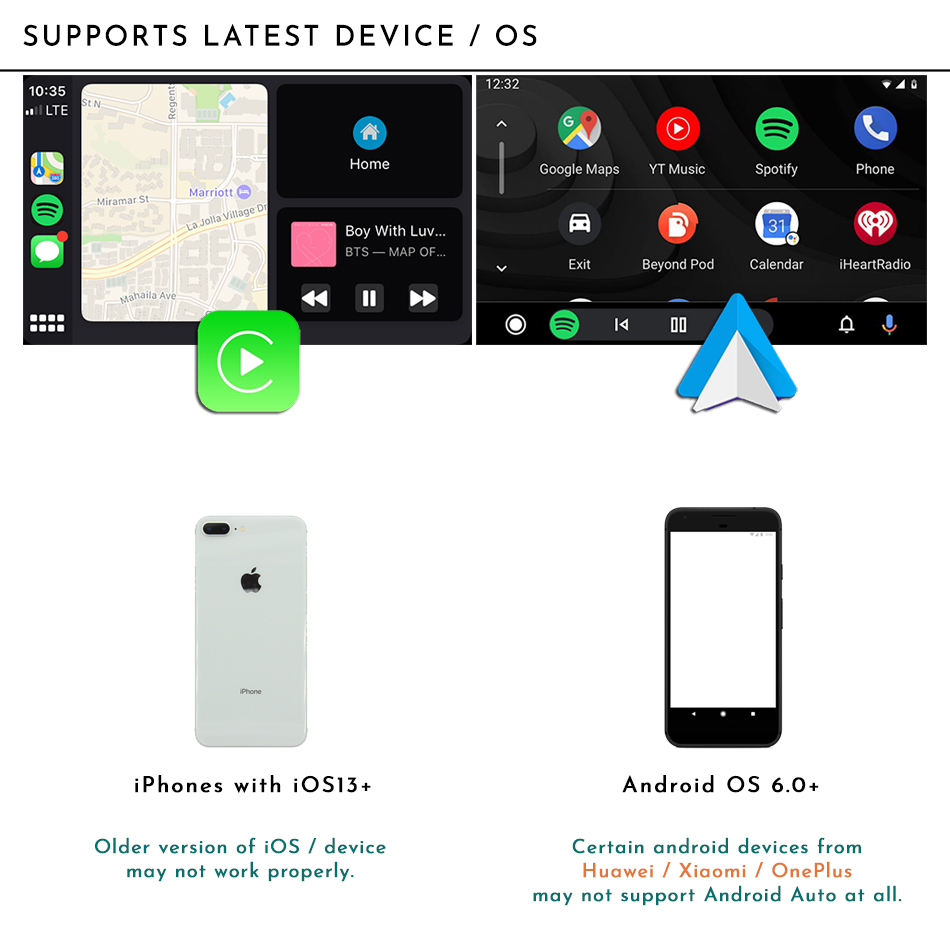
Apple CarPlay & Android Auto
for Audi Q7 4L
2006–2008 · 2G MMI High · Factory Dial Control
Bring modern smartphone connectivity to your Audi Q7 while keeping its original factory screen and MMI controls. Access compatible navigation, music and communication apps through Apple CarPlay or Android Auto.
Important: AUX audio is required
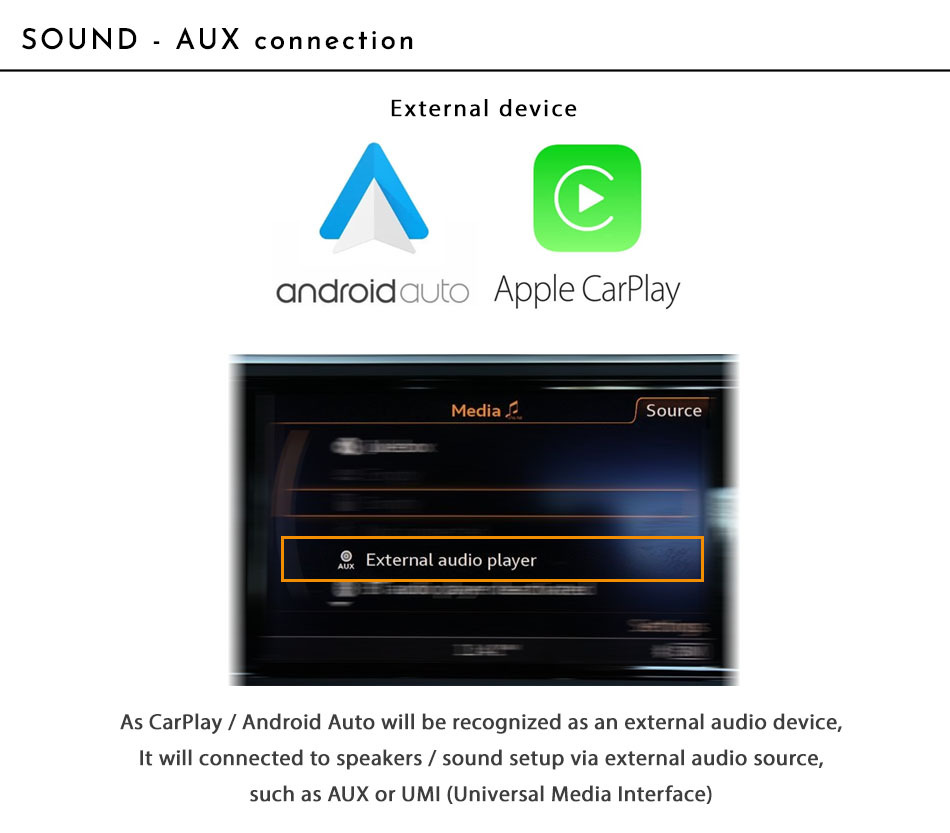
This system uses the vehicle’s AUX input for sound. If your Q7 does not have an available AUX input or mode, please select the additional AUX retrofit kit during checkout. Confirm any activation requirements before installation.
Modern connectivity. Original Audi interior.
- Apple CarPlay & Android Auto: Use supported smartphone apps on the original factory display.
- Factory dial operation: Navigate menus using the existing MMI rotary controller and assigned buttons.
- Retains the factory screen: Adds smartphone integration without replacing the original display.
- Factory system access: Switch between the original Audi interface and the integration interface.
- AUX audio connection: Plays integration audio through the vehicle’s AUX mode.
Compatibility at a glance
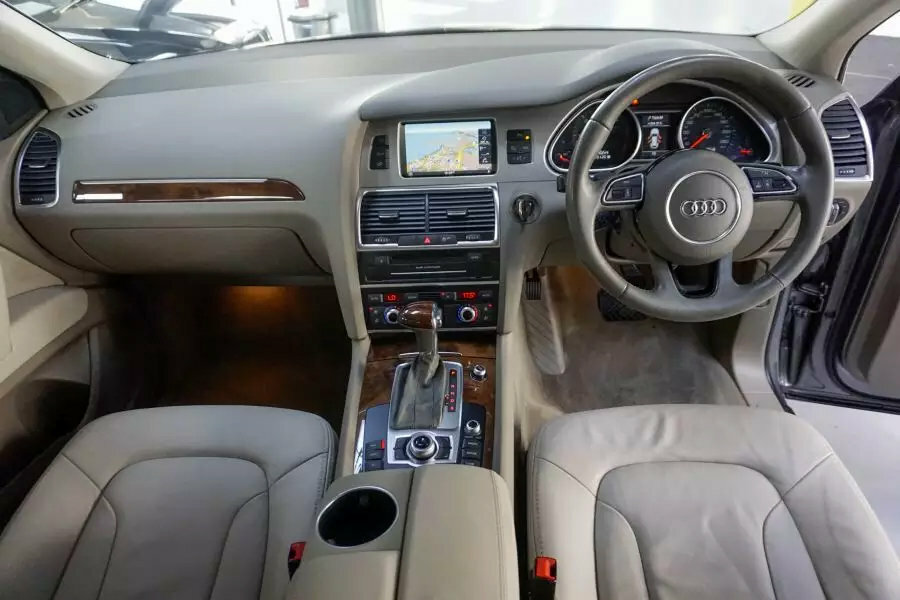
Intended for Audi Q7 4L models from 2006 to 2008 equipped with 2G MMI High. Model year alone does not confirm compatibility. Please send photos of your factory display, MMI controller and software version before ordering.
This listing is for the Q7 4L configuration described above. Compatibility with other MMI versions or Q7 generations must be checked separately.
Reference installation video
Supplied reference: 2008 Audi Q7, Australian-delivered vehicle. The video is an installation reference; available functions depend on the supplied module and vehicle configuration.
Vehicle & system compatibility
- Vehicle: Audi Q7 4L.
- Listed model years: 2006–2008.
- Required factory system: 2G MMI High.
- Audio requirement: Available AUX input or an additional compatible AUX retrofit kit.
Please confirm the fitted system before purchase. A vehicle’s registration year does not identify its MMI system.
Screen switching & MMI dial operation
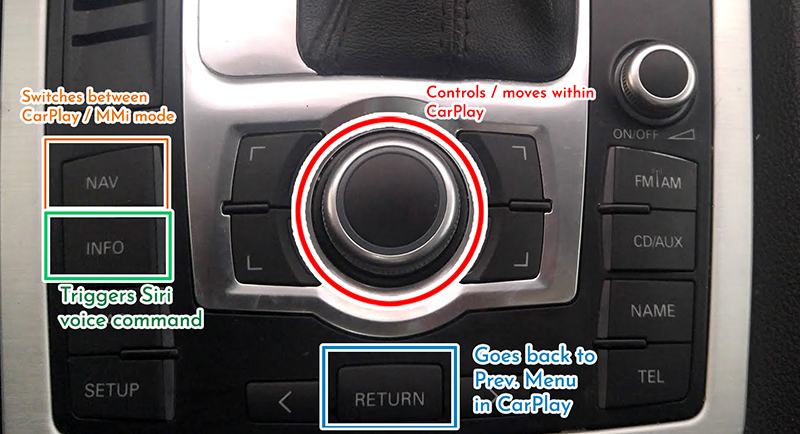
The system uses the original MMI rotary controller and assigned buttons.
- Use the existing NAV button to switch between the factory interface and Apple CarPlay / Android Auto, following the supplied operating instructions.
- The supplied instructions specify a press-and-hold action for interface switching and the assigned Siri function.
- Use the rotary controller and assigned buttons to navigate menus and select supported functions.
Confirm the button assignments for your supplied module during installation. The image below is a shared controller reference; your vehicle’s layout may differ.
AUX audio & additional accessories
Select AUX on the factory audio system to hear sound from the integration module.
No AUX available? Add the AUX retrofit kit from the optional accessories during checkout. Please confirm the required hardware and any activation work with Naviplus before installation.
Smartphone connection & cables
Connect a compatible smartphone following the instructions supplied with your kit. Confirm the supported wired or wireless connection methods for the selected module before ordering.
For a wired connection, use a suitable data cable for your phone. This may be a Lightning cable or USB-C cable for an iPhone, or the appropriate cable for an Android phone.
Phone-specific connection cables are not included. When changing phones, use the appropriate compatible cable.
Please confirm microphone requirements and phone compatibility with Naviplus before purchase.
Package components & installation
The package includes an installation guide and the relevant integration hardware. The supplied component diagram is shown below. Confirm the exact kit contents and selected accessories before ordering.

Professional installation is recommended for correct connections, secure cable routing and a clean factory-style finish.
Installation requirements depend on the fitted MMI system and AUX availability. Please confirm any AUX retrofit or activation work before booking installation.
Warranty & replacement support
The product includes a 12-month warranty. Please contact Naviplus promptly if you experience an issue and provide your order details and a description of the fault.
- Products are tested before dispatch.
- A returned unit will be assessed and updated where required. Testing and firmware work normally take 1–2 days after receipt.
- Once a repair or replacement is confirmed, the unit is dispatched back at Naviplus’s cost.
- Contact Naviplus for return instructions and applicable shipping arrangements before sending a unit back.
Warranty and return arrangements are subject to applicable Australian Consumer Law rights. The change-of-mind timeframes below do not limit those rights.
Change-of-mind returns
Please contact Naviplus within 7 days of receiving the product if you wish to request a change-of-mind return. Acceptance and fees depend on the product’s condition and time elapsed.
| Product condition | 1–7 days | 14–30 days | Over 30 days |
|---|---|---|---|
| Unopened / unused | Refund less shipping and 3% handling costs. | Up to 10% restocking fee, depending on condition. | Change-of-mind returns not accepted. |
| Previously installed | Up to 20% restocking fee, depending on condition. | Change-of-mind refunds not accepted. | Change-of-mind returns not accepted. |
For requests made on days 8–13, please contact Naviplus to confirm the applicable terms.
Returned units may be tested for prior use, including stored vehicle data. Change-of-mind refunds apply to the product price; shipping, installation labour and related costs are excluded.
These change-of-mind terms do not restrict remedies available under Australian Consumer Law for faulty products.
Payment information
Not sure which MMI system you have?
Send us your Audi Q7’s model year and photos of the factory display, MMI controller and software version screen. We’ll help confirm compatibility and any AUX accessories required.
Check Compatibility with NaviplusDisplay prices in:AUD