Categories
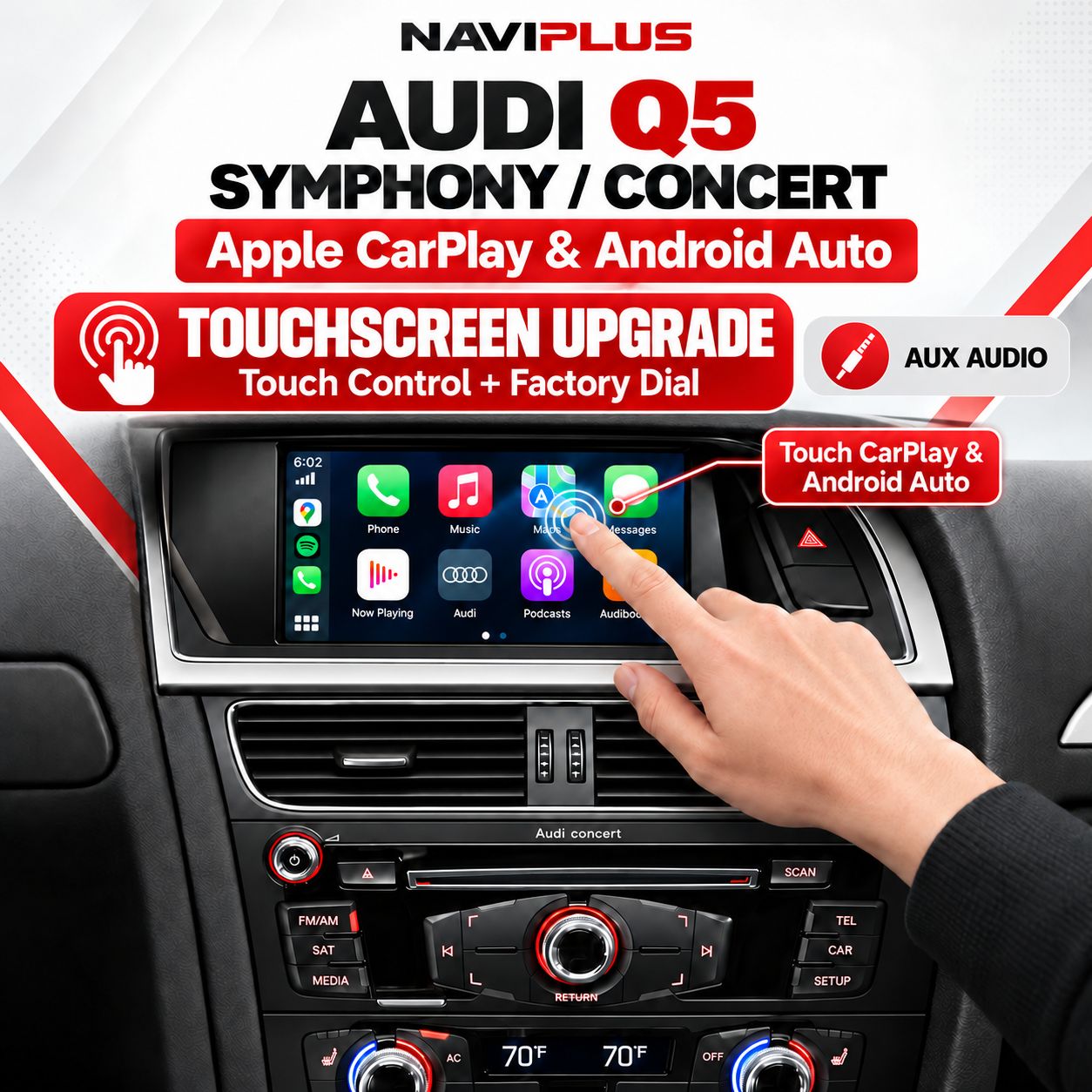
Audi Q5 Symphony & Concert Touch + Dial Apple CarPlay & Android Auto Integration (2009–2014)
SKU D2Q5_TNP
AU$950.00
Additional Accessories
1
Save this product for later
Audi Q5 Symphony & Concert Touch + Dial Apple CarPlay & Android Auto Integration (2009–2014)
Product Details
Audi Q5 Symphony / Concert Touch & Dial Apple CarPlay & Android Auto Integration
Upgrade your compatible Audi Q5 (2009–2014) with Apple CarPlay and Android Auto on the original 6.5-inch factory display. A touchscreen overlay adds touch operation for the integration, while the original front audio-panel rotary dial remains available for supported functions.
Check your factory audio system before ordering.
This listing is for the matching Symphony / Concert audio system with a 6.5-inch display and rotary controls on the front radio panel. The separate-console 3G MMI navigation system uses a different kit.
Send your VIN, model year and photos of the screen and controls to sales@naviplus.com.au.
Vehicle Compatibility
| Vehicle | Audi Q5 |
|---|---|
| Model years | 2009–2014; fitted factory system must be confirmed |
| Required screen | Matching 6.5-inch Symphony / Concert display |
| Factory audio system | Symphony / Concert; confirm with photos of the screen and front radio panel |
| 3G MMI / other systems | Contact Naviplus before ordering; different screen dimensions or hardware may require a different kit |
| Controls | Touchscreen overlay and supported original front audio-panel rotary dial functions |
| Mode switching | Press and hold SETUP on the front audio panel |
| Audio & microphone | Factory AUX input for integration sound. Confirm microphone arrangement for the supplied kit. |
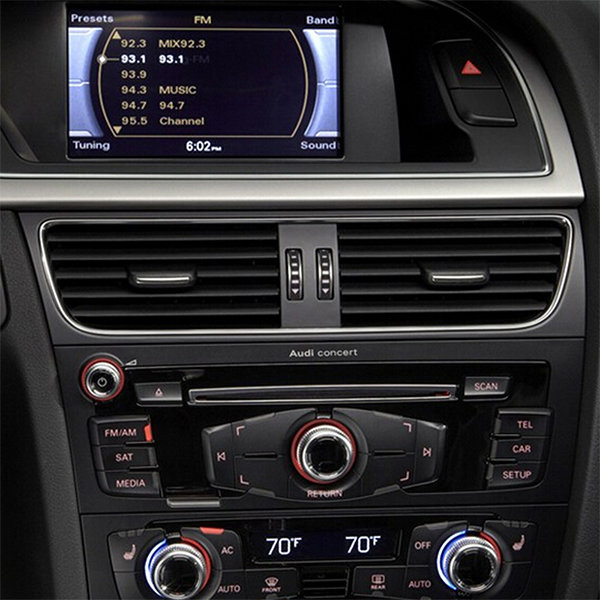
Touch & Dial Operation
The integration adds a touchscreen panel over the existing factory display. Tap compatible CarPlay / Android Auto icons directly on the screen, or use supported front audio-panel rotary dial controls while keeping the original dashboard appearance.
Touch operation applies to the integration interface. Original Audi functions remain accessible using the factory controls.
- Supported navigation apps, including Apple Maps, Google Maps and Waze.
- Supported music, podcasts, calling and messaging functions.
- Factory interface remains available alongside smartphone integration.
- App availability and supported controls depend on your phone and selected kit configuration.
Reference Installation Video
Reference installation video supplied with the original listing. Controls and features may vary by vehicle and selected configuration.
Switch Between Factory Audio and CarPlay / Android Auto
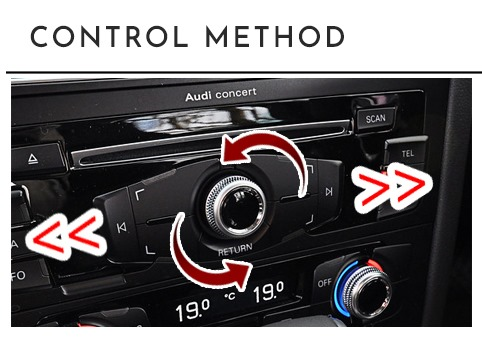
Press and hold SETUP on the front audio panel to bring up the integration display. Use the same mode-switching control to return to the factory interface, following the supplied kit instructions.
Factory Controls
Rotate the front audio-panel dial to move between icons and press the dial to select. Use TRACK for supported music-track controls and the supplied return/back control to navigate back, following the kit instructions.
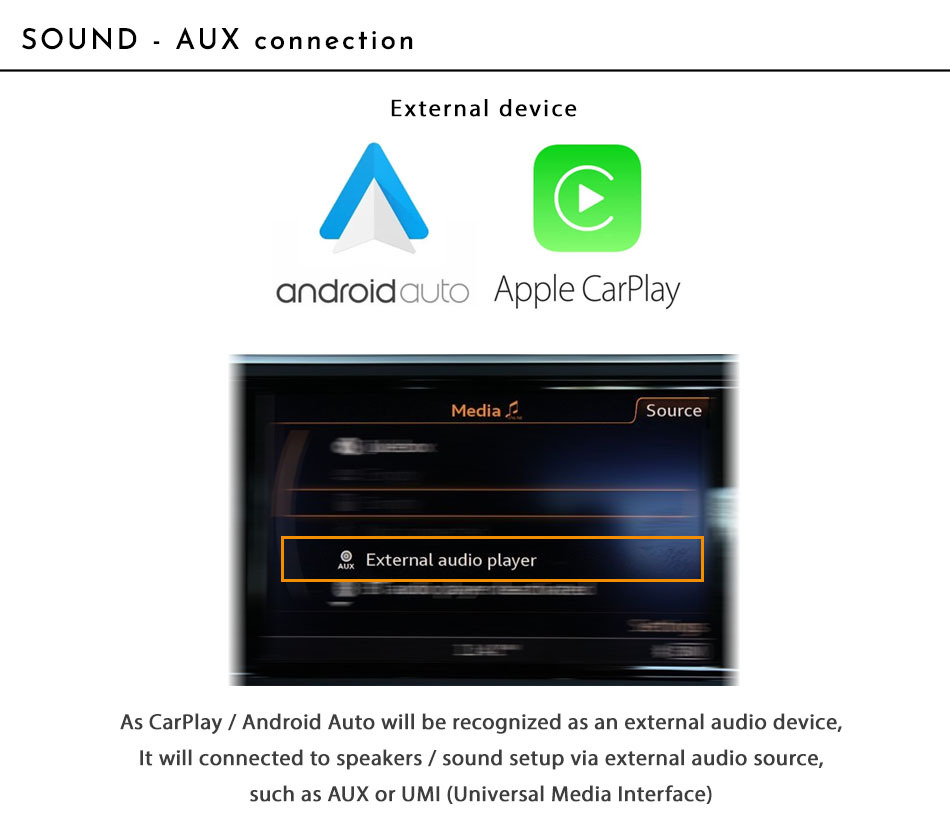
AUX Audio Connection
This kit uses the vehicle’s AUX input for CarPlay / Android Auto sound. Select AUX on the original Audi audio system. Confirm that AUX is available and correctly connected before installation.
Confirm the microphone arrangement supplied with your selected kit before ordering.
Phone Connection
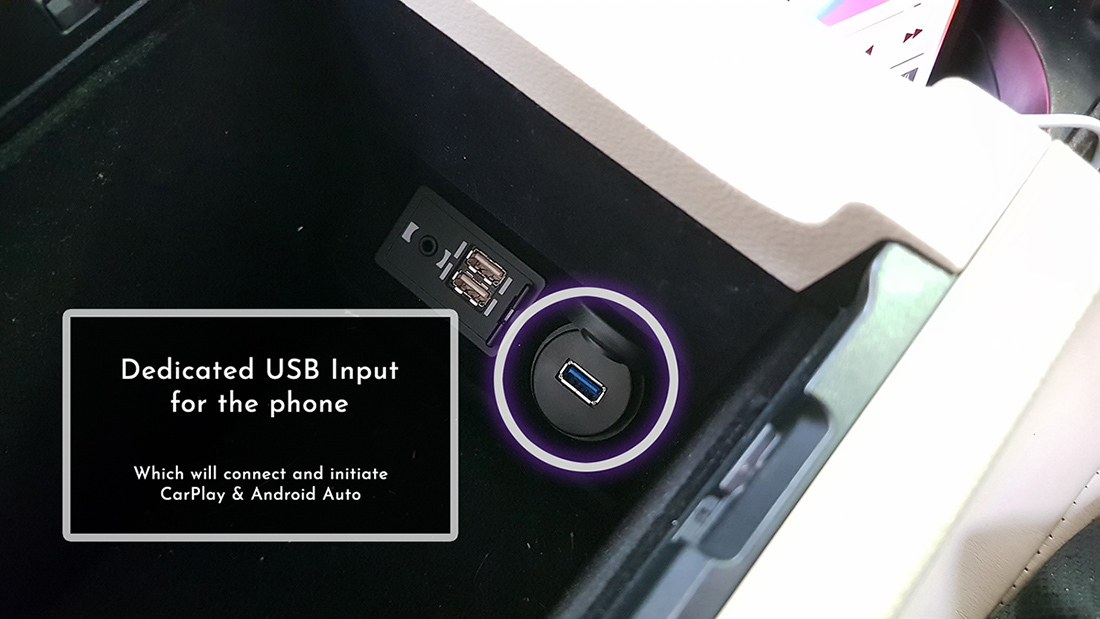
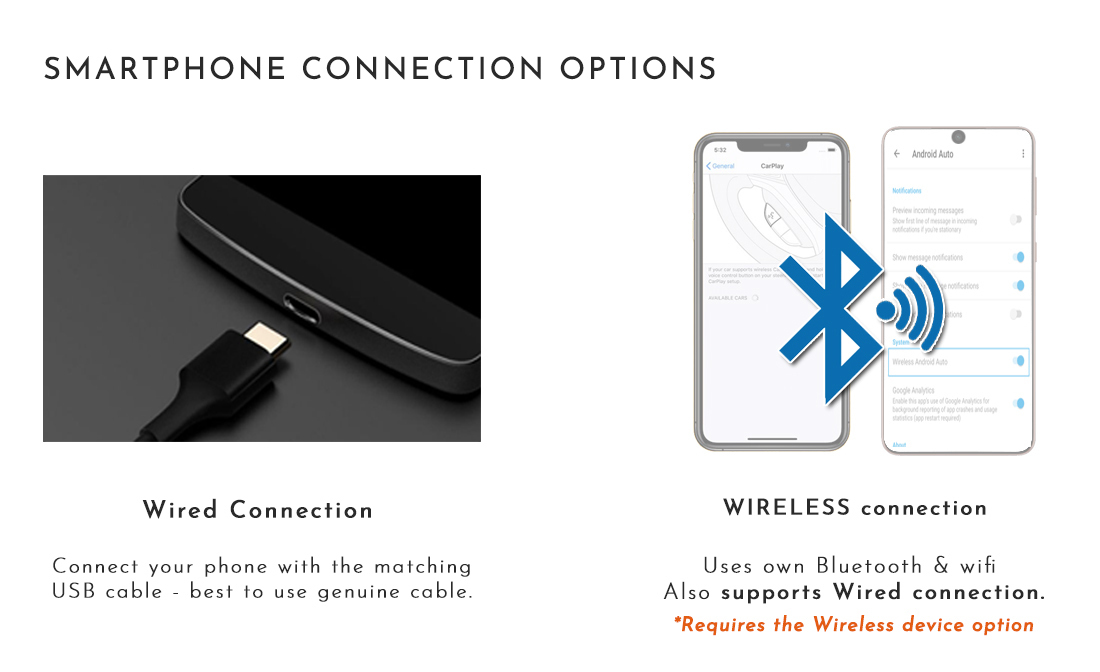
The standard configuration described in this listing uses a wired USB connection between your compatible phone and the integration module. Use the supplied dedicated integration USB input, rather than the vehicle’s original USB port. Confirm any wireless upgrade option before ordering.
Touch Panel — Test Before Fitting
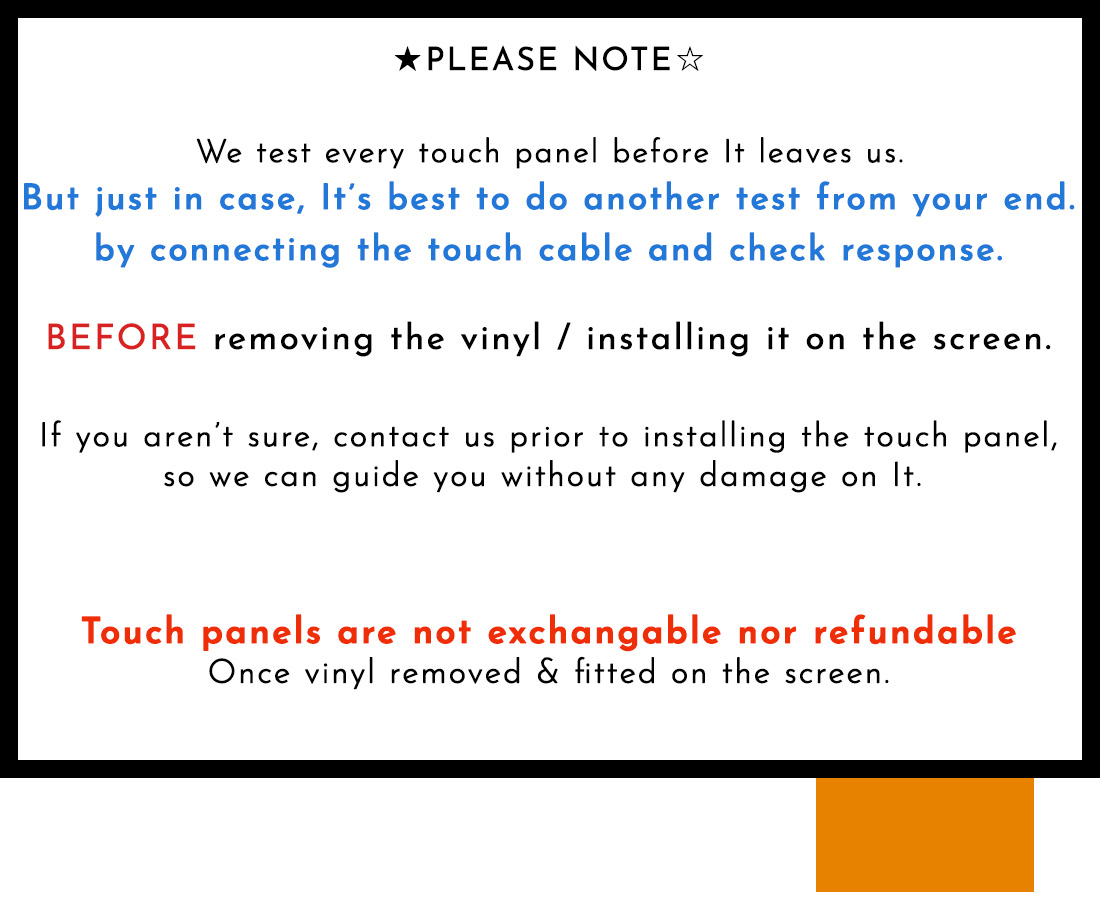
Test the touch panel before removing its protective film or permanently applying it to the screen.
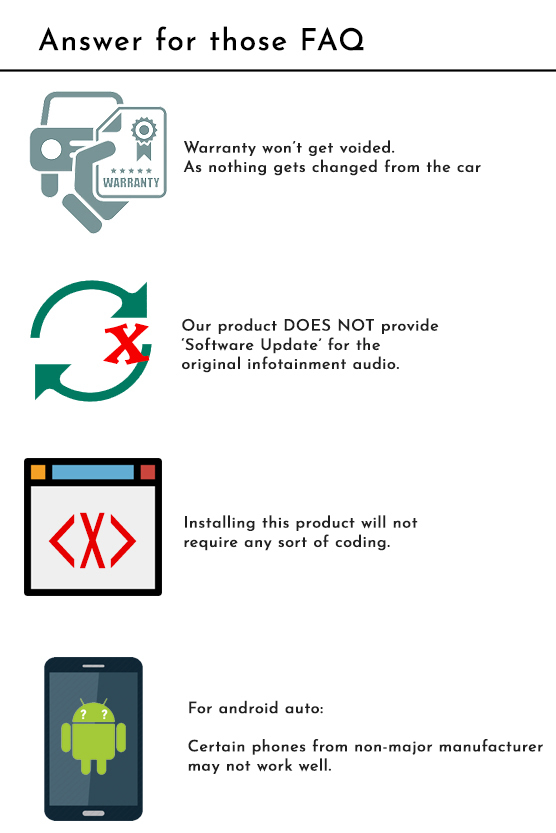
Check touch response and the supplied installation instructions first. Stop and contact Naviplus if a fault is found. Damage caused by incorrect handling or installation may not be covered by the product warranty. Your Australian Consumer Law rights remain applicable.
Configuration-Dependent Features
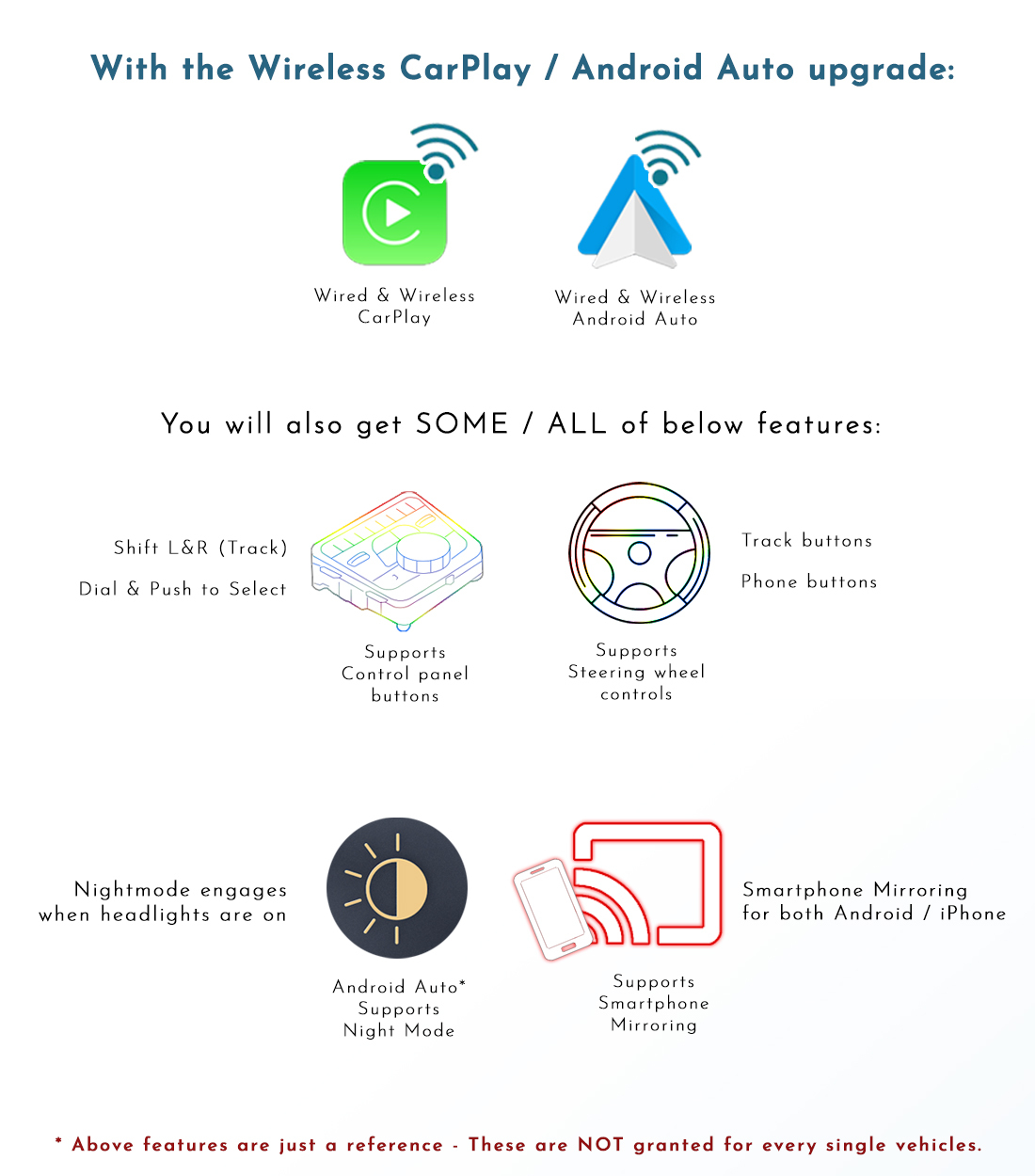
The original listing includes the following feature and connection references. Confirm the functions you need, wireless options and phone compatibility for your selected package before ordering.
Installation & Package Components
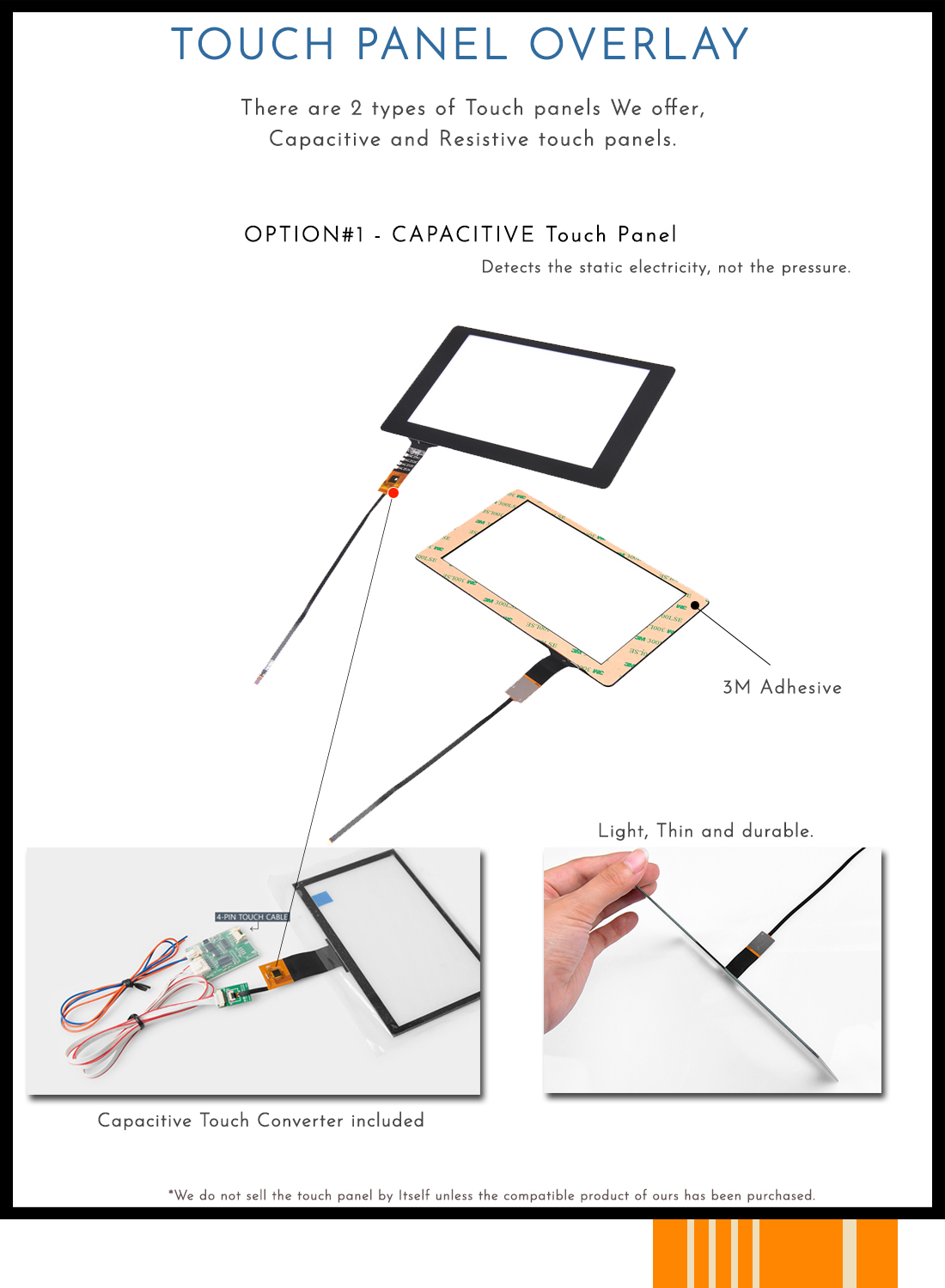
This is an aftermarket integration kit with a touch overlay. Installation involves fitting the overlay and connecting the integration hardware to the matching Audi system. Follow the supplied vehicle-specific instructions.
Confirm the exact module, overlay, wiring, USB connection, microphone arrangement and any optional accessories included in your selected package.
Payment Information
Warranty & Product Support
We provide a 12-month product warranty. Systems are pre-tested before dispatch. Contact Naviplus with your order details, vehicle information and a description or video of any problem.
Contact us before returning the system for instructions. Testing and any required firmware update typically take 1–2 days after receipt. Once an update or replacement is confirmed, we dispatch the system back at our cost. If a product fault is confirmed and Australian Consumer Law applies, reasonable return postage costs will be reimbursed; keep your receipt.
Your rights under Australian Consumer Law are additional to the product warranty. The warranty, installation instructions and change-of-mind policy do not exclude or restrict those rights. Faulty-product claims are not limited to seven days.
Change-of-Mind Returns
Contact Naviplus within 7 days of receiving the system for a change-of-mind request and return instructions. The following supplied policy applies to change-of-mind returns, subject to your Australian Consumer Law rights.
| Condition | 1–7 days | 14–30 days | Over 30 days |
|---|---|---|---|
| Unopened / unused | Refund excluding shipping and 3% handling costs | Up to 10% restocking fee, depending on condition | Change-of-mind returns not accepted |
| Installed — product warranty still applies | Up to 20% restocking fee, depending on condition | Change-of-mind refunds not accepted; warranty service available | Change-of-mind returns not accepted |
For days 8–13, contact Naviplus to confirm the applicable conditions. Returned systems are inspected and tested for use, including stored vehicle data. Change-of-mind refunds apply to the product price; shipping, installation labour and related costs are excluded. These fees and exclusions do not limit remedies for faulty products under Australian Consumer Law.
Check Compatibility Before Ordering
Need help identifying your Audi Symphony / Concert system?
Send your VIN, model year and photos of the factory screen and control panel. Tell us whether AUX is available in your factory audio menu.
Contact Naviplus for a Compatibility Check
Display prices in:AUD