Categories
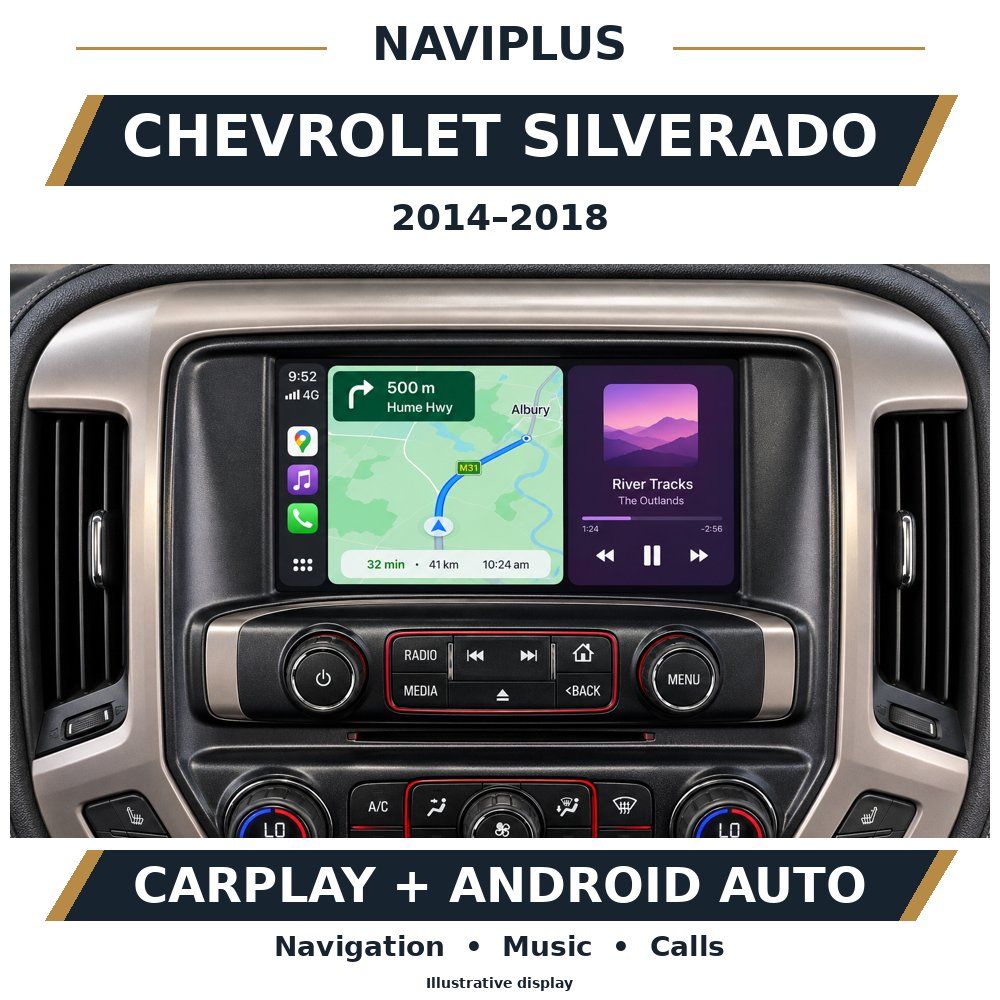
Apple CarPlay & Android Auto Monitor for 2014–2018 Chevrolet Silverado
SKU GM_SILVERADO_CPAA_NP
AU$850.00
1
Save this product for later
Apple CarPlay & Android Auto Monitor for 2014–2018 Chevrolet Silverado
Product Details
NAVIPLUS · CHEVROLET
Apple CarPlay & Android Auto Monitor for 2014–2018 Chevrolet Silverado
2014–2018 · Dashboard compatibility check · NAVIPLUS Melbourne
Bring Apple CarPlay and Android Auto to your compatible Chevrolet Silverado. Head out in your Chevrolet Silverado with directions on the dash and your favourite playlist ready. Once your iPhone is connected, the HOME button below the display lets you move between Apple CarPlay and the original radio screen.
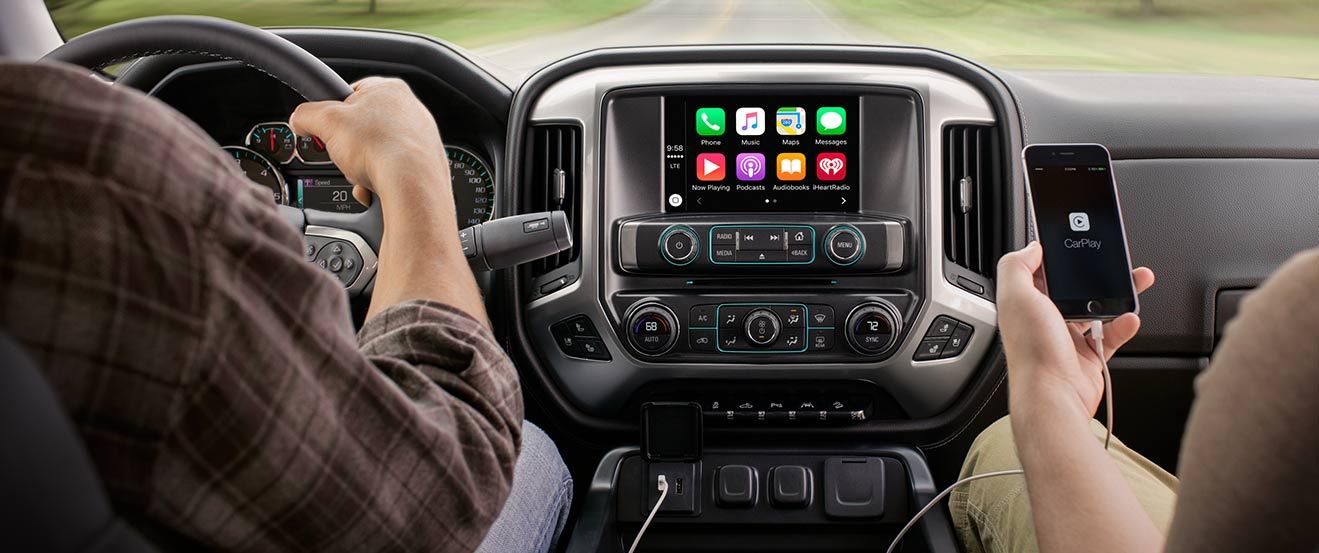
How to switch between CarPlay and the factory screen
Find the physical button marked with a house, directly above BACK. Use the same button for both actions.
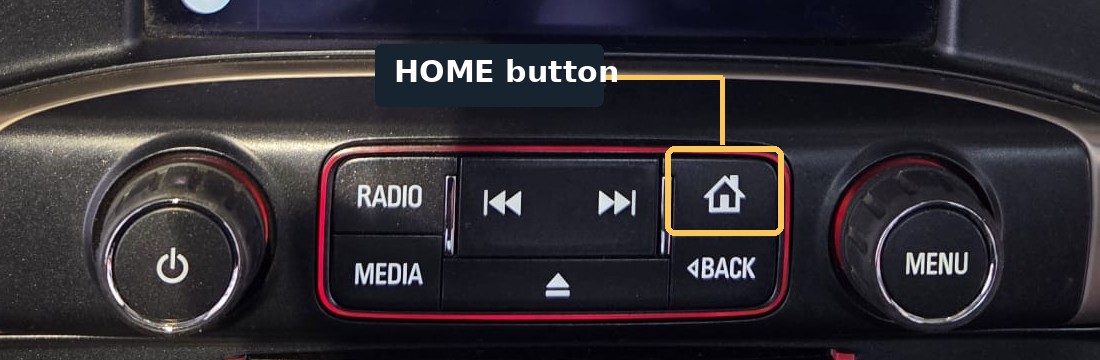
- Enter Apple CarPlay: With your iPhone connected, press and hold HOME for 3 seconds.
- Return to the factory screen: While CarPlay is displayed, give HOME one short press.
Compatibility & System Identification
| Vehicle | Chevrolet Silverado · 2014–2018 |
|---|---|
| Original equipment | Confirm your factory radio and display configuration before ordering. |
| What to send | Model year, trim, a powered-on home screen photo and a clear photo of the buttons beneath the display. |
Check the Console Buttons
The reference photo shows the power knob on the left, the MENU knob on the right and the radio controls between them. Include the complete panel in your enquiry so we can match your system.
Key Features
Directions on the dash. Bring up a supported navigation app and follow the next turn on the centre screen.
Music and calls. Choose a playlist or podcast, or use supported calling and messaging features through your connected phone.
Phone compatibility. Apple CarPlay works with compatible iPhones and Android Auto with compatible Android phones. Available apps and features depend on your phone.
Controls, Sound & Installation
Tell us how you play phone audio today and whether your truck has a factory reversing camera. We will confirm the connection method, available controls and camera retention for your configuration.
Shipping, Payment & Returns
Send your Chevrolet Silverado dashboard photos and build details for a compatibility check.
Check CompatibilityDisplay prices in:AUD